RF Explorer User Manual page 17
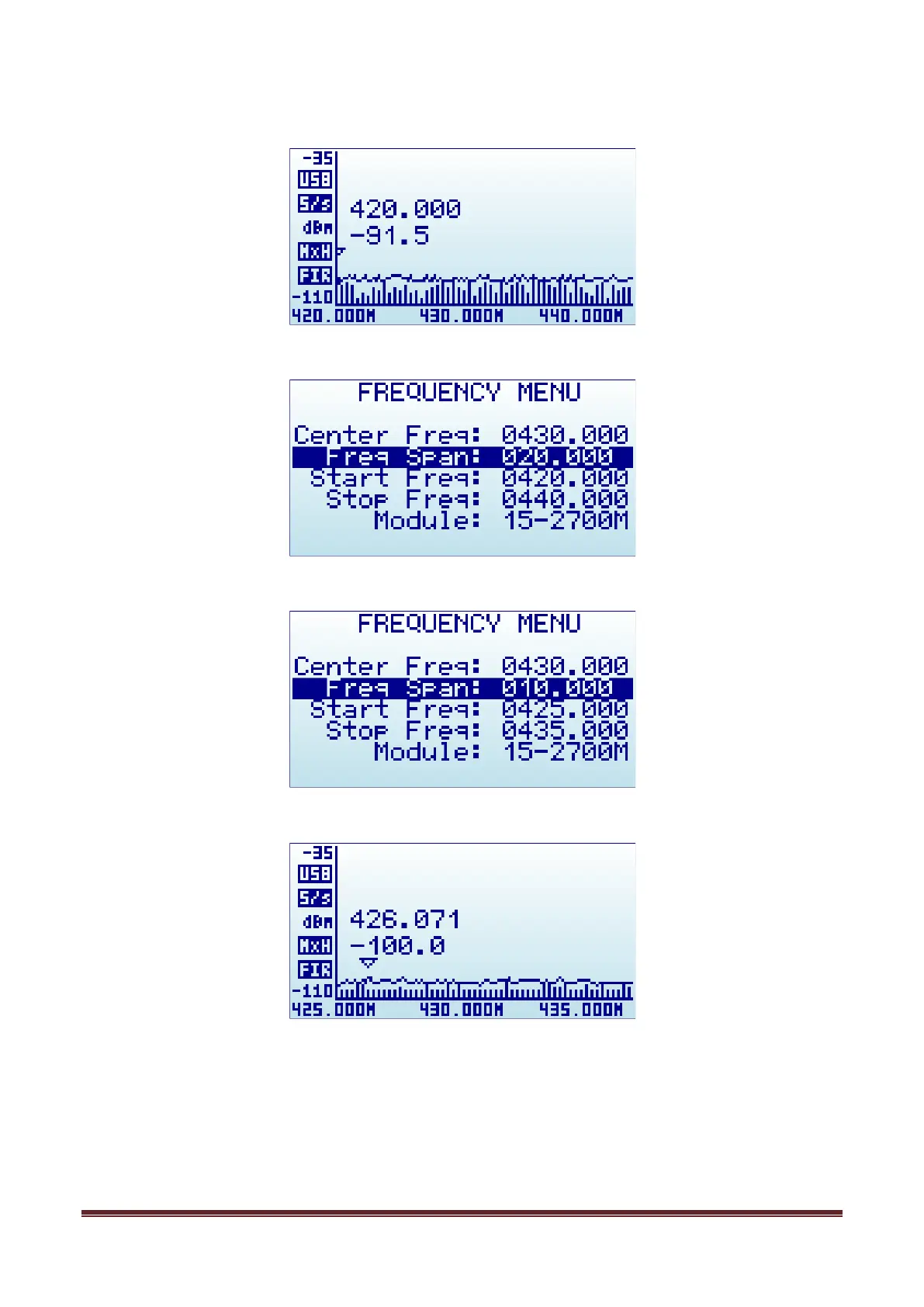
As an example, a center frequency of 430MHz with a 20MHz span:
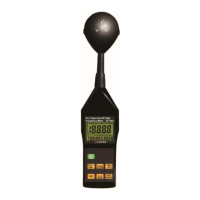
A click on [Menu] button will open the Frequency Menu:
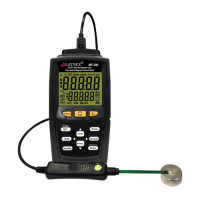
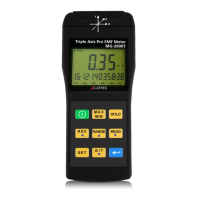
Selecting a span of 10MHz, the Start/Stop frequency changes accordingly:
A click on [Return] button will close the menu and go back to Spectrum Analyzer main screen.
Note: While RF Explorer Spectrum Analyzer screen is enabled, the [Left] and [Right] buttons can be used to
increase or decrease the Start/Stop frequency, virtually moving the visible spectrum to the left or the right
25% on every key press. This is helpful in order to offset the visual range without need to specify a new
numeric range.


 To Next Page