RF Explorer User Manual page 27
HELP button (Plus model only)
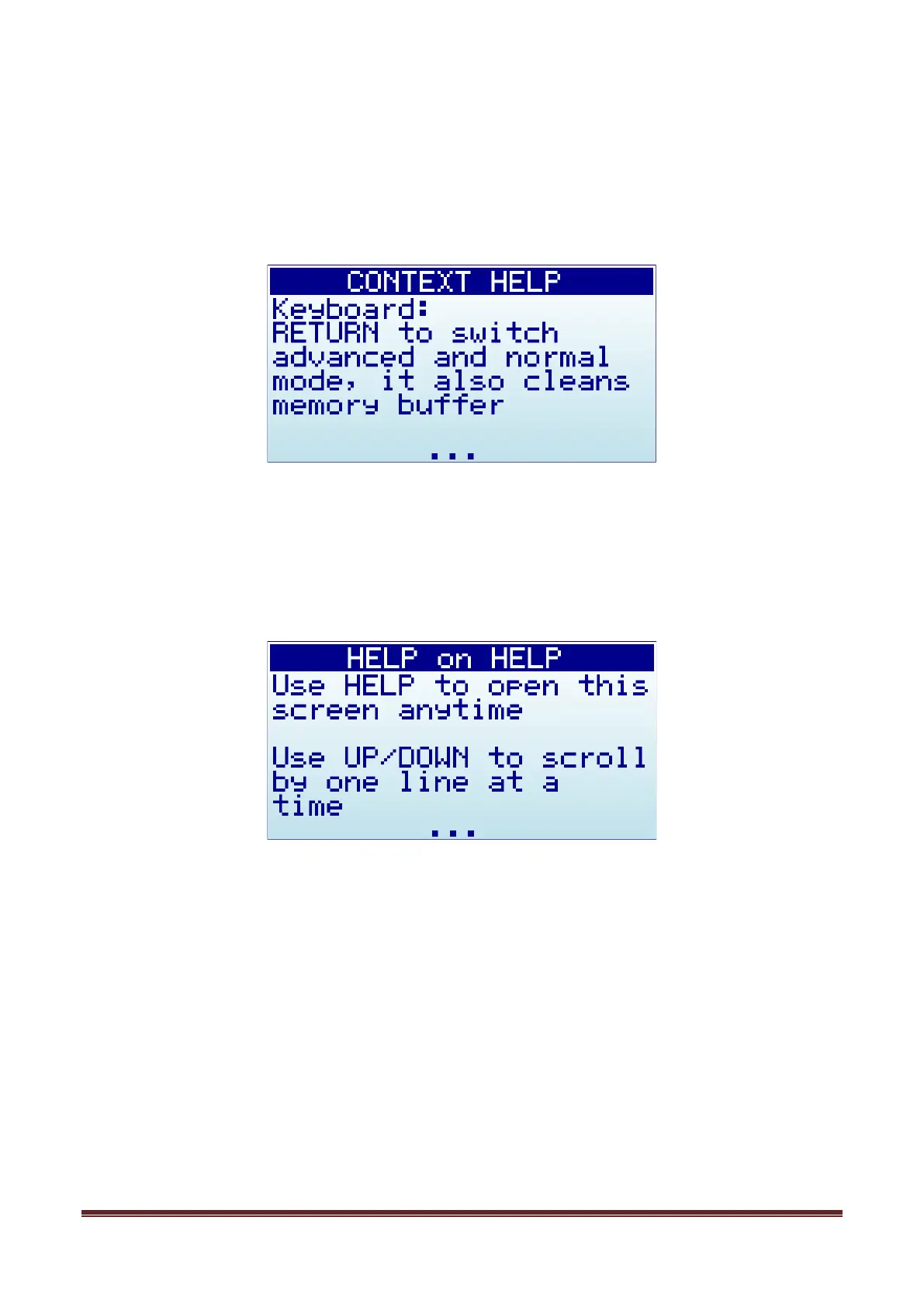
RF Explorer WSUB1G Plus model includes HELP button for easy, intuitive context-sensitive help.
The HELP text can be displayed in all functional screens, effectively complementing this User Manual with
handy information, always available with a simple click.
Use the following keys to interact with Help screen:
• Scroll text up and down: The bottom of screen shows “…” when additional text is available for
scroll. Use UP and DOWN arrow key buttons to scroll text one line at a time, or LEFT and RIGHT
arrow key buttons to scroll text full page at a time.
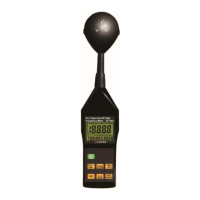
• Help on Help: This special screen offers description of how to interact with Help screen itself. Use
HELP button within a Help screen to activate
Help on Help
.
• Close help screen: use RETURN or ENTER key, both will close the help screen and return to
previous device state.


 To Next Page