RF Explorer User Manual page 32
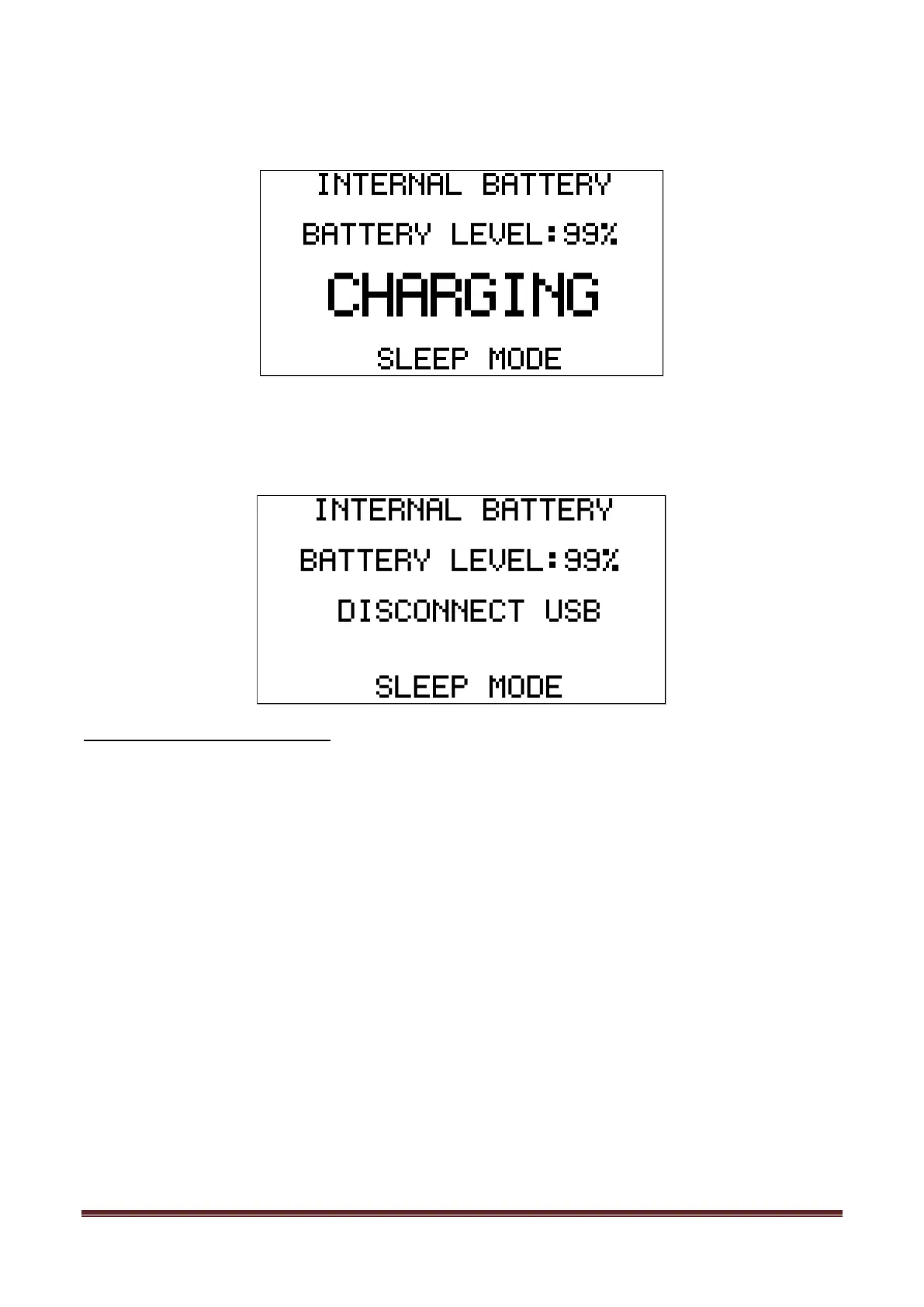
overnight. Note: for the sake of clarity, below black/white screen images are depicted when LCD backlight is
OFF.
In this mode you can stop charging whenever the device reaches 99% or 100%, which may take up to 2 or 3
hours under normal condition and depending on initial battery charge level. When the charging algorithm
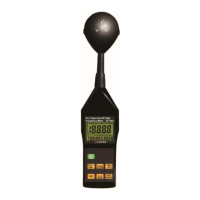
detects the battery fully charged and a minimum of 2hs connected, it will suggest disconnecting the USB
cable.
Calibrating the battery capacity
The INTERNAL BATTERY screen, at this point, can re-calibrate the available battery power level. This is a
useful feature to adjust what reference voltage the internal charger considers 100% capacity. This reference
is subject to change over time as the internal battery reduces total capacity over many charge cycles. As a
reference, 500 charge cycles will typically reduce the total battery capacity about 30% - in order for this new
capacity to be consistent with the battery icon on screen, you can easily recalibrate after the charge process
completed.
In the previous example screen, if the battery charge remains at 99% (or any other level) after the internal
charger timer completes 3hs charge process, it will keep asking to DISCONNECT USB.
By doing so, the firmware adjust for a few seconds the new charge level and save in internal ROM for future
use.


 To Next Page