7.2.2 Using programs
1. Open the Home window.
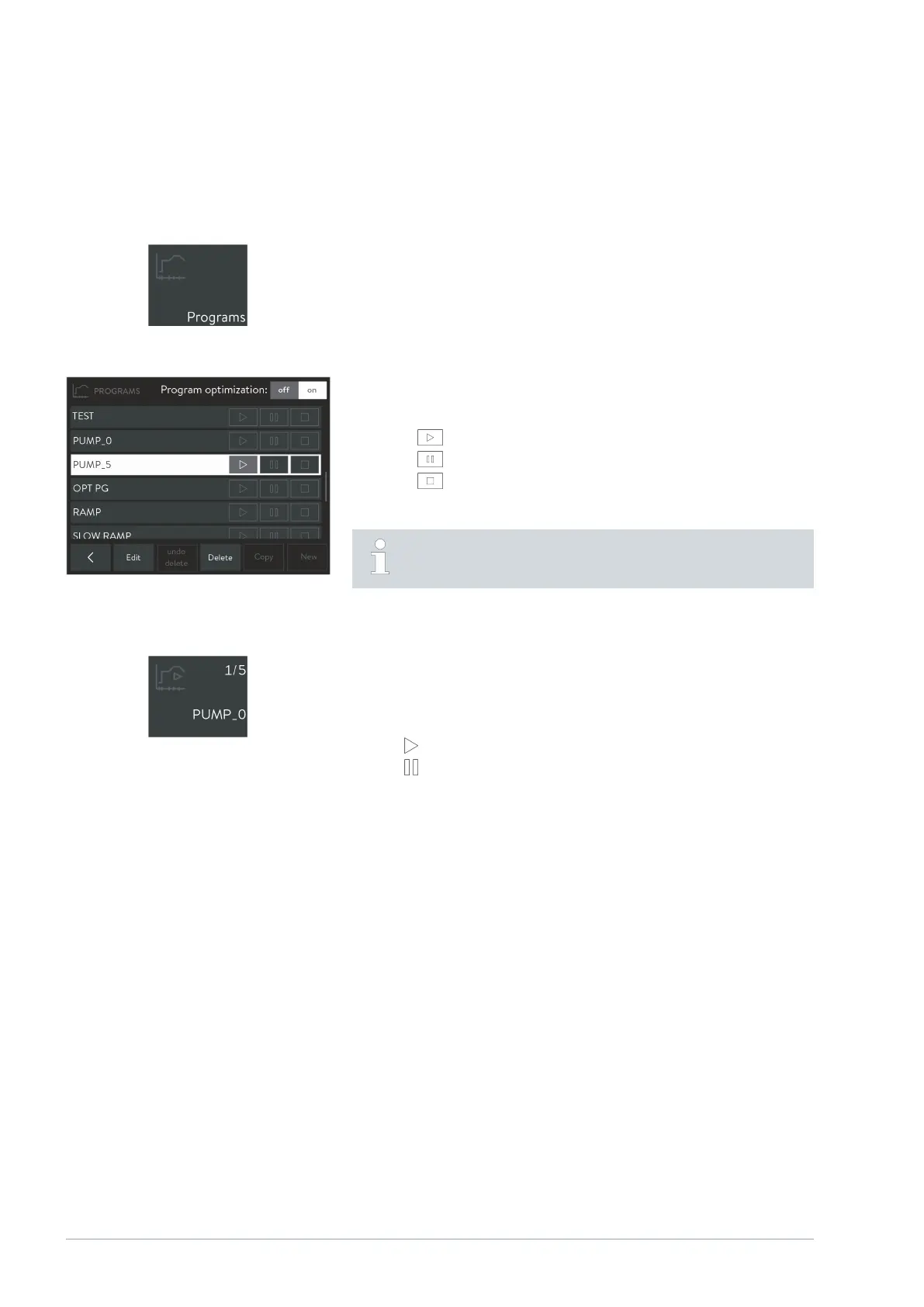
2. Touch the [Programs] tile.
The list of available programs appears.
3. Push the list of programs until you can see the program you require.
4.
Use one of the following buttons to run the associated program:
: Start/continue a program.
: Pause program.
: End program.
When switching the constant temperature equipment to Standby
mode, a running program is automatically paused.
The [Program] tile on the Home window always shows the currently active
program and its status. You can see the following information:
Tile symbol which shows the current program status with one of the
following symbols:
: Program running.
: Program paused.
Number of segments currently being processed.
Total number of segments.
Name of the program.
Running programs
Fig. 26: Programs tile
Fig. 27: List of programs in the programmer
Program status
Fig. 28: Currently active program
V1Command Touch operating unit32 / 51



 To Next Page