126 / 134 ECO Gold 09/2021
19.7.3 Interface error messages
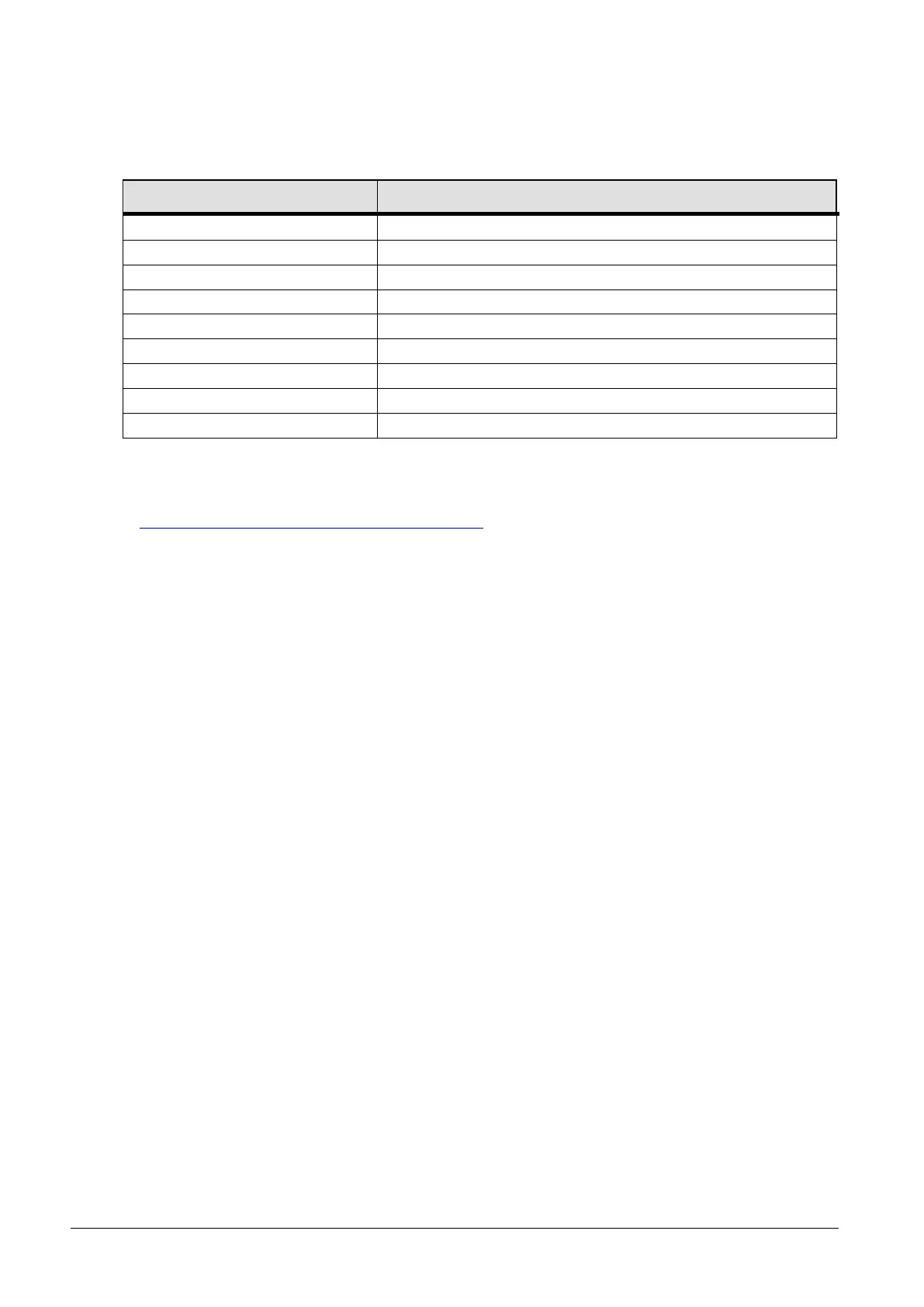
Incorrect entry (e.g. buffer overflow)
Syntax error in the value.
Module or value not present.
Programmer, all segments occupied.
No set-point input possible.
Analog value not present.
19.7.4 Driver software for LABVIEW®
With the aid of the program development tool LABVIEW
®
from National Instruments
(http://sine.ni.com/apps/we/nioc.vp?cid=1381&lang=US) an easy-to-use individual control or automation software
program can be produced for operating ECO devices. In order to be able to address from the program the
RS 232/485 interface that is used LAUDA makes the drivers specially produced for LABVIEW
®
available free of
charge for download at http://www.lauda.de.


 To Next Page