LAUNCHLAUNCH
34 35
www.x431.com +86 755 8455 7891 www.x431.com +86 755 8455 7891
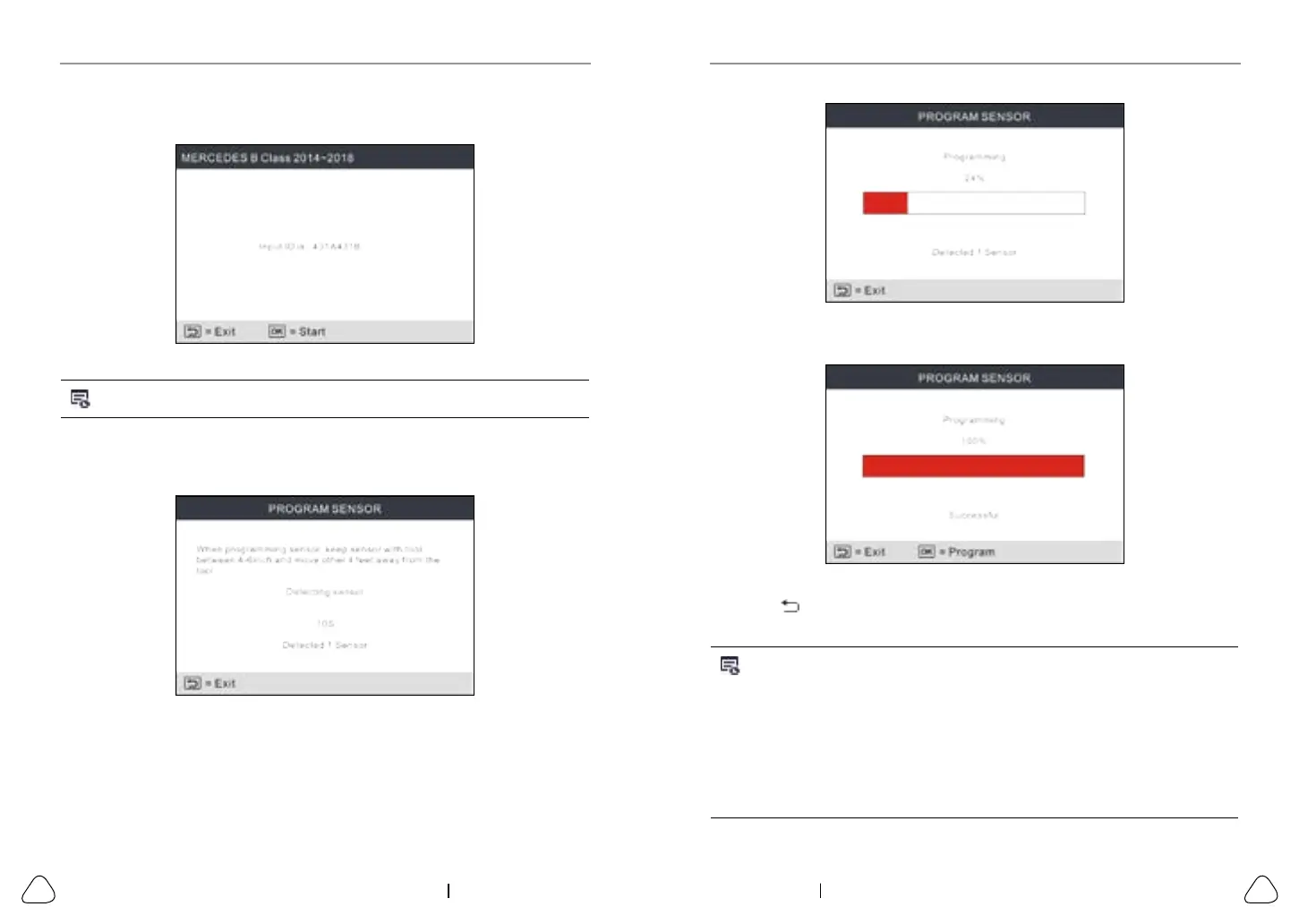
Figure 5-17
After the sensor is successfully programmed, the following screen will appear.
Figure 5-18
Press the
button to return to the previous screen. Press the OK button to
continue programming other sensors.
Notes:
1. If a random ID is entered, please perform the TPMS Relearn function after
programming is finished. If the original ID is entered, there is no need to
perform Relearn funcon.
2. If a vehicle does not support relearn funcon, please select the Manual Input
opon to enter the original sensor ID manually, or trigger the original sensor at
the acvaon screen to get its informaon, before programming the LAUNCH-
sensor.
Use the on-screen virtual keypad to input a random or original (if available)
sensor ID and press OK.
Figure 5-15
Note: Do not enter the same ID for each sensor.
Select the wheel which needs to be programmed on the tool, place a
LAUNCH-sensor close to the TPMS antenna of the tool. Press the OK button
to start writing the new sensor ID to the LAUNCH-sensor.
Figure 5-16
A progress bar will appear on the screen indicating the programming process.



 To Next Page