LAUNCHLAUNCH
52 53
www.x431.com +86 755 8455 7891 www.x431.com +86 755 8455 7891
7. Help
This menu enables you to view device information and OBD introduction.
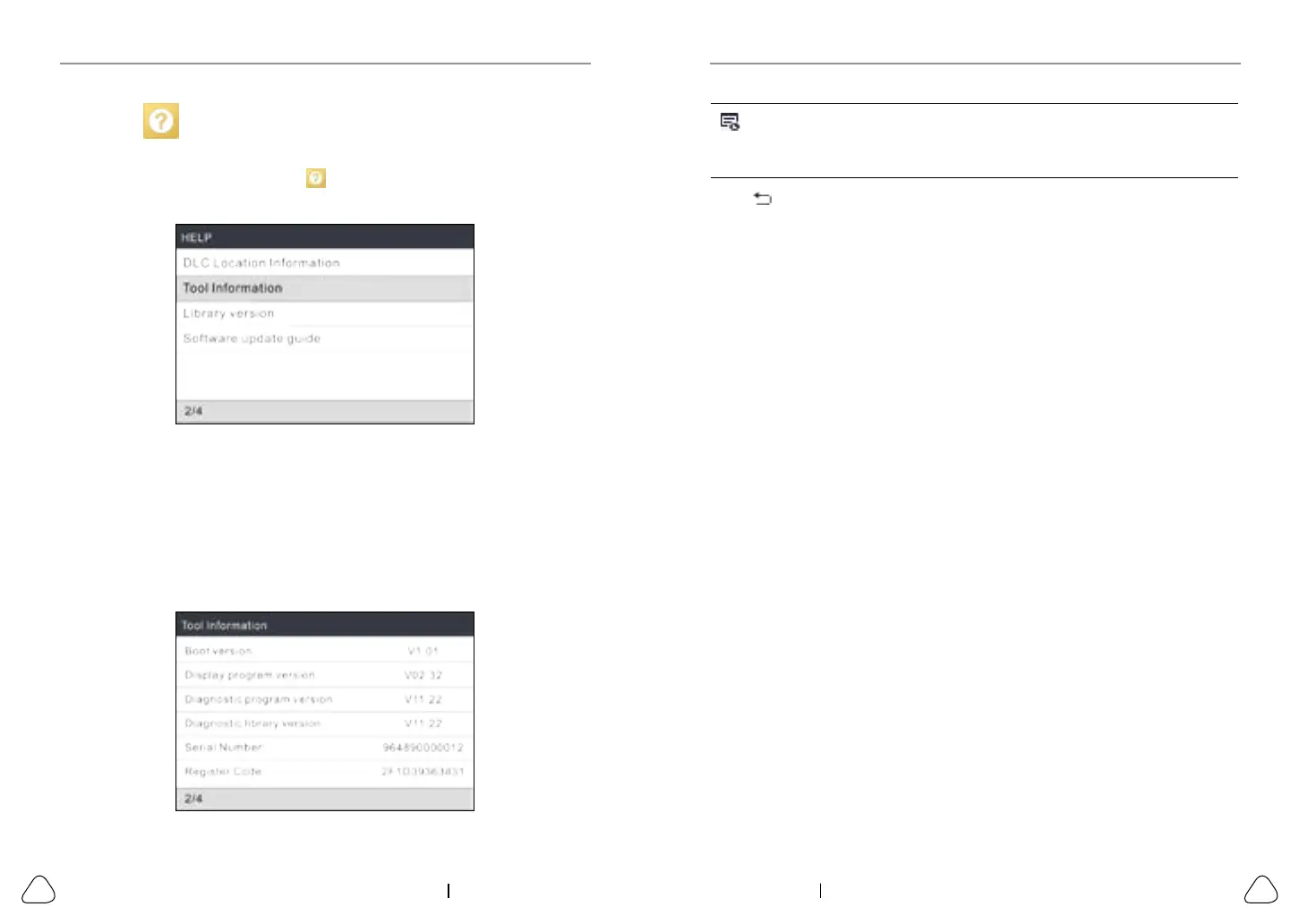
On the main menu screen, select
and press OK to enter the following
screen.
Figure 7-1
7.1 DLC Location Information
This option helps you to nd the location of the vehicle’s DLC.
7.2 Tool Information
In Figure 7-1, select Tool Information and press OK to view the related
information of the tool.
Figure 7-2
Note: You are strongly recommended to note down the Serial Number and
Register Code in Figure 7-2 since these 2 pieces of informaon are required while
registering your tool.
Press
to return to the previous screen.
7.3 Library Version
This option allows you to view the database and relearn procedure version.
7.4 Software Update Guide
This option introduces brief operation steps on how to update the diagnostic
software.



 To Next Page