LAUNCHLAUNCH
32 33
www.x431.com +86 755 8455 7891 www.x431.com +86 755 8455 7891
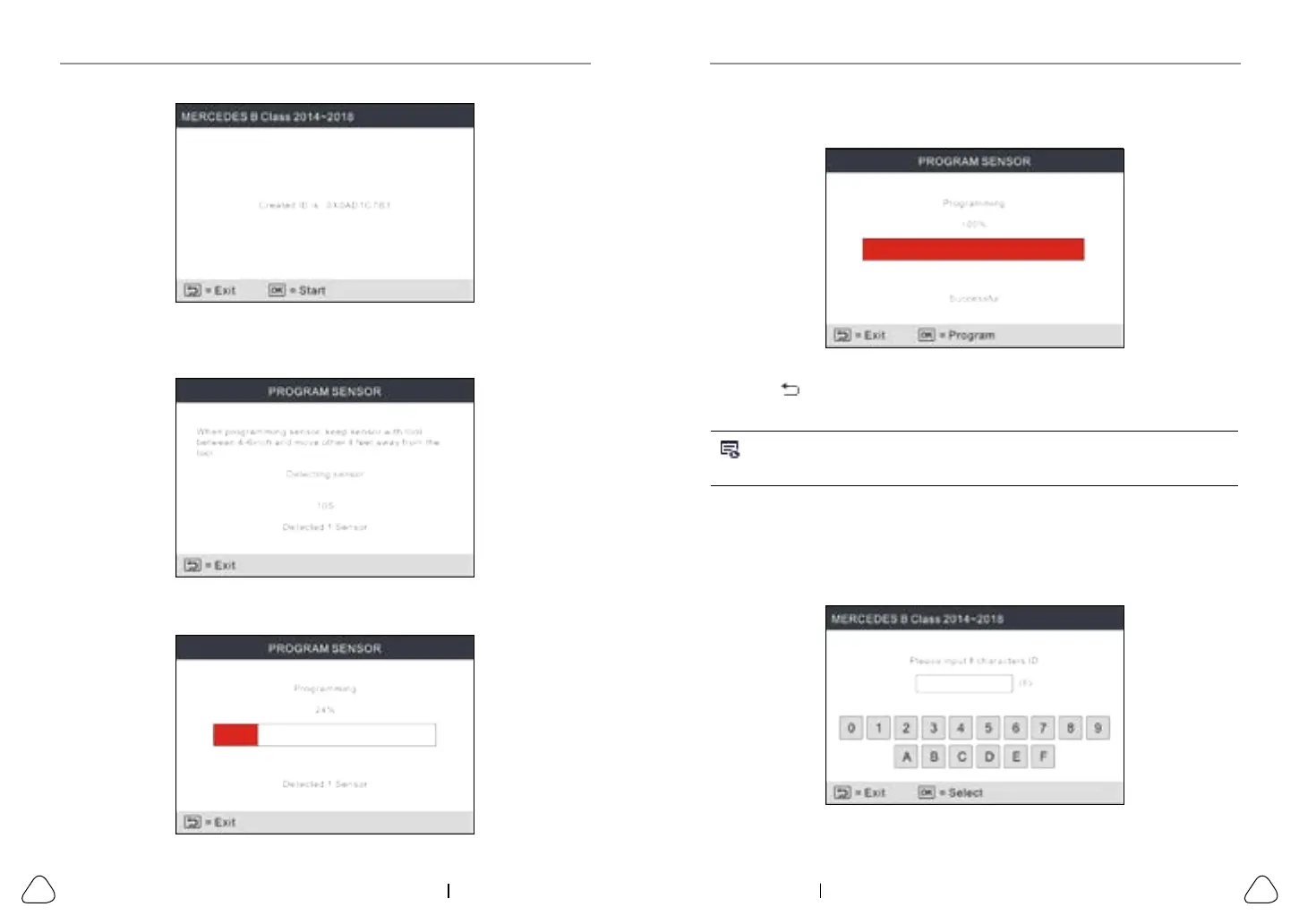
Figure 5-12
Once the sensor is successfully programmed, the following screen will appear.
Figure 5-13
Press the
button to return to the previous screen. Press the OK button to
continue programming other sensors.
Note:If Auto Create is selected, the TPMS Relearn operation needs to be
performed aer programming all required LAUNCH-sensor.
5.2.2 Manual input
This function allows users to manually enter sensor ID. Users can enter the
random ID or the original sensor ID, if it is available.
Select MANUAL INPUT to enter the following screen.
Figure 5-14
Figure 5-10
Press the OK button to start detecting the sensor and writing the new created
sensor ID to the LAUNCH-sensor.
Figure 5-11
A progress bar will appear on the screen indicating the programming process.



 To Next Page