LAUNCHLAUNCH
40 41
www.x431.com +86 755 8455 7891 www.x431.com +86 755 8455 7891
6. OBD Diagnosing
This option presents a quick way to check for DTCs, isolate the cause of the
illuminated Malfunction Indicator Lamp (MIL), check monitor status prior to
emissions certication testing, verify repairs, and perform a number of other
services that are emission-related.
6.1 Connection
1). Turn the ignition o.
Figure 6-1
2). Locate the vehicle’s 16-pin Data Link Connector (DLC). Refer to Chapter
2.4.
3). Plug one end of the diagnostic cable into the vehicle’s DLC(Data Link
Connector) port, and the other end to the DB-15 diagnostic connector of
the tool, and then tighten the captive screws.
Figure 6-2
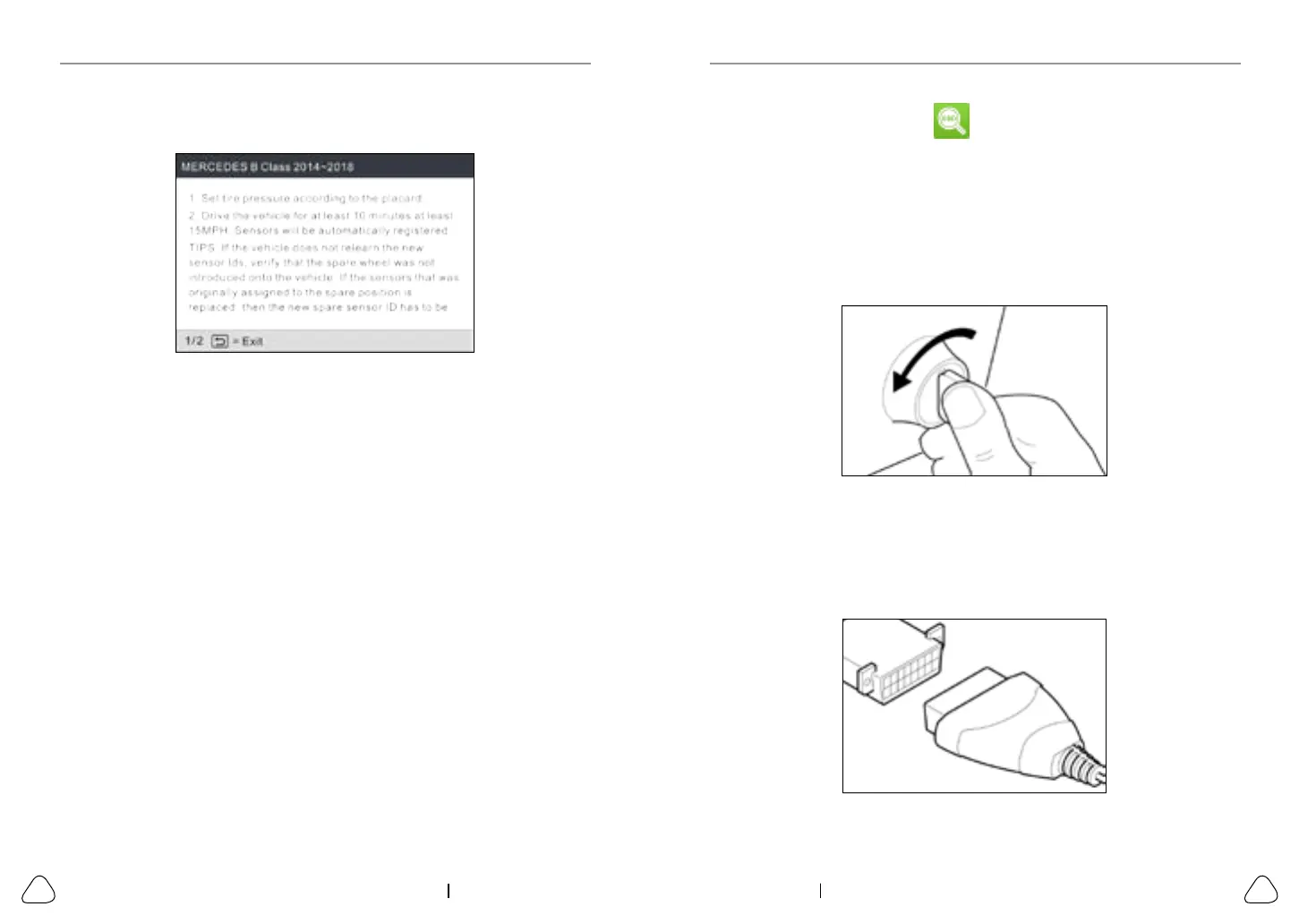
used to write the newly programmed sensor IDs into the vehicle’s ECU for
sensor recognition.
Figure 5-29
5.3.2 Part number lookup
This function allows you to check the OE number of the sensors.



 To Next Page