8
LAUNCH Pilot TPMS User's Manual
3
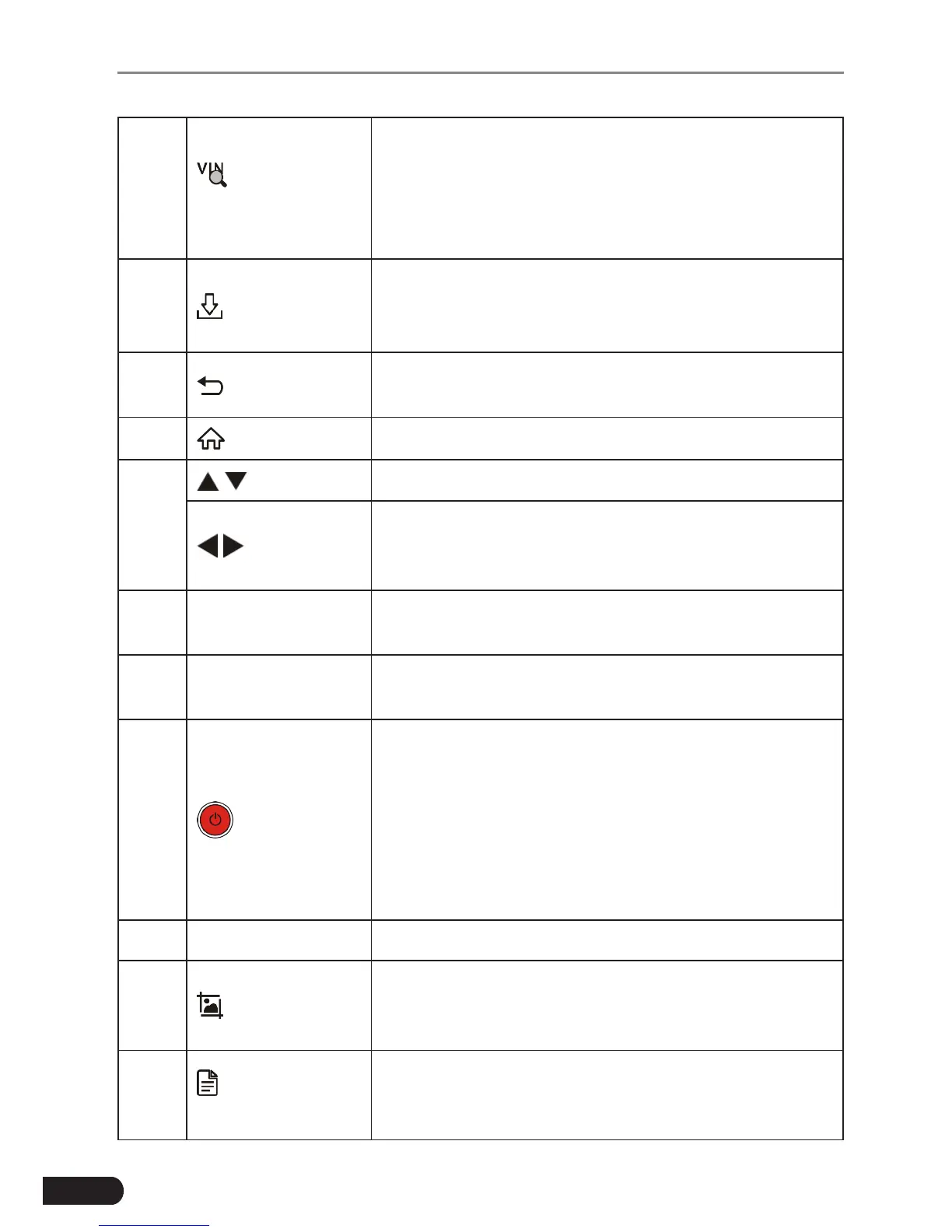
Auto VIN
Detect
Press it to quickly launch the auto VIN detection
module.
*Note: To detect more and accurate VINs, a stable
network connecon is highly recommened for this
funcon.
4
Update
A quick access to the Update module.
*Note: This funcon requires a stable network
connecon.
5 Return
Exit the current program or return to the previous
screen.
6 HOME Press to the home(Job menu) screen.
7
/
Move cursor up and down for selection.
/
Move cursor left or right for selection; Or turn
page up and down when more than one page is
displayed.
8
OBD-16
connector
To connect to vehicle's DLC (Data Link Connector)
via diagnostic cable.
9 5V Charging port
To connect to external DC power for charging
Pilot TPMS.
10 Power
• In Off mode, press it for about 5 seconds to turn
the handset on.
• In On mode:
• Press it to activate the LCD if the LCD is off.
• Press it to turn off the LCD if the LCD lights
up.
• Press it for 3 seconds to turn it off.
11 OK Conrms a selection (or action) from a menu list.
12 Screenshots
Press it once to capture the current screen. All
screenshots are saved in the “Image” folder of
“Data”.
13
Diagnostic
Reports
A quick dial to the “Diagnostic Reports” module.
Alternatively, it can also be accessed by “Data” ->
“Diagnostic Report”.



 To Next Page