42
LAUNCH Pilot TPMS User's Manual
8.2 Diagnostic Report
This module stores all diagnostic reports generated in process of vehicle
diagnosis.
All the diagnostic reports are sorted by Date and Make. If there are too many
reports stored, tap (Search) to lter and quickly locate it.
• To select certain report, just check the box at the right lower corner of the
report. To select all reports, tap “Select All”. To deselect all, tap “Unselect”.
• Tap it to view its details.
• Select the desired report and then tap “Delete” to delete it.
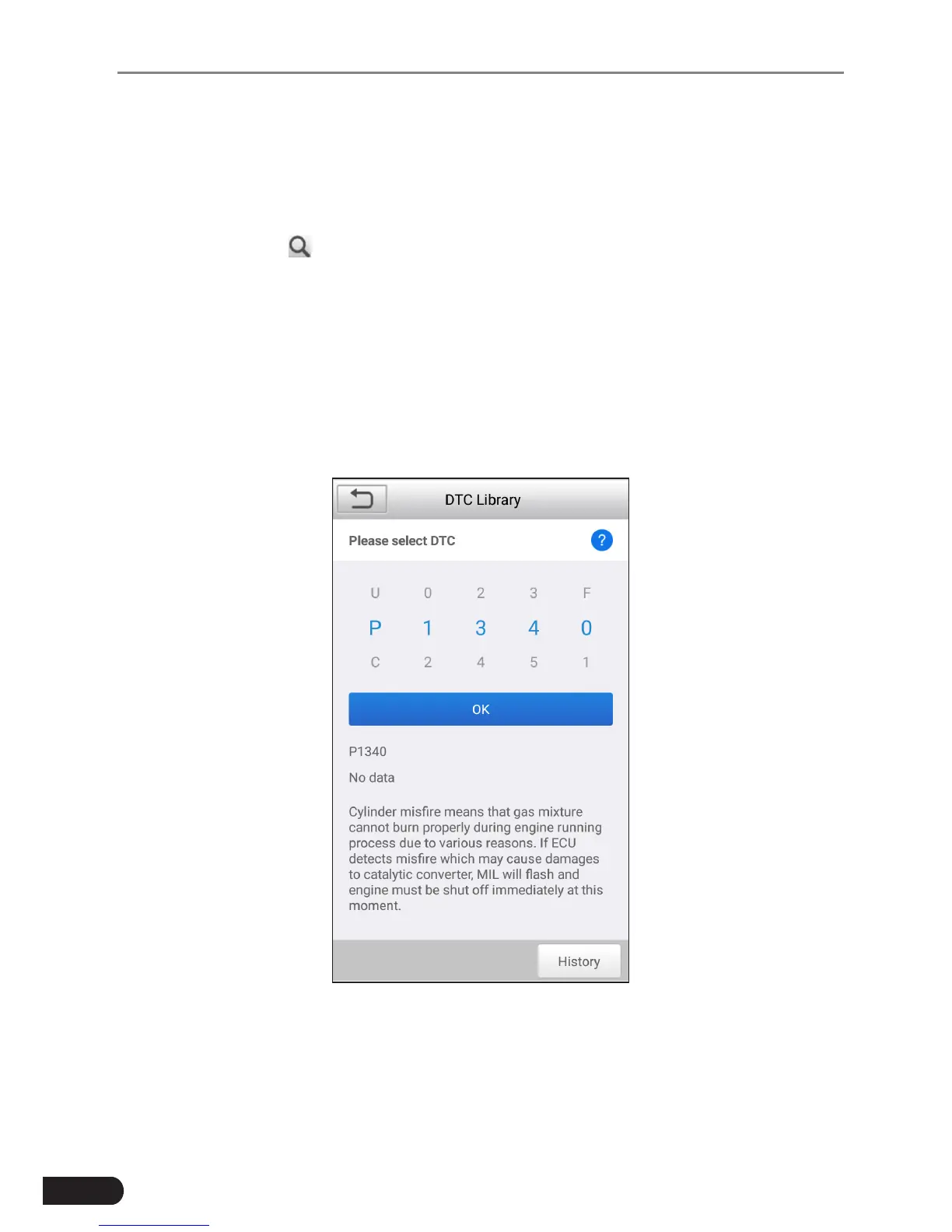
8.3 DTC Library
This option helps you to nd the location of the vehicle’s DLC.
Fig. 8-2
Swipe the screen upwards/downwards to alter the value, then press [OK] button,
the screen will display denition of the DTC.



 To Next Page