22
LAUNCH Pilot TPMS User's Manual
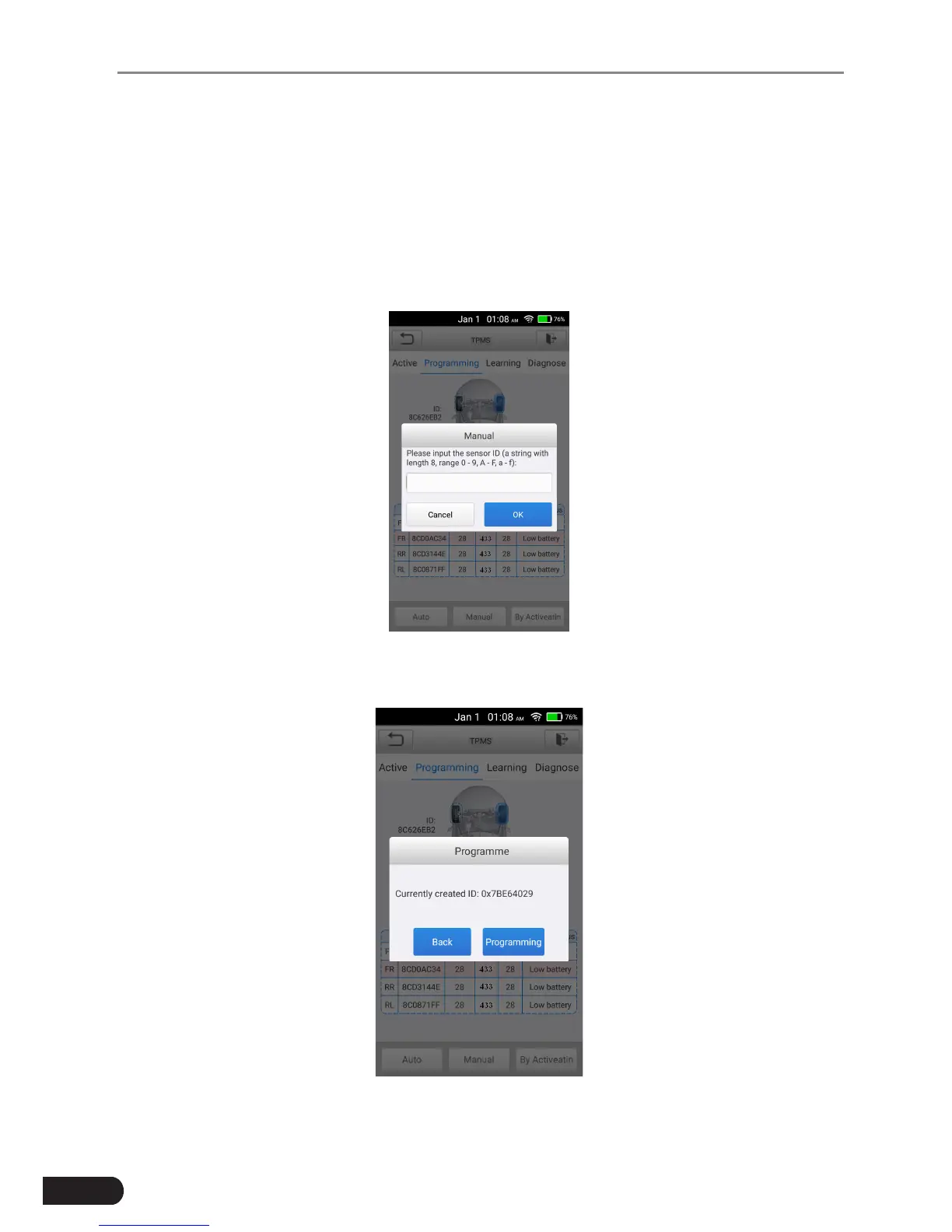
Manual (In this mode, user can manually input the sensor IDs which are
determined by user own.)
The Manual allows users to program a new Sensor with the ID of an TPMS
sensor. Select a wheel location on the display and place a Sensor near the top
right corner of the tool and then tap Manual to program the new Sensor.
Tap Manual. When the input box displays, enter the ID of the sensor. Tap OK
when nished.
Fig. 5-17
Follow the instructions on the screen to proceed.
Fig. 5-18



 To Next Page