33
LAUNCH Pilot TPMS User's Manual
EN
D. Read Data Stream
This option retrieves and displays live data and parameters from the vehicle’s
ECU.
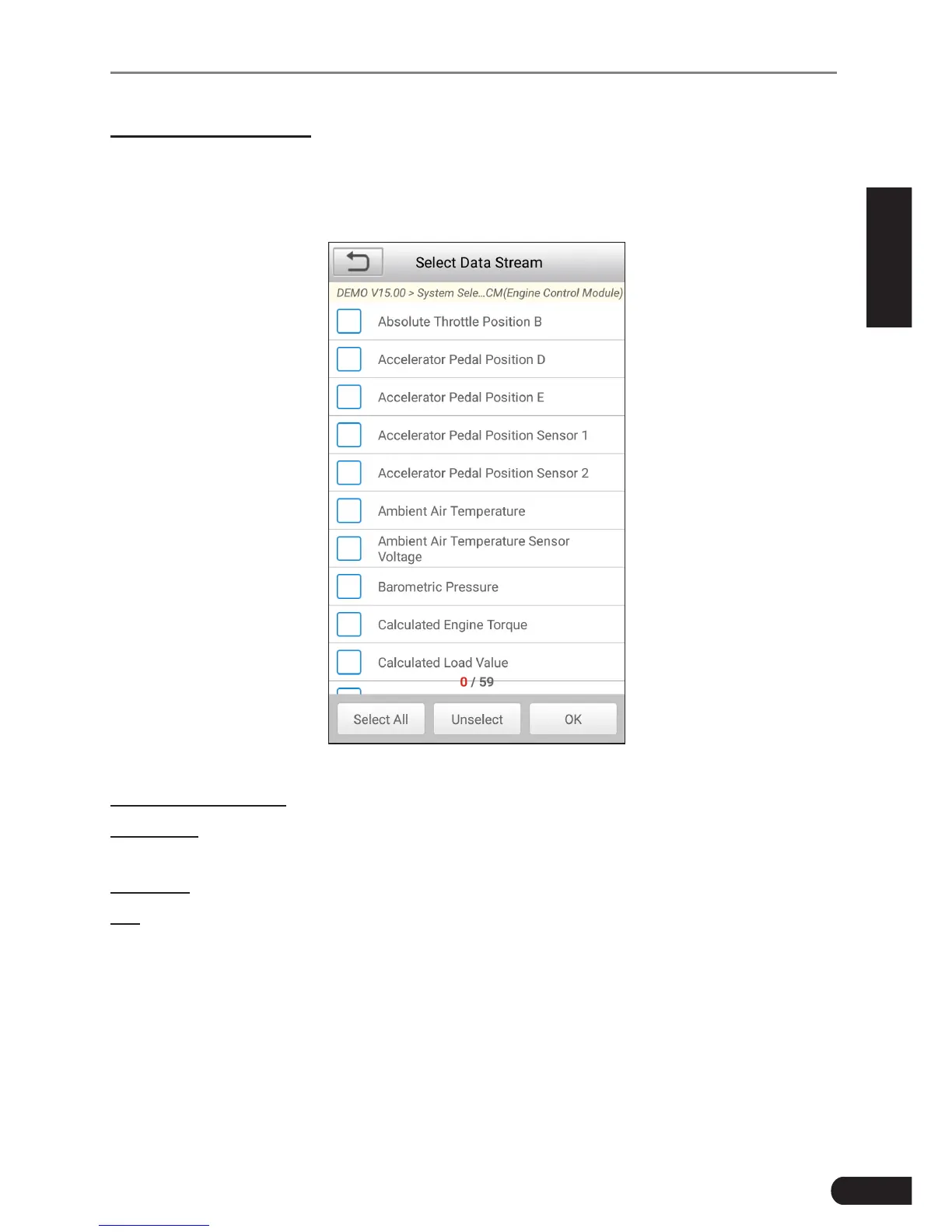
In Fig. 6-8, tap “Read Data Stream”, the system will display data stream items.
Fig. 6-10
On-screen Buttons:
Select All: Tap it to select all items of the current page. To select certain data
stream item, just check the box before the item name.
Unselect: Tap it to deselect all data stream items.
OK: Tap it to conrm and jump to the next step.
After selecting the desired items, tap “OK” to enter the data stream reading
page.



 To Next Page