36
LAUNCH Pilot TPMS User's Manual
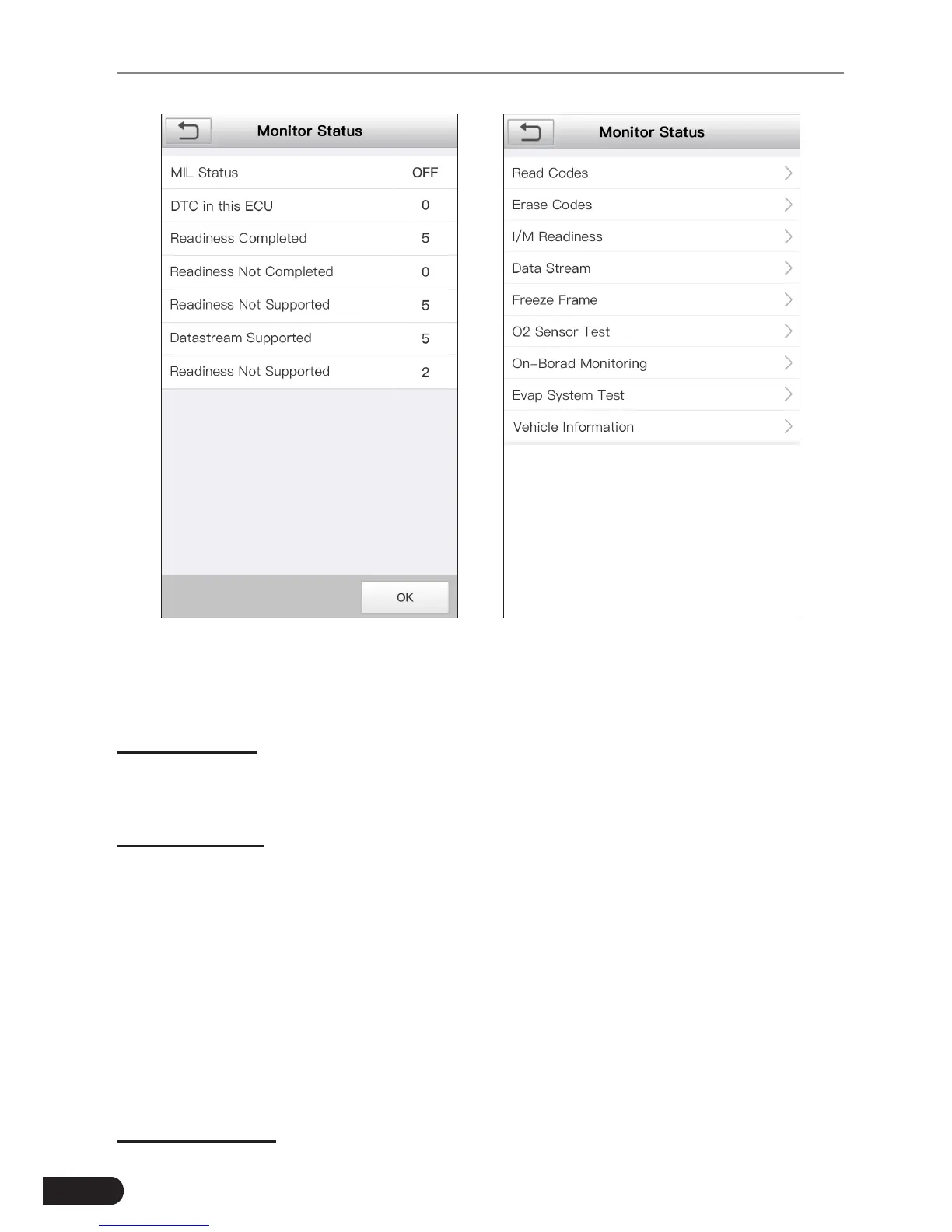
Figure 6-13 Figure 6-14
Tap [OK], a screen similar to Figure 6-14 will appear.
It mainly includes the following functions:
1. Read Codes
This option is used to identify which section of the emission control system has
malfunctioned.
2. Erase Codes
After reading the retrieved codes from the vehicle and certain repairs have been
carried out, you can use this function to erase the codes from the vehicle. Before
performing this function, please be sure the vehicle’s ignition key is in the ON
position with the engine off.
*Notes:
• Before performing this funcon, make sure to retrieve and record the trouble codes.
• After clearing, you should retrieve trouble codes once more or turn ignition on
and retrieve codes again. If there are sll some trouble codes in the system, please
troubleshoot the code using a factory diagnosis guide, then clear the code and
recheck.
3. I/M Readiness



 To Next Page