8
LAUNCH
User Manual
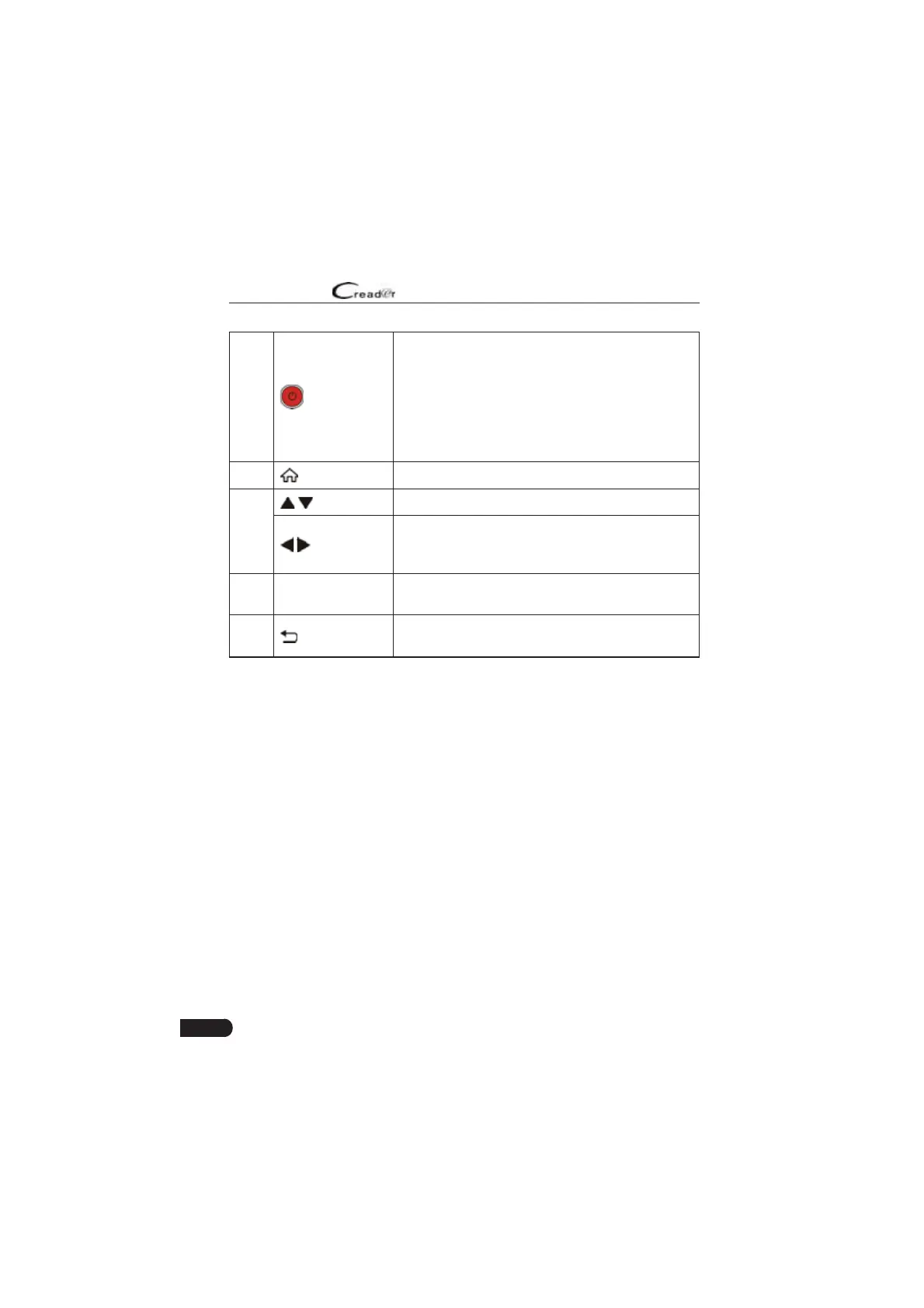
5 Power
• In Off mode, press it for about 5 seconds to turn
the handset on.
• In On mode:
• Press it to activate the LCD if the LCD is off.
• Press it to turn off the LCD if the LCD lights
up.
• Press it for 3 seconds to turn it off.
6
HOME
Press to the home(Job menu) screen.
7
/
Move cursor up and down for selection.
/
Move cursor left or right for selection; Or turn
page up and down when more than one page is
displayed.
8 OK Confirms a selection (or action) from a menu list
9
Return
Exit the current program or return to the previous
screen.
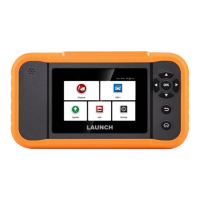
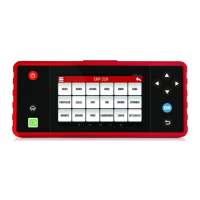
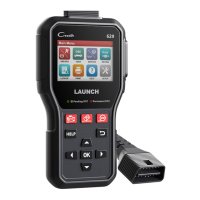
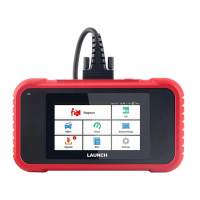
3.2 Technical Speci¿cations
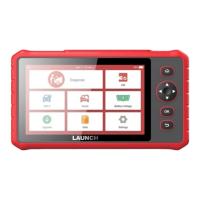
• Screen: 5
”
touch screen
• RAM: 1G
• ROM: 8GB
• Battery: 4000mAh rechargeable Li-battery
• OBDII input voltage range: 9~18V
• Touch & Keypad input
• Charging via:
• DC 5V charging cable or
• Diagnostic cable through connection to vehicle’s DLC
• Dimension: 228mm x 125mm x 34.5mm
• Net weight: <565g
• Working temperature: -10 to 50°C (14 to 122 F°)
• Storage temperature: -20 to 70°C (-4 to 158 F°)



 To Next Page