EasyManua.ls Logo

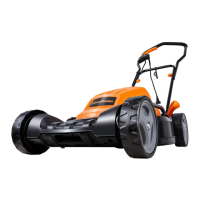
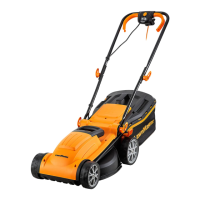
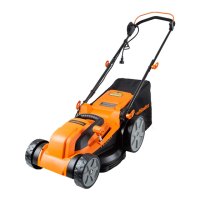
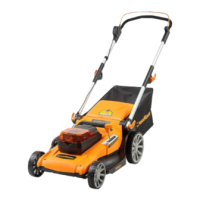
LawnMaster VBRM16-01 - User Manual

LawnMaster VBRM16-01
70 pages
Print Icon
To Next Page IconTo Next Page
Loading...
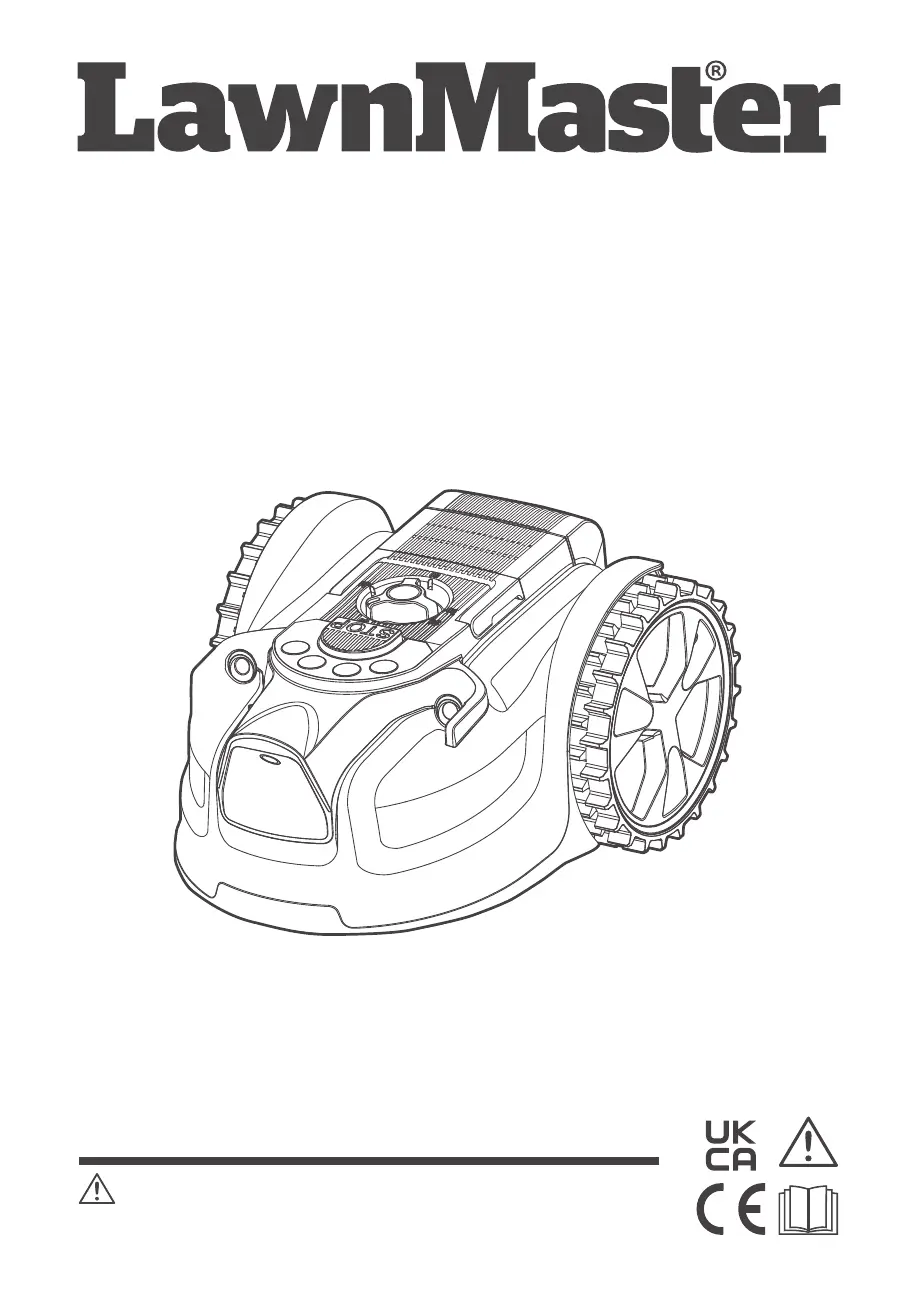
Instruction Manual
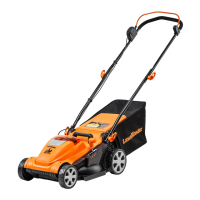
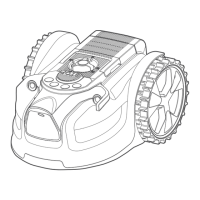
16cm MX 24V Lithium-Ion Cordless Robotic Lawnmower VBRM16
VBRM16-01 (With Battery and Charger)
VBRM16C2-01 (With 2 Batteries and Charger)
VBRM16-BM (Battery and Charger Not Included)
Read all safety instructions carefully before assembling and operating
this machine. Ensure the machine has been assembled correctly and safely. Keep the
instructions safe and pass them on to any subsequent user so that the information is always
available.
WARNING:
Original Instructions

Other manuals for LawnMaster VBRM16-01

Questions and Answers

  • M
    Mary PhillipsAug 23, 2025
    Why is my LawnMaster Lawn Mower not starting?
    • D
      douglas29Aug 25, 2025
      Your LawnMaster Lawn Mower might fail to start due to several reasons: * The isolator key might not be correctly installed; ensure it's properly installed. * The battery might not be correctly installed; make sure the battery is correctly installed. * The battery might not be fully charged; charge the battery. * There might be clogging; remove the isolator key and battery, then check underneath the mower and clear any obstructions (always wear gardening gloves).
  • J
    Jennifer MeyerSep 1, 2025
    Why is there no charging procedure possible for LawnMaster Lawn Mower?
    • W
      wadepamelaSep 1, 2025
      If no charging procedure is possible for your LawnMaster Lawn Mower, it might be due to: * Contaminated battery contacts: Clean the battery contacts by inserting and removing the battery several times, or replace the battery. * Defective socket outlet, fuse, mains cable, or battery charger. * Faulty battery: Replace the battery.
  • D
    Daniel NelsonSep 1, 2025
    What to do if all lights flash red during software update of LawnMaster VBRM16-01?
    • J
      jessicamorganSep 2, 2025
      If all lights flash red during a software update on your LawnMaster Lawn Mower, it indicates that the software update has failed. Ensure the software file is correctly named, the USB stick contains only the software file and is otherwise blank, and the software is not contained in a folder.
  • S
    samanthaphillipsSep 2, 2025
    Why LawnMaster VBRM16-01 runs outside working area?
    • R
      Robert ConradSep 2, 2025
      If your LawnMaster Lawn Mower is running outside the designated working area, there are a few potential causes. First, check the border barriers to ensure they are correctly set to define the mowing area, and make any necessary improvements or temporary barriers. Also, make sure the ultrasonic sensors are turned on. Finally, if the working area is steeper than 35%, delimit that area.
  • B
    Brendan ThomasSep 3, 2025
    Why is my LawnMaster Lawn Mower vibrating?
    • C
      cwhiteSep 3, 2025
      If your LawnMaster Lawn Mower is vibrating, it could be due to several reasons. Check if the cutting blades are damaged and need replacement. Also, ensure that only one blade is fitted at each screw and that blades are not stuck. Verify that the blades are of the same version and thickness. Finally, tighten the blade screws if they are loose.
  • T
    Timothy RasmussenSep 4, 2025
    What does a yellow continuous error indicator mean on a LawnMaster Lawn Mower?
    • A
      Anna BoydSep 4, 2025
      A yellow continuous error indicator on your LawnMaster Lawn Mower can mean one of two things. It could indicate that the lift sensor has been activated for 10 seconds, in which case you should remove and re-insert the isolator key, check for obstacles taller than 10 cm, remove them, and restart the mower. Alternatively, it could mean the obstruction sensor has tripped 10 times within one minute; in that case, remove and re-insert the isolator key, remove any obstacles, and if the grass is too tall, mow it to below 60 mm with a conventional lawn mower before restarting.
  • C
    Crystal ClarkSep 5, 2025
    What causes no charging procedure possible for LawnMaster VBRM16-01 Lawn Mower?
    • J
      johntorresSep 5, 2025
      If no charging procedure is possible for your LawnMaster Lawn Mower, the battery contacts may be contaminated. Try cleaning them by inserting and removing the battery several times, or replace the battery. Also, check the socket outlet, fuse, mains cable, and battery charger for defects. If necessary, contact the After Sales Helpline. Finally, the battery itself may have a fault and need replacement.
  • J
    Jody DicksonSep 5, 2025
    What to do if charge control LEDs do not light up on LawnMaster VBRM16-01 Lawn Mower?
    • C
      Christopher AndersonSep 5, 2025
      If the charge control LEDs do not light up after inserting the mains plug into the socket for your LawnMaster Lawn Mower, ensure the mains plug of the battery charger is fully inserted into the socket outlet. If the issue persists, check the socket outlet, mains cable, or battery charger for defects. If necessary, contact the After Sales Helpline.
  • J
    Joseph RothSep 6, 2025
    Why LawnMaster robotic lawn mower runs outside working area?
    • R
      Roberto SchwartzSep 6, 2025
      The LawnMaster robotic lawnmower might run outside the designated working area due to several reasons. It could be that the barriers defining the area are incorrectly set, requiring you to check and improve them. Alternatively, the ultrasonic sensors might be turned off, so ensure they are activated. Finally, if the working area has slopes steeper than 35%, you should delimit those areas.

LawnMaster VBRM16-01 Specifications

General IconGeneral
Power SourceBattery
Cutting Width16 inches
Wheel Size6 inches
Engine TypeElectric
Cutting Height Adjustment5 positions

Related product manuals