5
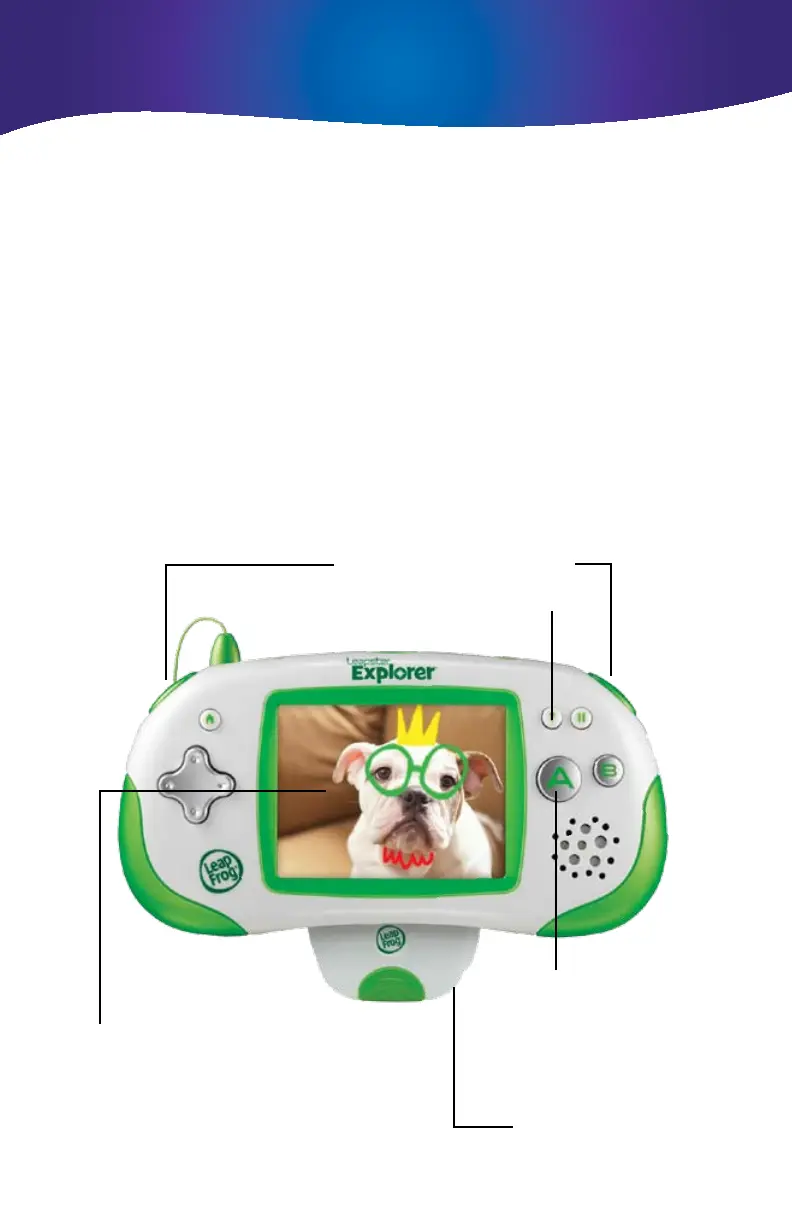
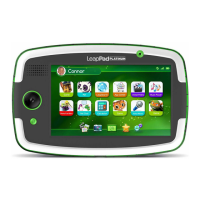
• PresseithertheLorRbuttontotakeaphoto.
• PresstheAbuttontotakevideo.
• Tapthephotogalleryicontoviewthephotogallery.
In Camera and Video Recorder mode you will see a Memory bar
that shows how much space is left.
Note: In the Photo and Video Gallery the numbers indicate how
many photos have been taken and how much video has been
recorded in minutes/seconds.
Button Controls
Lens & microphone:
face away from the user
Viewfinder
Press to start/stop
video recording
Press either to take a picture
Press hint to hear instructions again
Camera and Video Recorder mode






 To Next Page