7
12. LCD Screen Brightness Button
Press the LCD Screen Brightness Button to adjust the brightness
of the LCD screen.
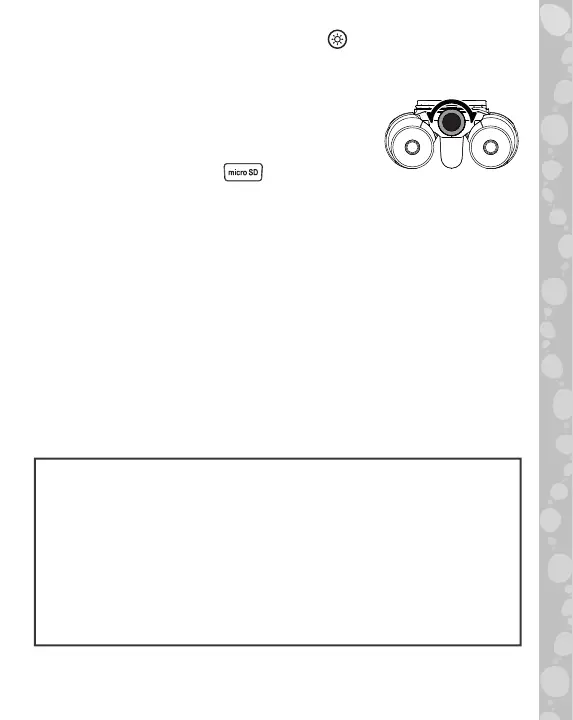
13. Binoculars Focus Dial
While looking through the binoculars, turn the
Focus Dial to sharpen the image.
14. microSD Card Slot
Use the microSD Card Slot to insert a microSD card (not included)
and save more photos. You can also copy saved photos from the
binocular’s internal memory to your computer using a microSD
card. See details in the Gallery section.
TO BEGIN PLAYING
Real Binoculars
The binoculars can be used to explore your surroundings.
They are capable of 10x optical zoom with 21 mm diameter objective
lenses. An object 100 meters away can appear the same size as when
viewed from a distance of 10 meters. This functionality does not have
any electronic parts, so the binoculars can be used even when the
unit is not powered on.
WARNING:
• Never look at the sun or other intense sources of light through
the binoculars to avoid the risk of eye damage or blindness.
• Never leave the binoculars where direct sunlight can enter
either the Binoculars Objective Lens or Ocular Lens. This
can damage the binoculars and cause it to stop working or
cause fires and/or burns.
• Children should only use the binoculars under supervision.


 To Next Page