9
3. Turn the Focus Dial until the image appears sharp and clear.
If the Focus Dial makes a clicking sound, it has reached the end of
its turning capacity and will no longer change the image’s sharpness
or clarity until the Focus Dial is turned in the opposite direction.
The best viewing distance of any object is at least 4 meters away (approximately),
otherwise the Focus Dial may not be able to focus on or sharpen the image.
TO BEGIN PLAYING WITH THE
LCD SCREEN
Press the Power Button to turn on the unit.
Camera Mode & Night Vision Mode
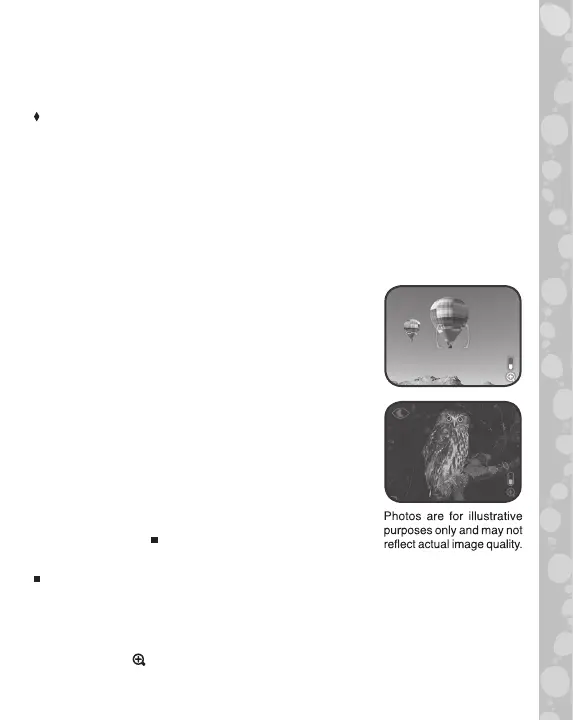
After powered on, the unit will enter Camera
mode by default. This mode allows you to take
photos with up to 2x digital zoom. To return to
Camera mode from a different mode or menu,
press the Camera Button or select Camera
mode from the Main Menu.
To enter Night Vision mode, press the Night
Vision Button or select Night Vision mode from
the Main Menu. This mode allows you to view
your surroundings on the screen and take photos
in the dark. It requires more power from the
batteries than the other modes. If the batteries
do not have enough power, Night Vision mode
cannot be used. Please replace the batteries
if this occurs.
Alkaline batteries are recommended for a better Night Vision experience.
The following functions are available in both Camera mode and Night
Vision mode:
• Use the D-Pad to change the settings.
• Press the Magnification Button for a closer look at the image
on the screen.


 To Next Page