30
Aspect Modes
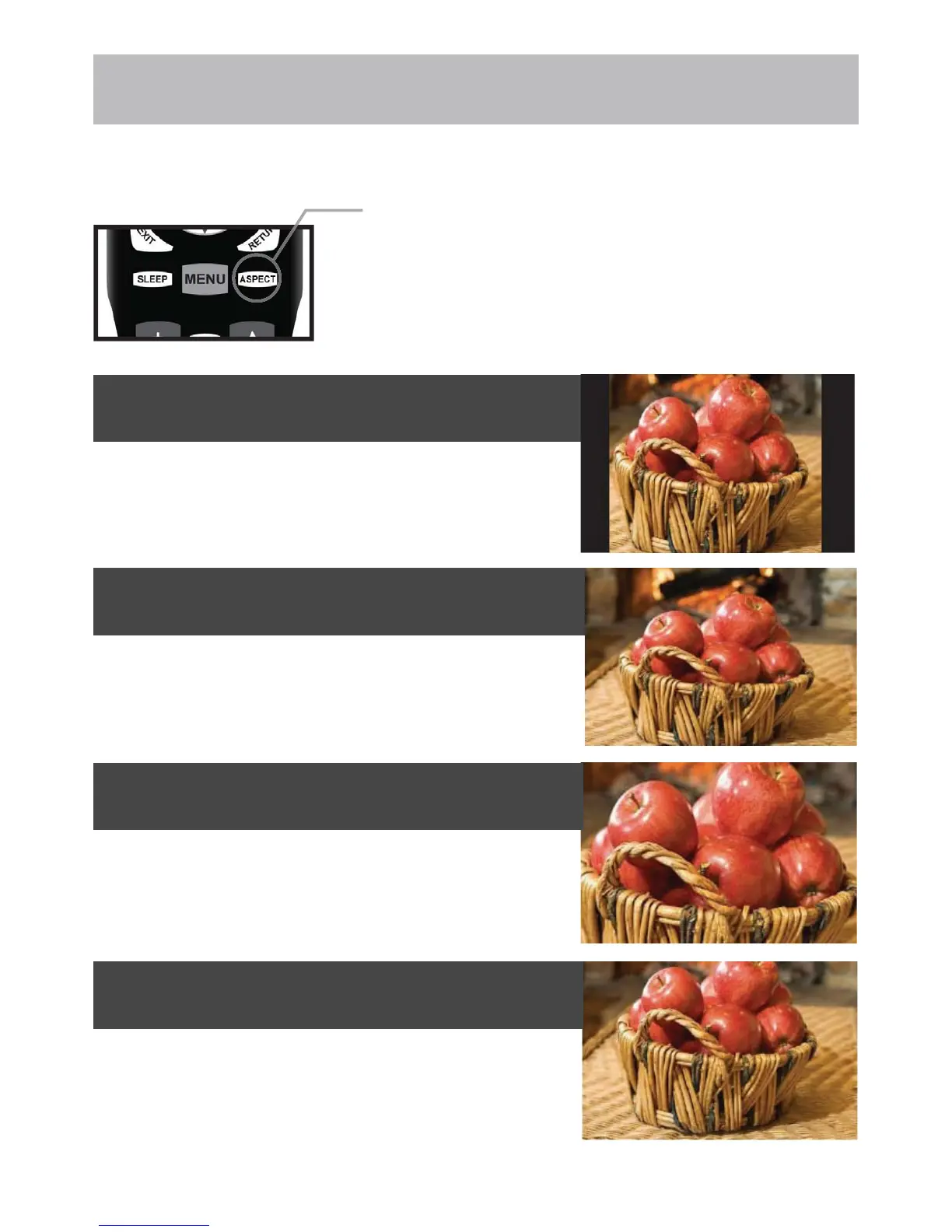
The ASPECT function offers several viewing display options on the 16:9 screen. Press the ASPECT button to cycle
through the following widescreen settings.
Press ASPECT to cycle through
the following widescreen settings.
1. NORMAL
Recommended for viewing native widescreen content and undistorted 4:3
images (with black bars).
2. WIDE
Stretches certain 4:3 content and may reduce visible black bars.
3. ZOOM
6WUHWFKHVWKHLPDJHERWKYHUWLFDOO\DQGKRUL]RQWDOO\WR¿OOWKHVFUHHQZKHQ
viewing widescreen content. The Zoom effect will crop images somewhat.
4. CINEMA
:KHQYLHZLQJFRQWHQW&LQHPDPRGHZLOO¿OOWKHHQWLUHVFUHHQHOLPLQDWLQJ
visible side black bars. It may also eliminate or reduce black bars on certain
widescreen movies.



 To Next Page