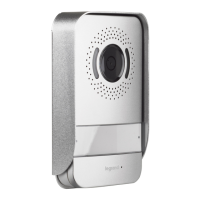
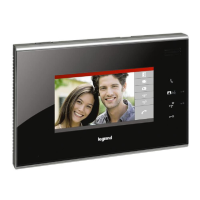
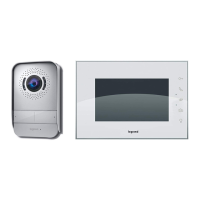
Easy Kit Connected
• Settings. Settings menu
• Einstellungen. Menüeinstellungen
• Move the joystick up/down to select the page among:
• Bewegen Sie den Joystick nach oben/unten, um folgende Seiten zu wählen:
• Exit the menu
• Menü beenden
• Associate a ringtone to an event
• Ein Läutwerk einem Ereignis zuteilen
• Enable/disable the key sound
• Tastenton aktivieren/deaktivieren
• From stand-by, press and hold down the joystick for about 5 seconds to activate the
display and access the Settings menu.
• Im Standby, den Joystick mindestens 5 Sekunden lang drücken, um das Display zu
aktivieren und das Einstellungs-
Menü abzurufen
> 5 sec - > 5 Sek.



 To Next Page