20
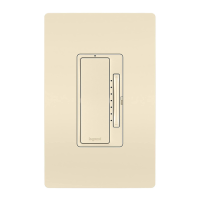
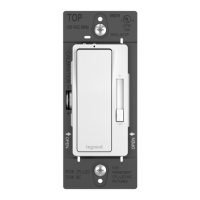
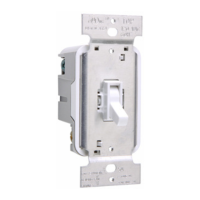
getting to know your remote dimmer
Item Name Description
1
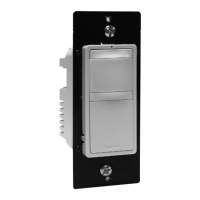
Paddle
Switch
• Press the top of the paddle to turn the light on or double-tap to
raise the dimming percentage to 100%.
• Press the bottom of the paddle to turn the light off.
• To return the dimmer to factory default, press and hold the top of
the paddle for 15 seconds. The LED illuminates a solid amber
color. To complete the factory reset, you must also remove the
device from your Samsung Artik Cloud account before it can be
recommissioned with your existing Hub or a new Hub.
2
LED Locator
Light
Indicates the current state of the device. Refer to “LED
Locator Light Explanations” for detail.
3
Dimmer
Paddle and
LED Light
Level
Controls and displays the dimming percentage:
• Press (+/-) to adjust the dimming level incrementally.
• Press and hold (+/-) to quickly change the dimming level.


 To Next Page
 Loading...