Three different print jobs shall be printed (Job1 to Job3) using the job list type <Job
organisator>. The whole print list shall be printed twice. The second print out shall
be in a distance of 150 mm after the <PrintGo> signal.
Important: The <Job Organisator> offers the possibility to define the number of
repetitions with <PrintGo repeat> and the <PrintGo distance> for the repetitions
and for the complete job list. All settings for these parameters made within each
print job will be ignored in the job list.
The only exception is the first print job imported to the list. The parameters for
<PrintGo distance> and <PrintGo repeat>.of this print job will be applied for the
job list <PrintGo> settings. Nevertheless these parameters can be adjusted in the
job list settings even after the first job was imported.
Beside these parameters the settings for <PrintGo Control> and <StrokeGo
Control> are also taken from the first print job imported. These parameters cannot
be adjusted within the <Joblist Settings>. Changes are only possible by deleting all
jobs on the job list and importing the first job again.
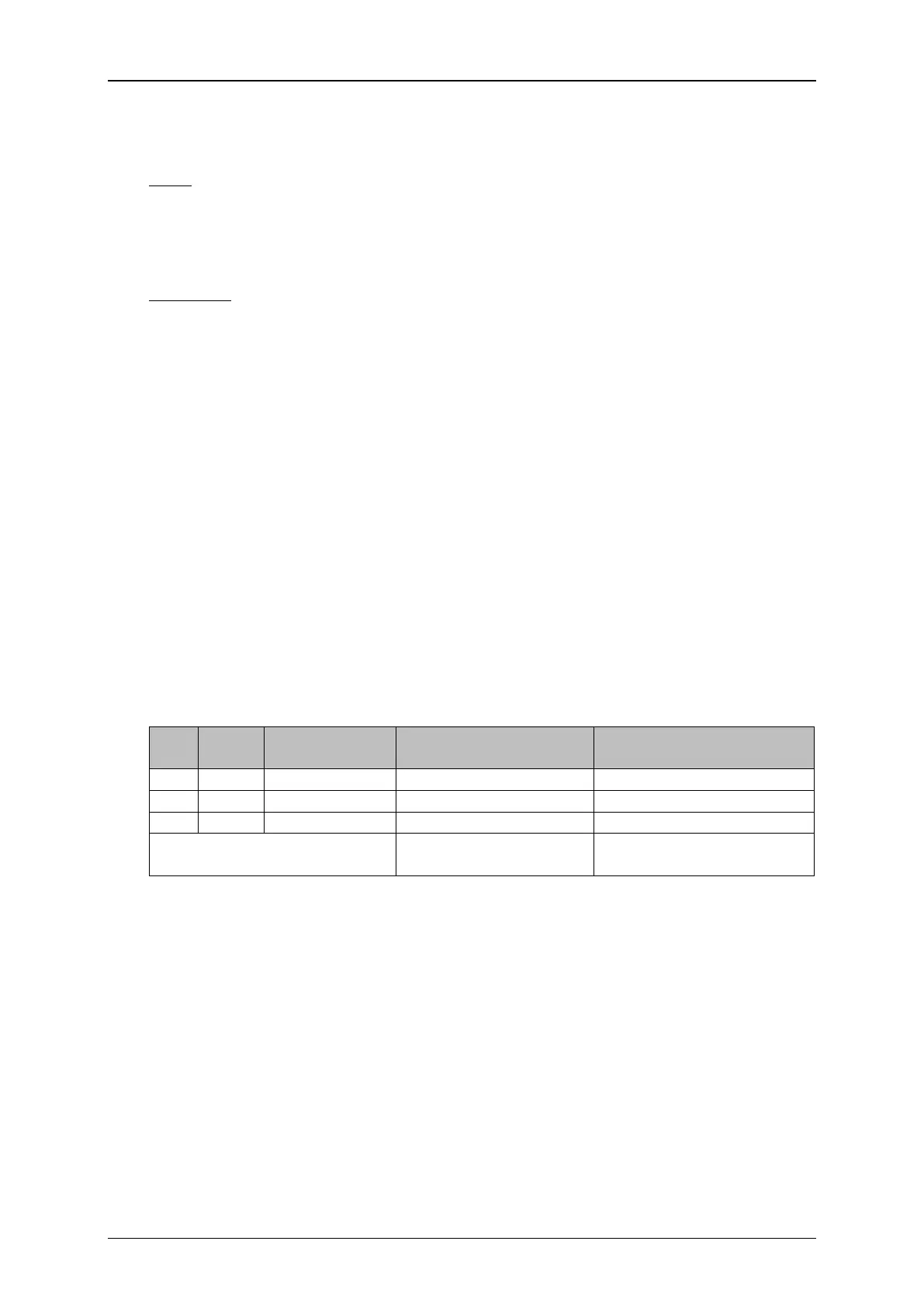
The <PrintGo> signal sets the reference point for all distances assigned to the print
jobs on the job list. The distances to be assigned for each print job on the job list,
the <PrintGo distance> for the job list and the number of repetitions of the job list
are shown in the table below:
Job list parameters


 To Next Page
 Loading...




