Group 7 Data/Programming Page 121
Release R2.0 LEIBINGER JET3
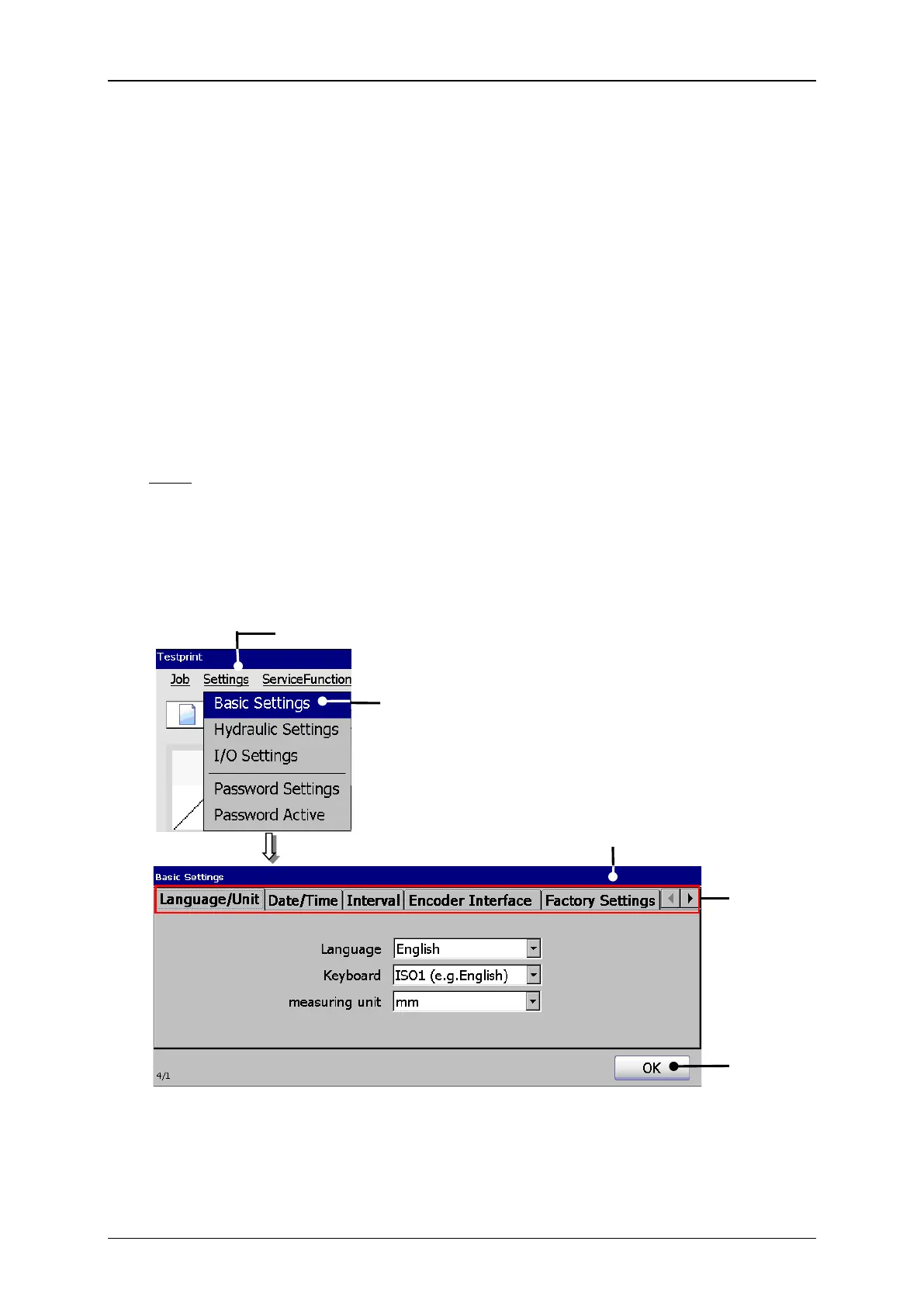
The drop-down menu <Settings> in the menu bar of the main window offers the
option <Basic Settings> (2). This opens a dialog box (3) whith a tab bar. The tabs
are grouped by function.
The following tabs are available:
Language/Unit (Measurement)
A tab is selected by clicking on its caption (4).
Note: The software is based on common Windows™-standards.
With the <OK> button (5) all settings and chages are saved and the dialog box will
be closed.
1 – Drop-down menu <Settings>
4 – Tab bar with tab captions
2 – Option <Basic Settings>
3 – Dialog box <Basic Settings>



 To Next Page