Group 7 Data/Programming Page 124
Release R2.0 LEIBINGER JET3
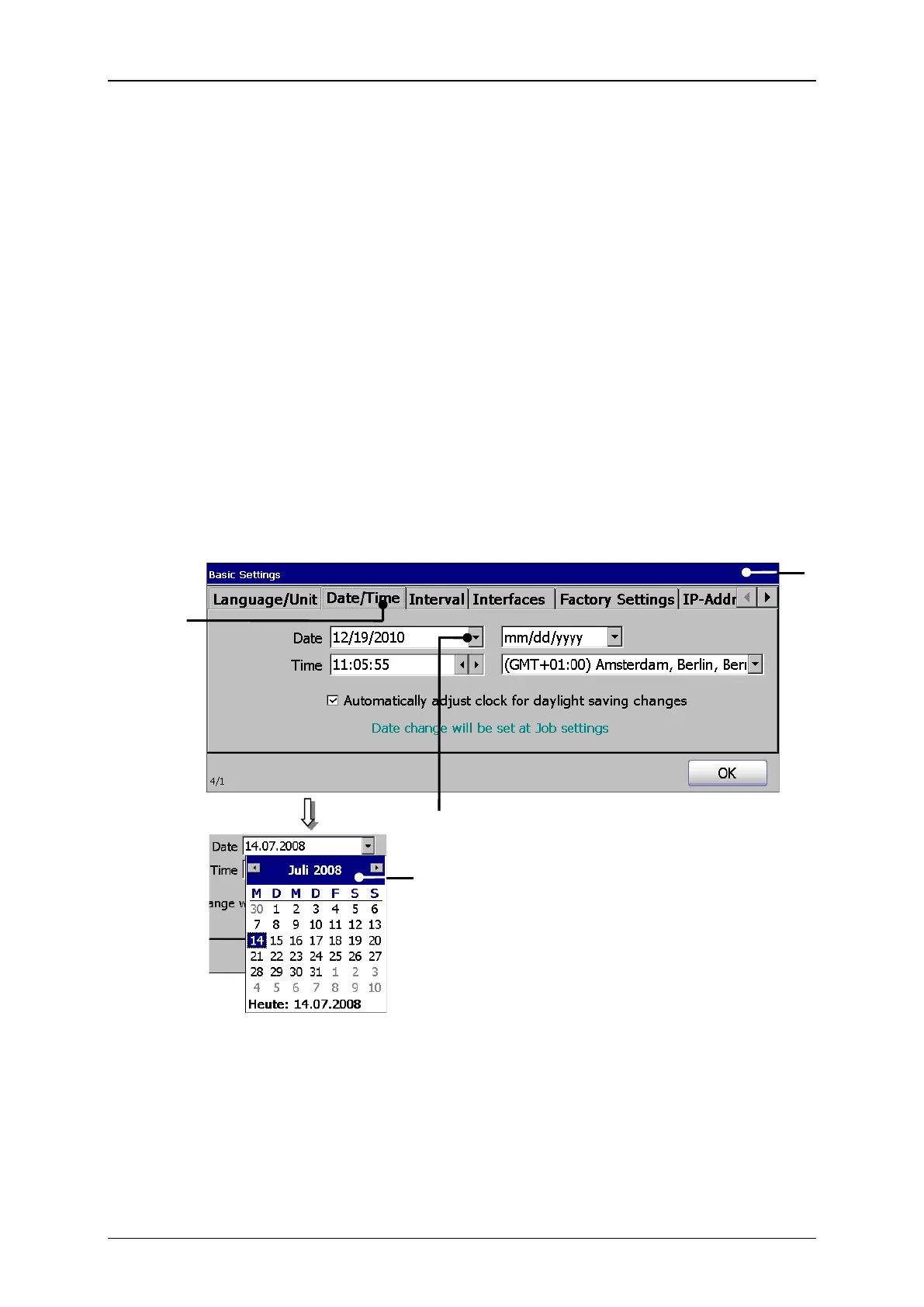
Under the tab <Date/Time> you can set the current time, the time zone, the current
date and the date format as well as the automatic change from summertime (daylight
saving time-[DST]) to wintertime.
Press on the tab <Date/Time> (2) to select the tab.
Press on the arrow key of the drop-down list <Date> (3). A calendar (4)
opens.
Select the requested date. The calendar will be automatically closed and the
selected date is taken over.
1 – Dialog box <Basic Settings>
3 – Drop-down list <Date>



 To Next Page