Group 7 Data/Programming Page 123
Release R2.0 LEIBINGER JET3
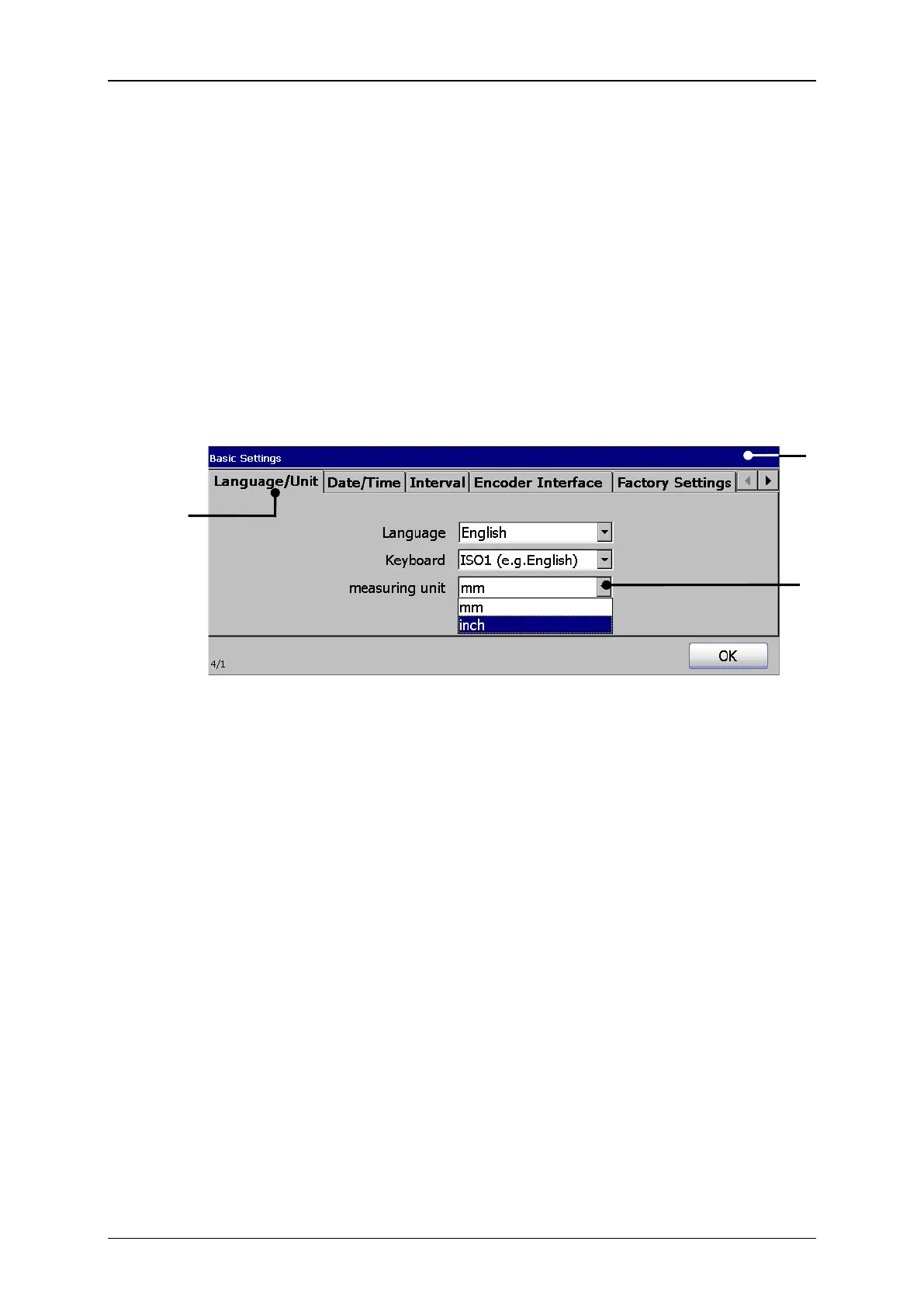
Press on the tab <Language/Unit> (2) to select the tab.
Press on the arrow key of the accordant drop-down list. The drop-down list
opens for selection.
Now select the requested language or the requested keyboard font.
The two different measuring units „mm“ and „inch“ are available.
1 – Dialog box <Basic Settings>
3 – Drop-down list <Measuring unit>
Press on the tab <Language/Unit> (2) to select the tab.
Press on the arrow key of the drop-down list <Measuring unit> (3). The drop-
down list opens for selection.
Now select the requested measuring unit.



 To Next Page