Group 7 Data/Programming Page 142
Release R2.0 LEIBINGER JET3
7.3.2.1.1 Selection of user level
(Level of access authorization)
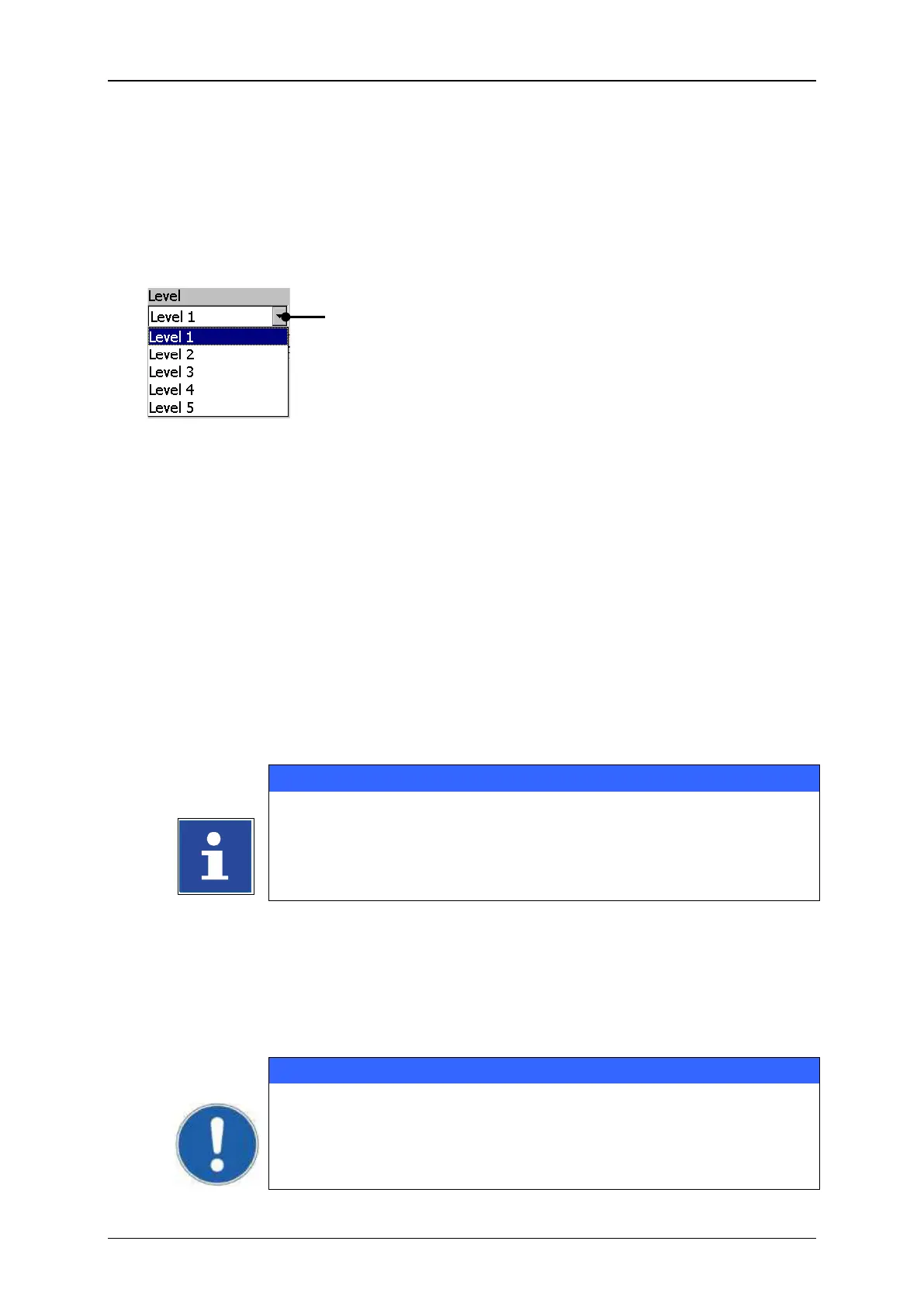
With the drop-down list <Level> (1) you can select the user level for which the user
rights should be activated as well as how the password should be defined.
Selection of user level (Level of access authorization)
1 – Drop-down list <Level>
7.3.2.1.2 Definition of password
In the input field <Password> (1) you can enter the password for the current user
level or you can display an already defined password.
Example: The password „Leibinger“ should be defined.
Click in the input field <Password> (1). A keyboard field (2) opens for input.
You will find further information regarding the operation with
keyboard in the chapter Keyboard!
Enter the password „Leibinger“. The input is displayed in the input field
<Password> (1).
Press the button <Enter> (3) of the keyboard field to finish the input.
Now press the button <set…> (4) to take over the entered password.
A final taking over does only happen if the menu is closed with the
button <OK>!



 To Next Page