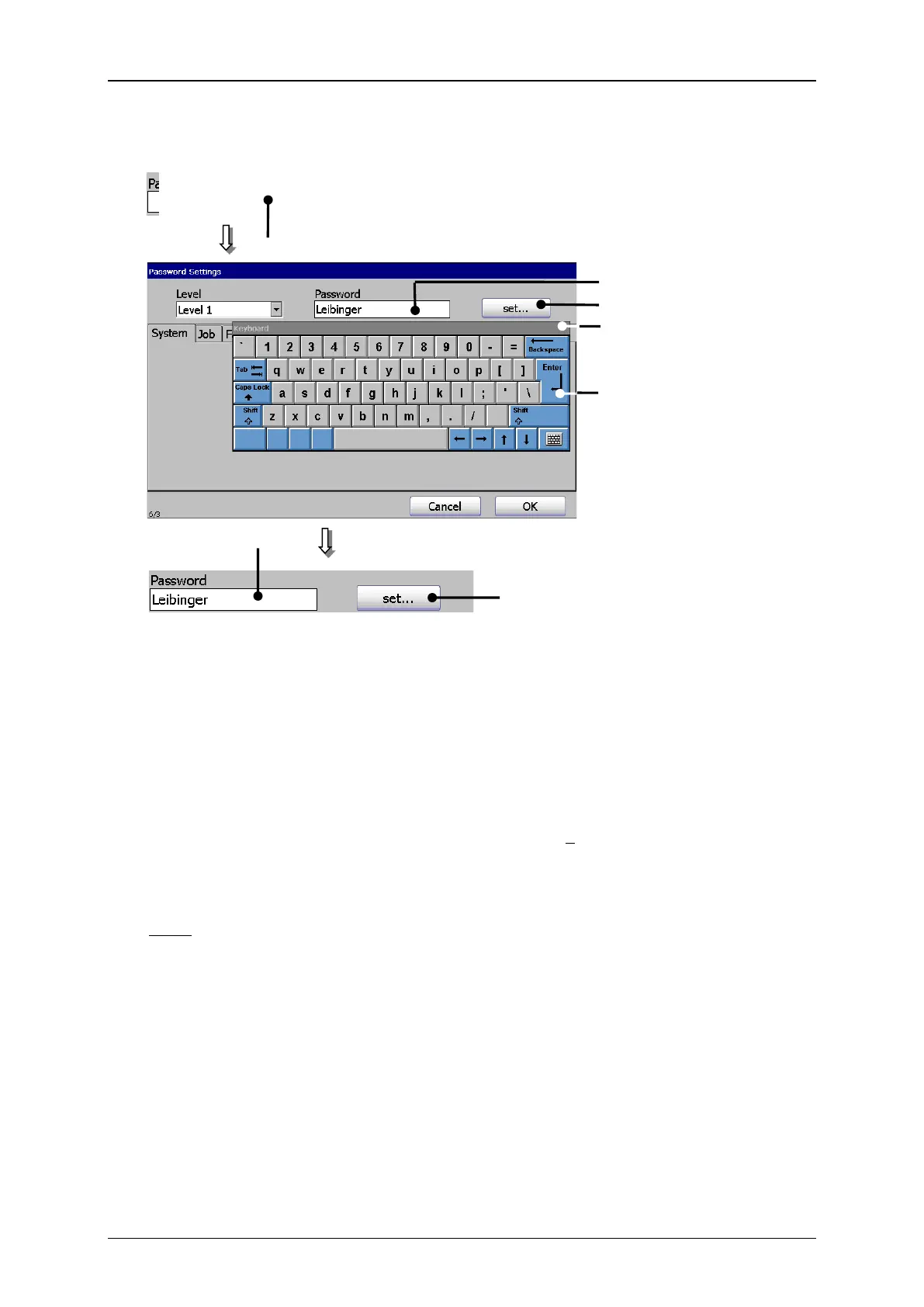
In the several tabs of the menu you can enable or lock the functions of the current
access levels. An enabled function is displayed by a in the checkbox.
The selection of a tab happens by clicking on the accordant tab.
Note: The proceeding corresponds to the Window™-standard procedure.
If a function is blocked in a specific level, it will be deactivated in the menus
insofar as it is technically possible.
If this is not possible, a safety message <Access authorisation> (see picture
„Password level display and safety messages“) is faded in by calling up a
function for which the active level has no access authorisation.



 To Next Page