Group 7 Data/Programming Page 146
Release R2.0 LEIBINGER JET3
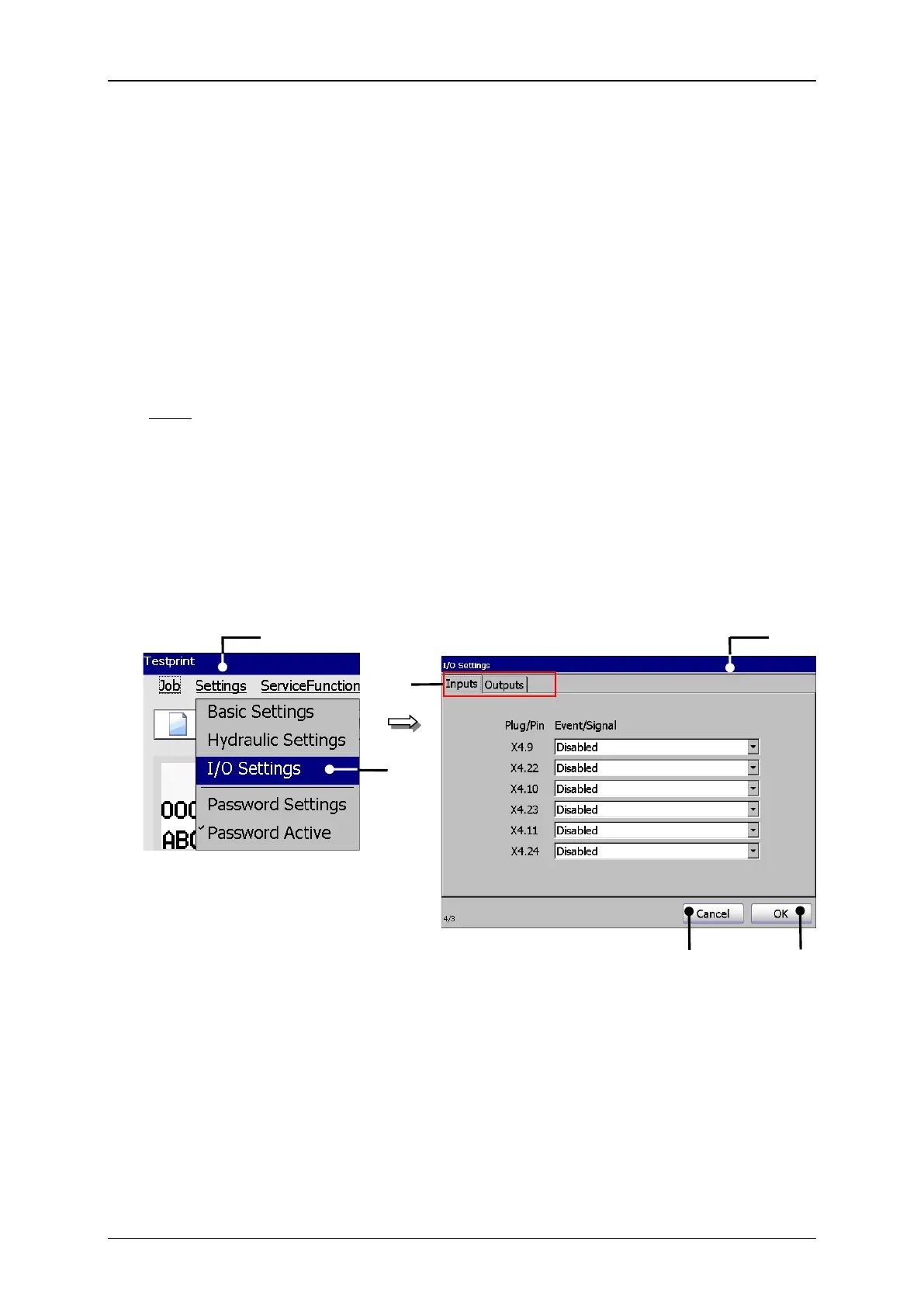
With the option <I/O Settings> (2) you can open the dialog box „I/O Settings“ (3).
This dialog box shows the function or status assignment to the available digital inputs
and outputs.
6 inputs and 8 outputs are available.
The selection of the tab „Inputs“ and „Outputs“ happens by clicking on the accordant
tab (4).
Note: The proceeding corresponds to the Windows™-standard procedure.
With the button <OK> (5) you can close the dialog box and you can save the
settings.
The button <Cancel> (6) closes the dialog box without taking over the carried out
changes.
2 – Option <I/O Settings>
3 – Dialog box <I/O Settings>



 To Next Page