Group 8 Job editor Page 220
Release R2.0 LEIBINGER JET3
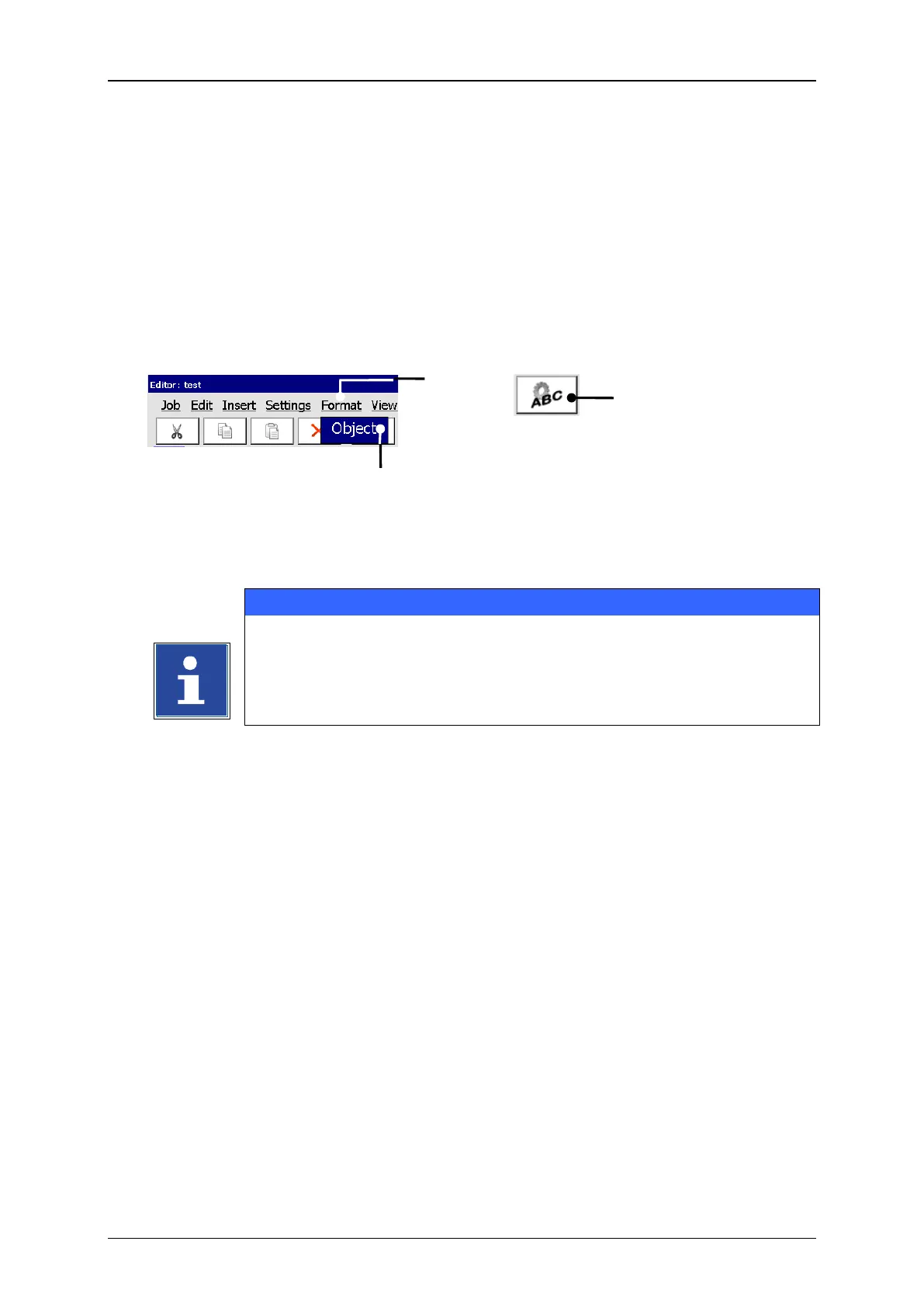
With the button <Format> you can select the formatting tool <Object> (2). Further
more you can also select the tool directly with the accordant Icon (3).
With the tool you can assign several object settings (e.g. font, contrast, alignment,
etc.) to the selected printing elements. The displayed dialog box refers to the selected
printing element (e.g. text, graphic, barcode, etc.).
Job editor (Formatting tool)
2 – Formatting tool <Object>
You will find further information regarding the procedure of object
settings in the a chapter Object settings!



 To Next Page