Group 8 Job editor Page 239
Release R2.0 LEIBINGER JET3
This function provides a fast access to editable objects.
The following objects can be defined as <Prompt fields>:
Time/Date object only if declared as
expiry date*
Days or months before expiration
* There has to be set a value >0 for the expiry date offset. Otherwise the prompt
function is not available for a date or time object.
Depending on the object type the editability is different. If an object is declared as a
<Prompt field> it is possible to edit it without entering the editor. The editing can
be done directly on the WYSIWYG screen.
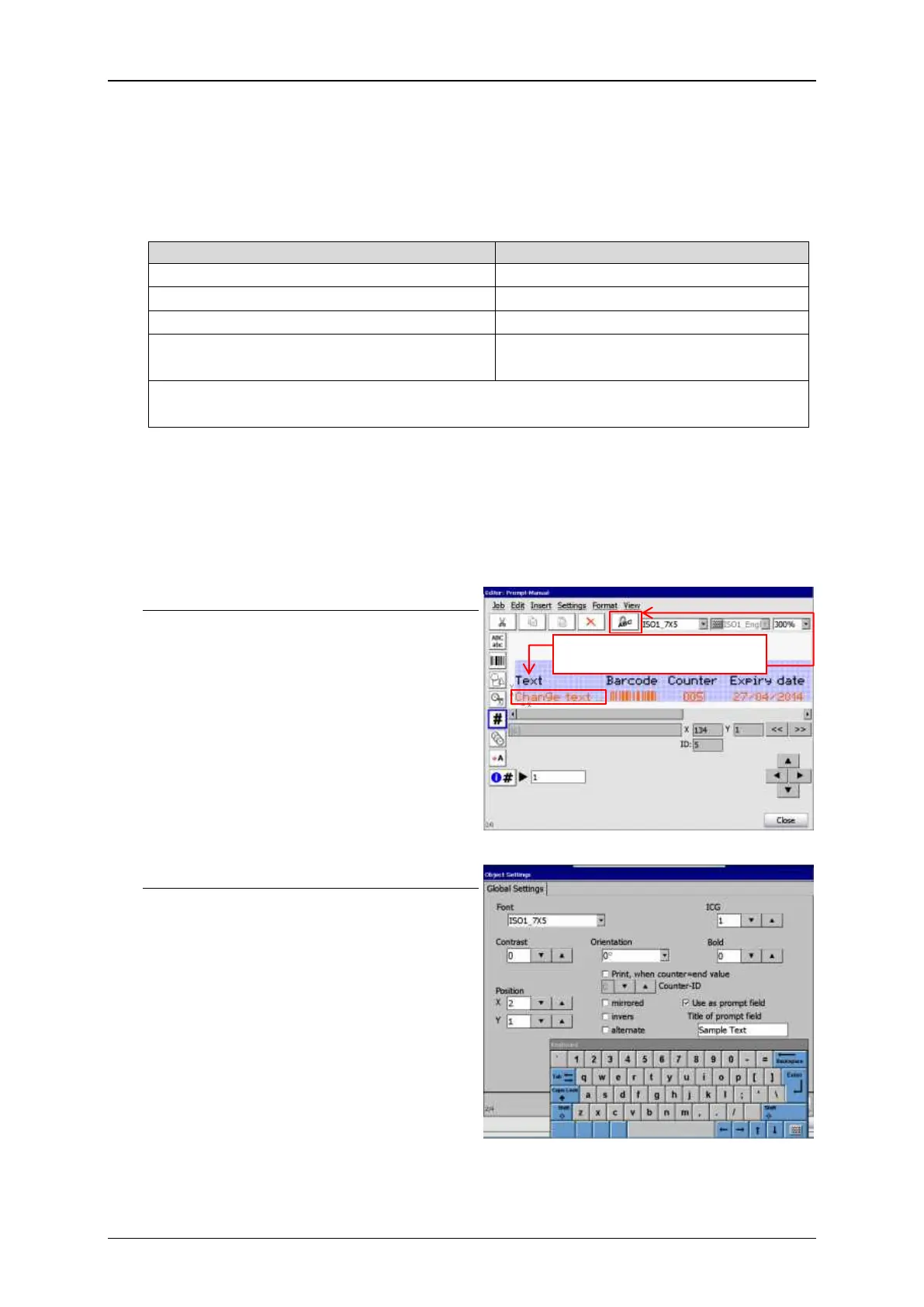
Settings for prompt field
Text object in the JET3 job editor
To use an object as a <Prompt field>
select the object in the JET3 job editor
and open the object settings menu
Declaring an object as a <Prompt field>
Check box - Use as <Prompt field>.
Checking this box opens a text enry field
to assign a name to the <Prompt field>.
Prompt fields have to be named for a
better handling in case you are working
with more than one <Prompt field>.
1. Select text object
2. Open objects settings menu



 To Next Page