Group 8 Job editor Page 260
Release R2.0 LEIBINGER JET3
8.5.3 Font parameter values
The dialog box <Printstyle> allows the design of the text layout.
The following settings can be carried out:
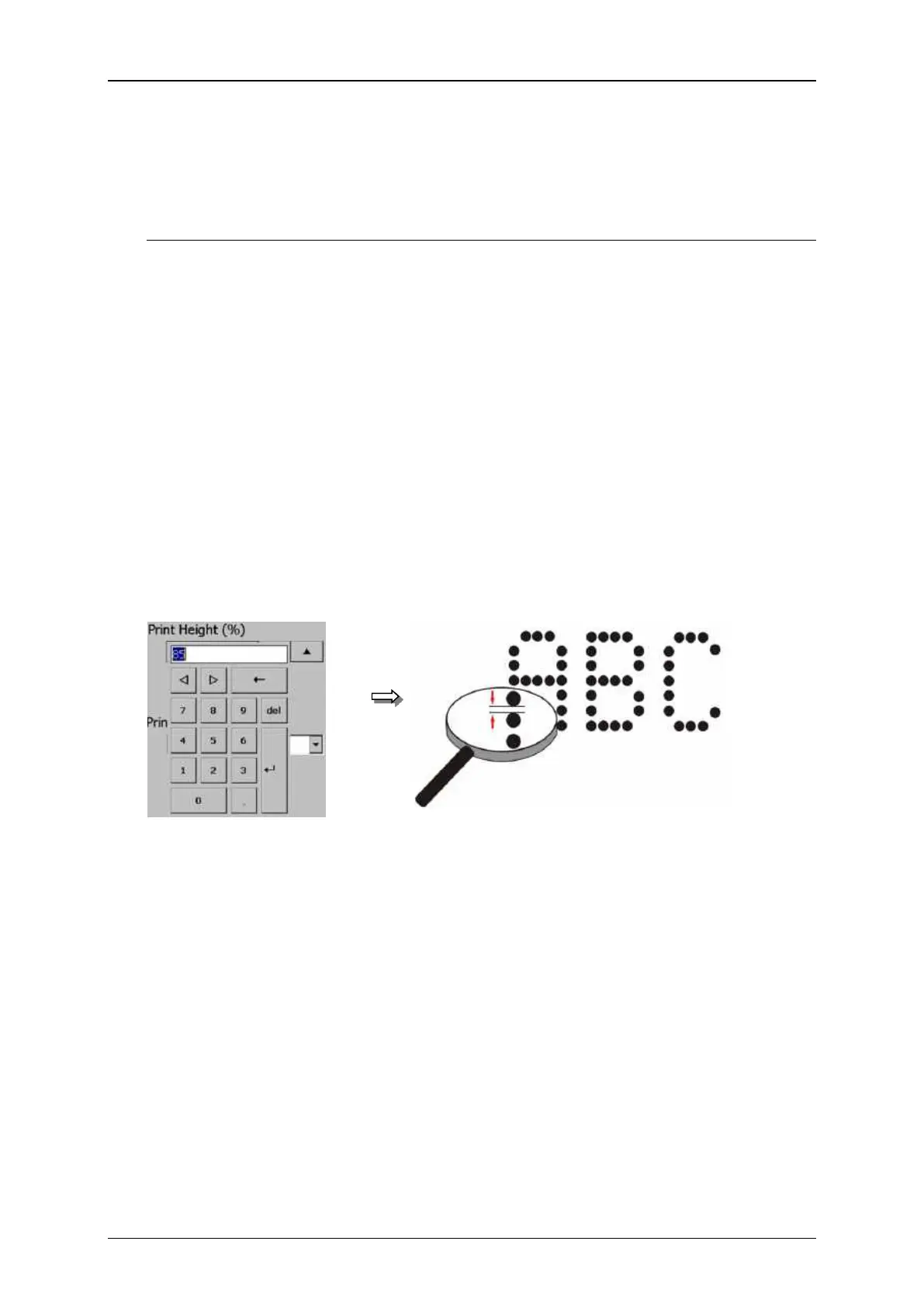
Selection of print height
Selection of orientation
Selection of font width (Stroke distance)
Selection of print mode
The setting determines the print height. The print height is determined by the vertical
drop distance. The value can set between 1 – 100%.
The set value is shown on the accordant display field.
As higher the entered value, as larger the distance between the single dots.
Font parameter values (Print height)



 To Next Page