Group 8 Job editor Page 276
Release R2.0 LEIBINGER JET3
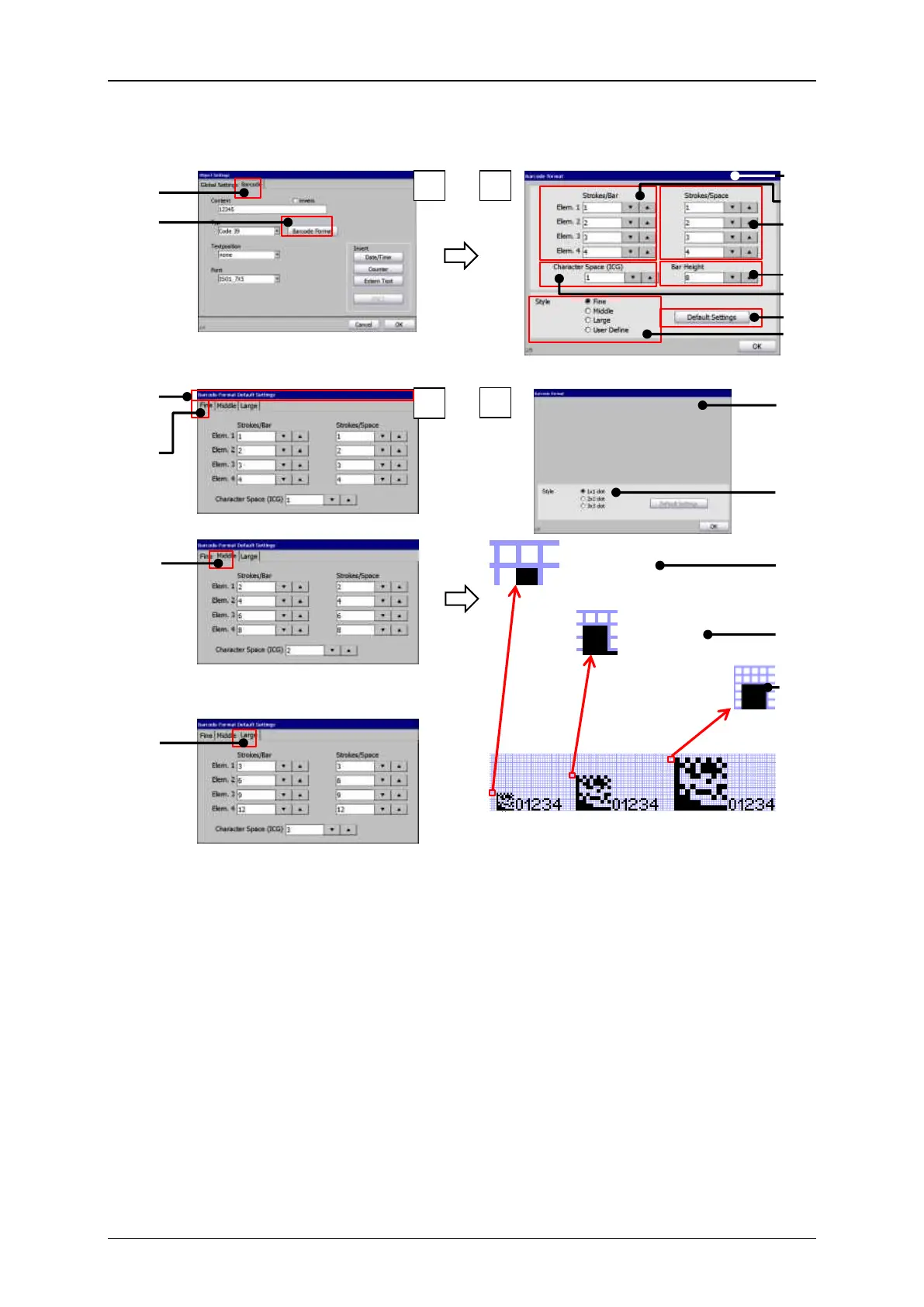
Bar codes: Bar code format
10 – Dialog box <Barcode Format
Default Settings>
2 –<Barcode Format> button
11 – <Style> settings for Fine
3 – Dialog box <Barcode format>
for 1-D codes
12 – <Style> settings for Middle
13 – <Style> settings for Large
14 – Dialog box <Barcode format>
for 2-D codes
6 – <Bar Height> settings
15 – <Style> options for 2-D codes
7 – <Character Space (ICG)> settings
8 – <Default Settings> button
9 – <Style> options for 1-D codes



 To Next Page