Group 8 Job editor Page 296
Release R2.0 LEIBINGER JET3
8.7.3.1.8 Counting direction
This setting controls the direction of the counting process.
Counting direction forward: If this checkbox is activated the counter will be
incremented (+).
Counting direction backwards: If this checkbox is activated, the counter will be
decremented (-).
8.7.3.1.9 End value control
(Loop/Stop after end value)
The setting controls the action of the counter by reaching the set end value.
Stop at end value: If this checkbox is activated, no more counter is displayed after
the end value has been reached.
Loop after end value: If this checkbox is activated the counting process and the
print will be started again from the beginning after the end value has been reached.
8.7.3.1.10 Counter reset (methods)
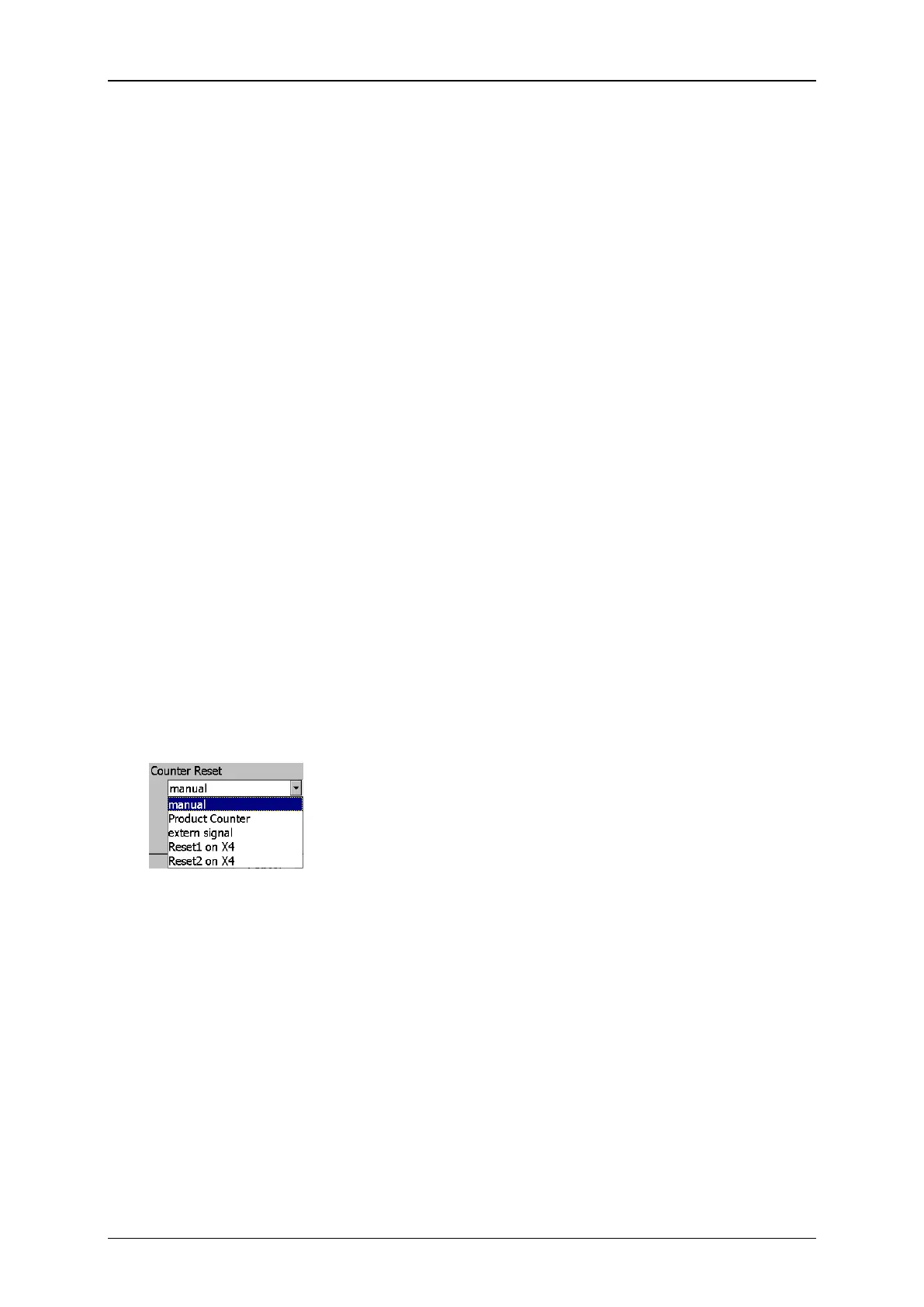
With the Drop-down list <Counter Reset> you can define the reset method of the
counter.
Counter settings (Reset methods)
manual: The reset happens manually by the operator in the dialog box (Extra
Product Counter Reset all Job Counters
Product Counter: The reset of the job counter happens with the reset of the
production counter. This function is associated with the first product counter. A
second product counter would be ignored.
extern signal: The reset happens by an external supplied signal (X4.1 on interface
X4. Please see appendix for details).
Reset1 on X4: The reset happens by an external supplied signal on the X4
interface. The actual input has to be assigned in the I/O Settings dialog box (
Settings – I/O Settings – Inputs)



 To Next Page