Group 8 Job editor Page 300
Release R2.0 LEIBINGER JET3
Provides the integration of a text element which is printed in predefined periods (shift
times) as well as a definition of the accordant parameters.
Note: The changing text can be also combined with other printing elements which
will not change by the predefined periods (only the „shift-defined“ text).
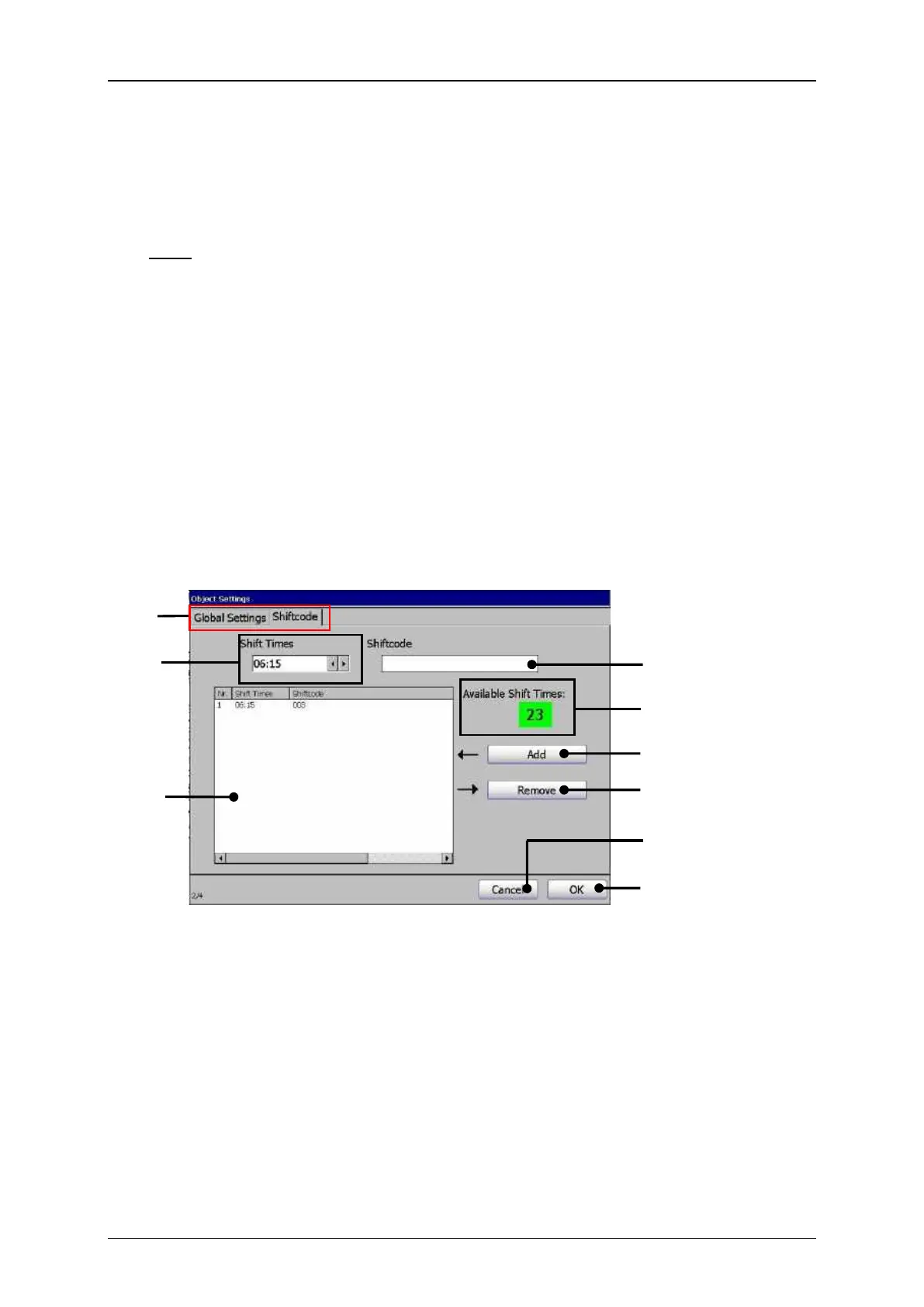
In the management window (5) all defined shift times with the corresponding shift
codes are listed. Up to 24 shift codes can be managed.
In the display field <Shift code management> (4) the number of shift times still
available; i.e. the shift times which can still be defined, is displayed.
Print elements (Shift code dialog box design)
2 – Settings field <Shift times>
3 – Settings field <Shiftcode>
4 – Display field <Shift code management>



 To Next Page