Group 8 Job editor Page 305
Release R2.0 LEIBINGER JET3
Interface settings
With the JET3 interface setting <Extern Text for serial interface> and <Extern Text
for Ethernet interface> the JET3 printer does not expect any control characters.
Each character sent will be interpreted as data. This will also be true for control
characters like <line feed>, <form feed> or <carriage return>.
There is an exception for the <Extern Text variable length> function. With this
function you can set control characters that mask the transferred string by defining
a <Start symbol > and a <End symbol>.
Requirements <Mailing>
For the <Mailing> function you will have to set the parameters for the
external data source.
To use the <Mailing> function you will have to create an <Extern Text>
object. The parameters for the object are set in the <Extern Text> dialog
box. You can define which field of a data set should be assigned to the object
and you can set wildcards for this field.
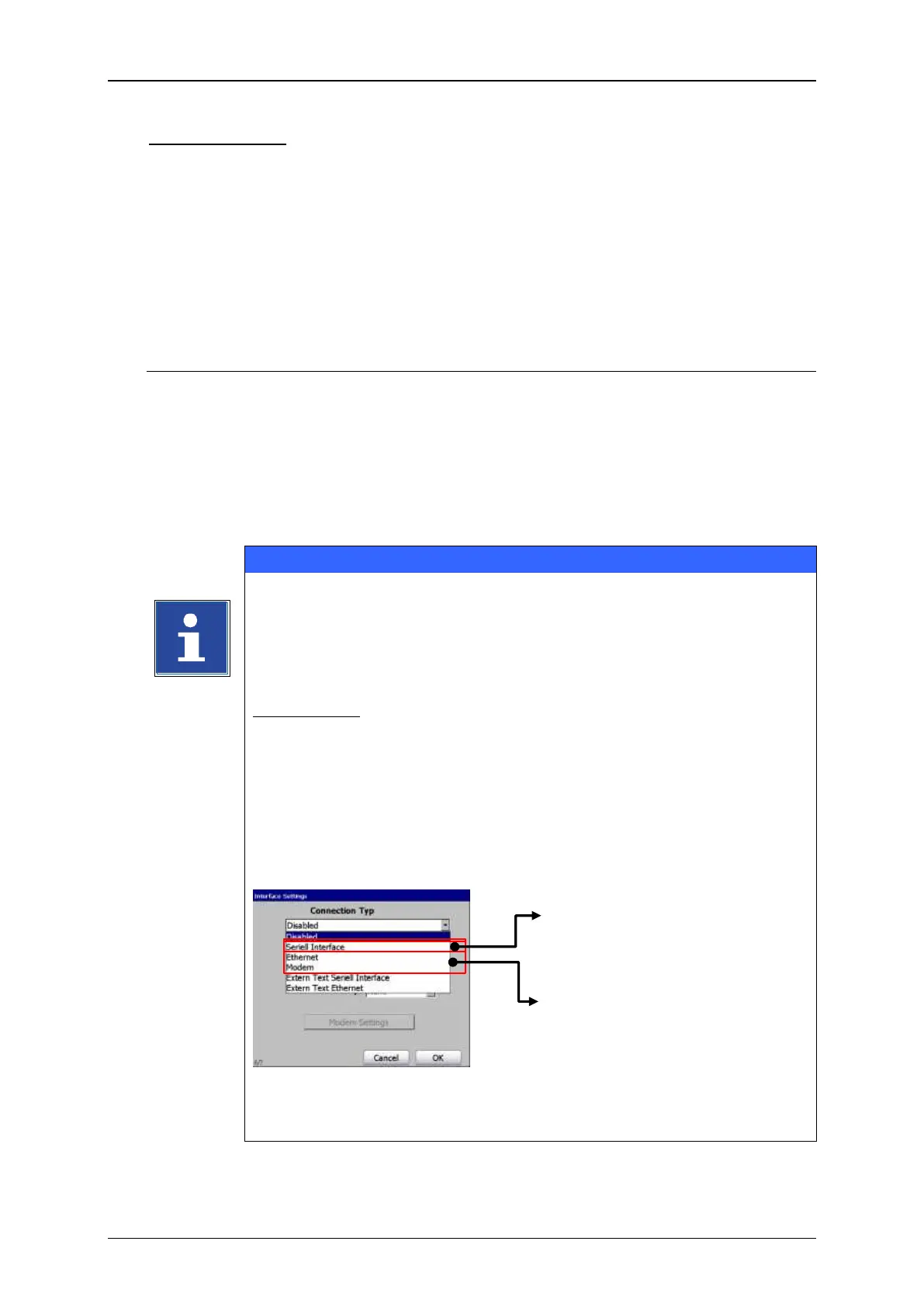
The JET3 printer also offers the possibility of controlling print job
selection and print out using s special script language. Data and
commands can be sent by modem, Ethernet or RS 232 interface using
a terminal software.
Shoot & Print
Data and commands can also be coded as bar codes and transferred
with a bar code scanner connected to serial interface to the JET3
printer.
For this option a bar code scanner with serial interface is required!
A bar code scanner with a USB interface (HID device) cannot be used
in combination with the script language.
Regarding the JET3 script language and the possibilities of Shoot &
Print detailled documentation is available separately.
Available serial interfaces for
using theJET3 script language
Interface for Shoot & Print using
a bar code scanner with serial
interface


 To Next Page
 Loading...




