Group 9 Disturbances/Trouble shooting Page 339
Release R2.0 LEIBINGER JET3
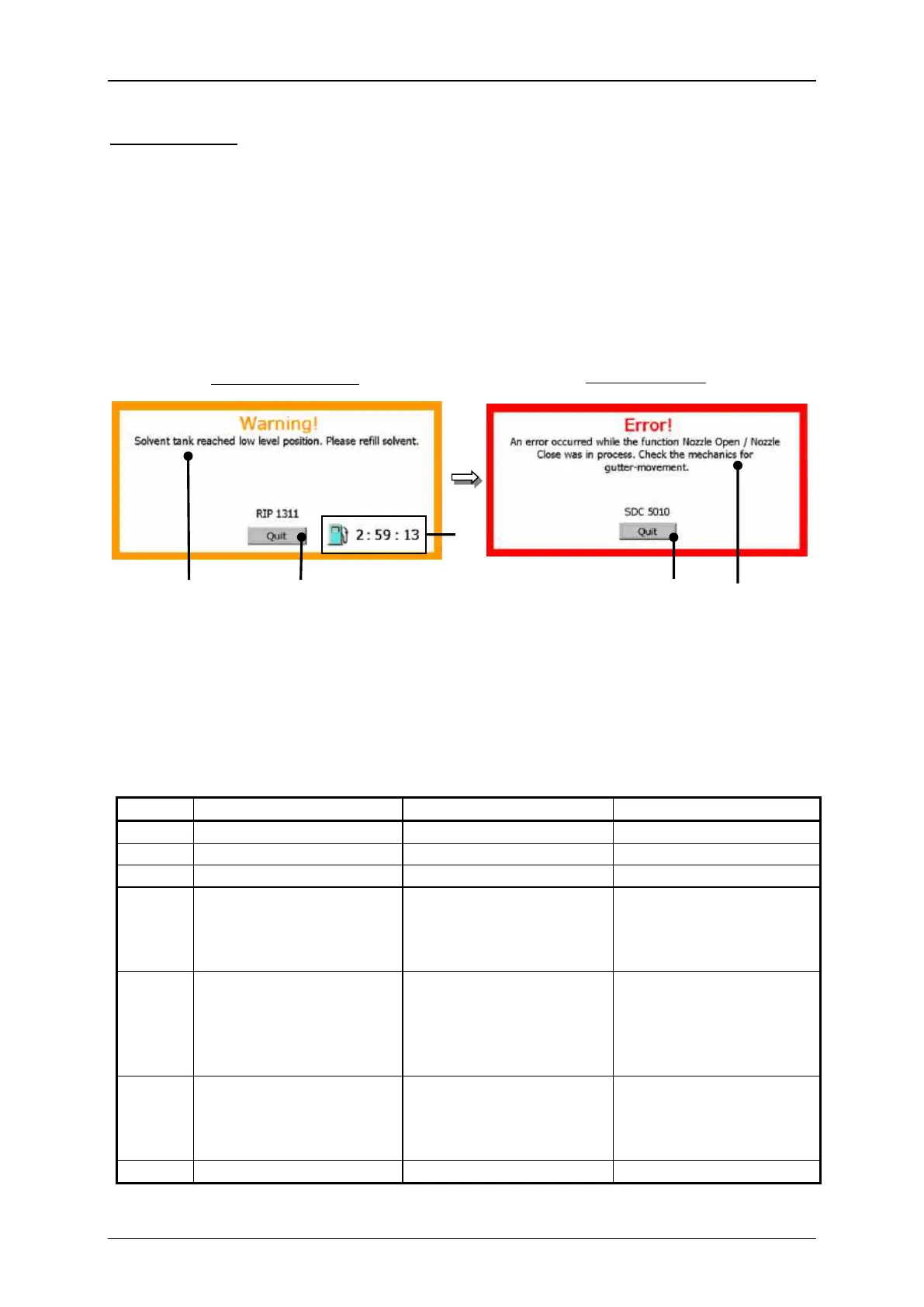
Error messages: Shows a condition which requires an immediate intervention of the
operating staff.
The messages are displayed with the text „error“ and with a red
frame. It contains an error text in clear text and a possible
troubleshooting.
The confirmation of the message happens by pressing the button
<Quit>.
Charging electrode is dirty
Charging electrode is dirty.
Charging electrode is dirty.
Charging electrode is dirty.
Wrong frequency has been
set.
Oscillator is defect.
Clean charging electrode
Change frequency
Exchange oscillator
Error of oscillator voltage
Charging electrode is dirty.
Wrong frequency has been
set.
Oscillator is defect.
Change frequency
Exchange oscillator
Please check deflection
plates for dirt or damp-
ness.
Dirt at the deflection plates.
Dampness at the deflection
plates.



 To Next Page