Group 6 Operation – Elements and procedures Page 67
Release R2.0 LEIBINGER JET3
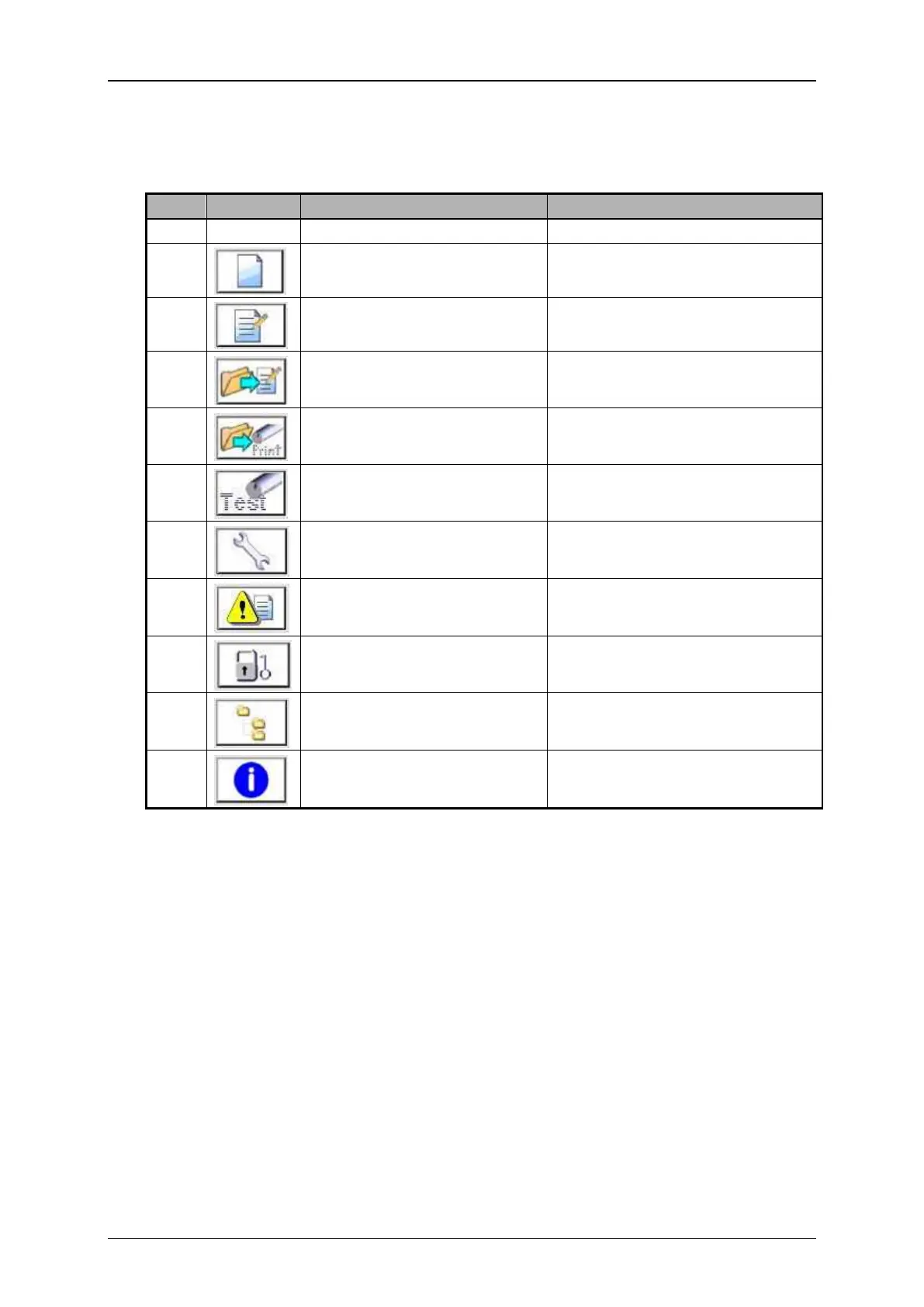
Direct buttons (3): Several menus or submenus of the JET3 can be called directly with
the direct buttons. The following direct buttons are available:
Function-/menu designation
Editor with the current loaded
job opens.
Job selection menu opens.
Job selection menu opens.
Special appliance for a fast print
control and troubleshooting
Hydraulic/Printhead test and
maintenance menu
Data file manager to import jobs,
graphics and fonts
System information menu opens



 To Next Page