Group 6 Operation – Elements and procedures Page 69
Release R2.0 LEIBINGER JET3
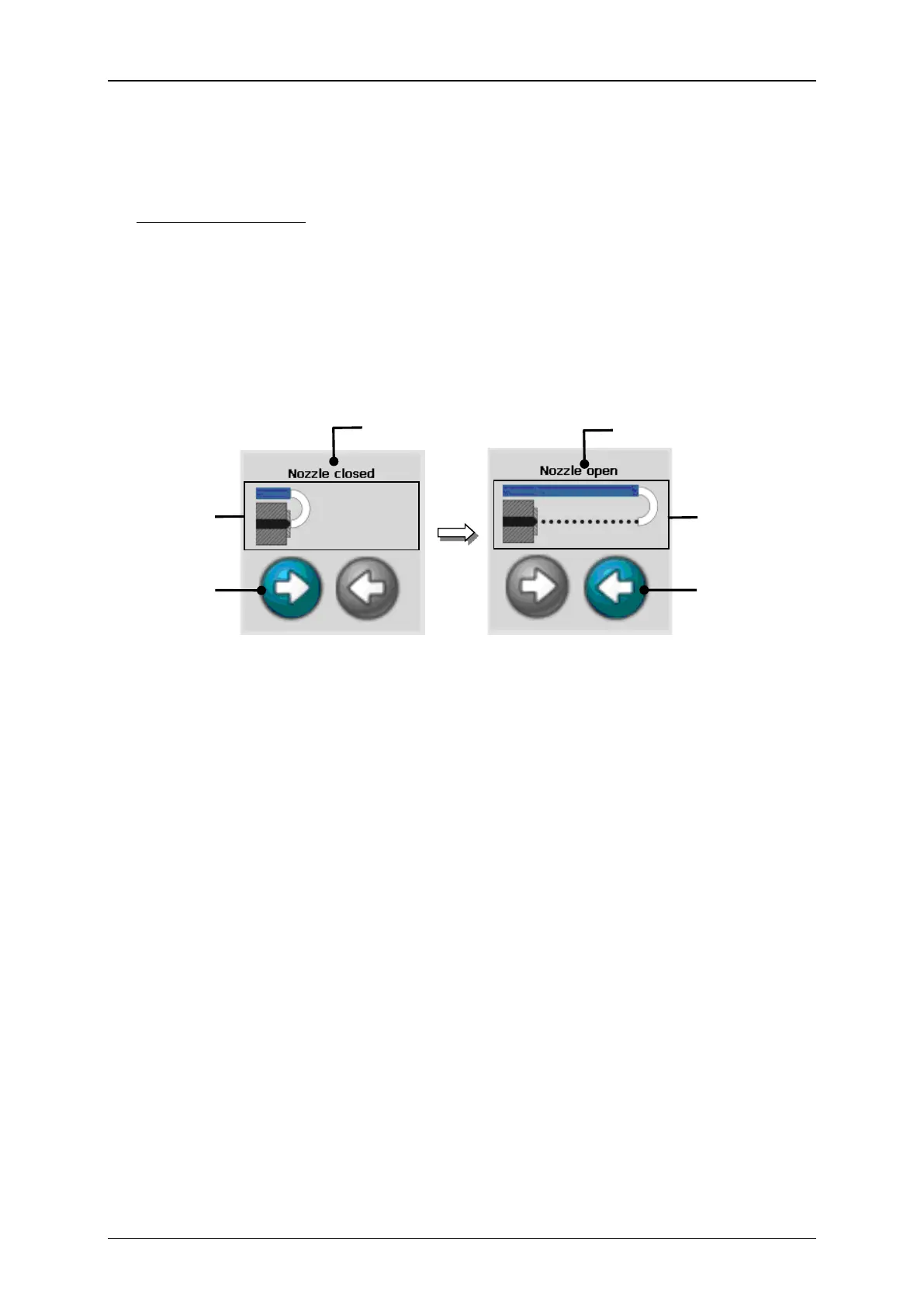
Status field <Nozzle> (8): This indicator shows the current operating condition of the
nozzle and enables the opening or closing of the nozzle. The condition is displayed in
the form of a text message (1) and of an active visualization graphic (2).
Operating conditions:
With the buttons <Opening nozzle> (3) and <Closing nozzle> (4) you can open or
close the nozzle. The executable button is backgrounded blue-grey.
3 – Button <Opening nozzle>
4 – Button <Closing nozzle>



 To Next Page