Group 7 Data/Programming Page 95
Release R2.0 LEIBINGER JET3
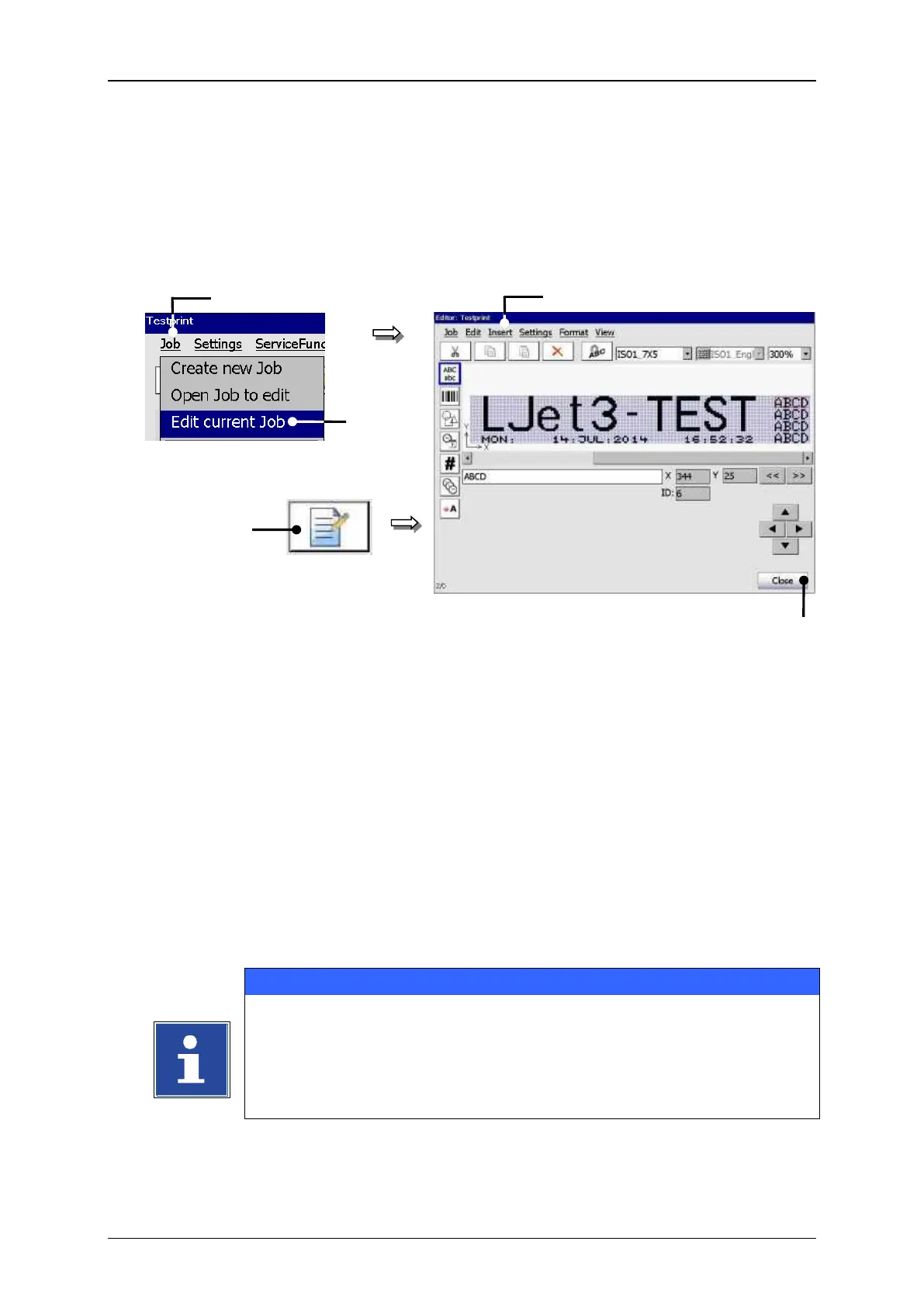
With the option <Edit current Job> or by pressing on the accordant direct button
(Icon) you can edit the current job.
2 – Option <Edit current Job>
Press the button <Job> (1) and the option <Edit current Job> (2) or press the
accordant direct button [icon] (3).
The menu <Jobeditor> (4) opens to change the printing data. The name of the
opened job is displayed in the title bar of the editor.
Carry out the requested changes and save it.
You will find further information regarding the memory process in
the group Jobeditor in the chapter Save job/Save job as.
You will find further information regarding the operation of the job
editor in the group Jobeditor.



 To Next Page