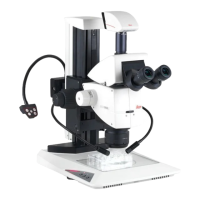
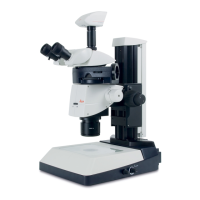
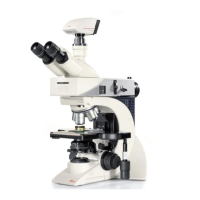
Service manual M500 N, M520, M525 Fault finding
Doc Code 10 665 751
4-7 08/2007 Gahe
Error messages
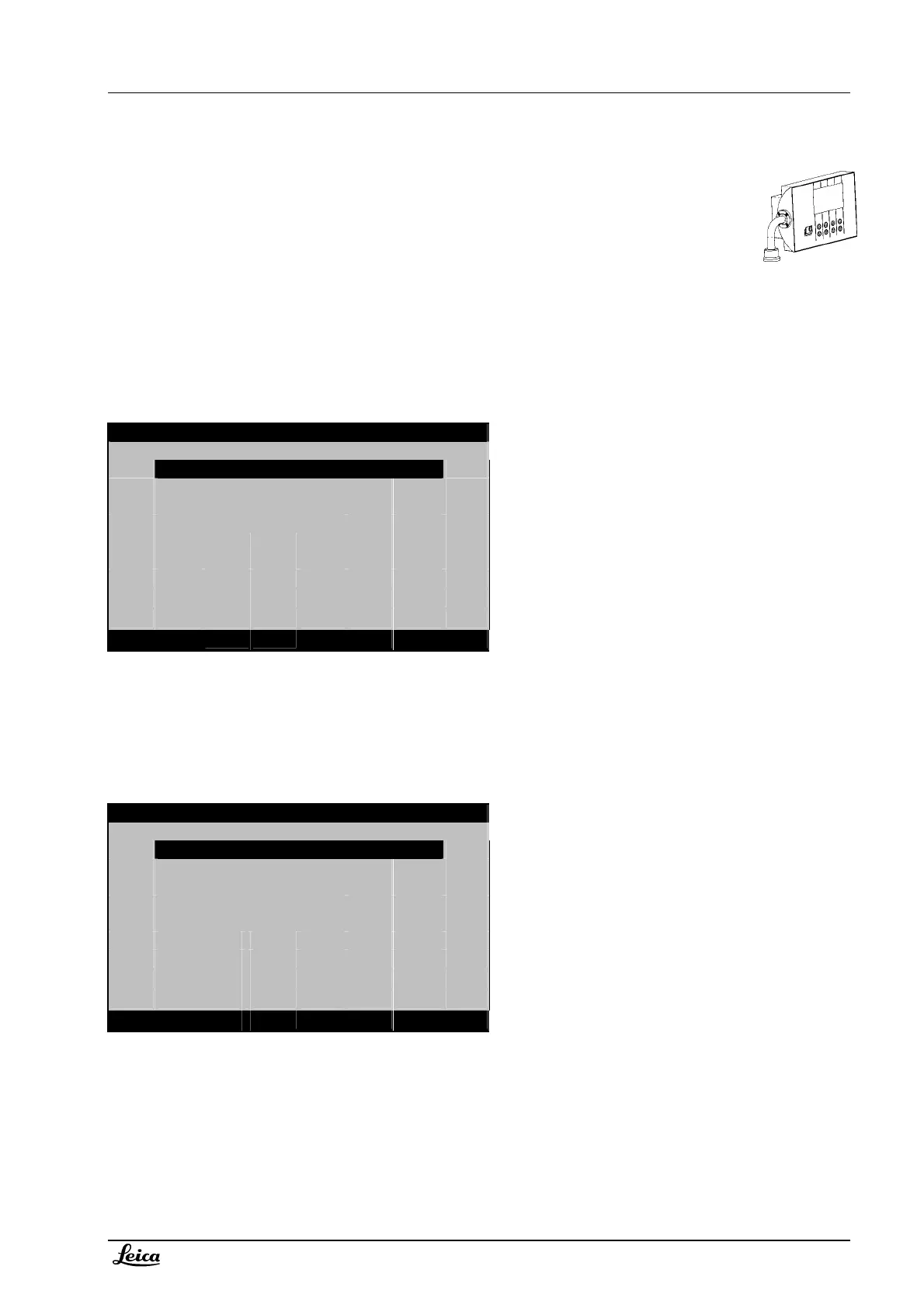
Error messages are displayed on the control unit. For systems without using the control unit - like
M525 OH4 – refer to the appropriate service manuals (chapter fault finding and service programs).
Different levels of error messages
Level-1 error messages:
If a Level-1 error-message occurs, it will be shown in the second line of Menu I or Menu II.
The error message persists unless an appropriate action has been performed. If more than one error messages are
present, then each message is visible for a few seconds in an endless loop.
Example Menu II:
Standard setting
Microscope needs initialization
Menue II
User settings
Initialize microscope
Service Menue
up/down
ok cancel
Level-2 error messages:
If a Level-2 error-message occurs, it will be shown in the second line in the Service Menu. Level-1 messages are
displayed here as well.
The error message persists unless an appropriate action has been performed – or the message has been cleared in
the service menu. If more than one error messages are present, then each message is visible for a few seconds in an
endless loop.
Example Service Menu:
System config./Standard setting
CAN warning 1: 96 communication errors
Select function
Select language
Service functions
Diagnostic functions
Clear error messages
up/down
ok cancel



 To Next Page