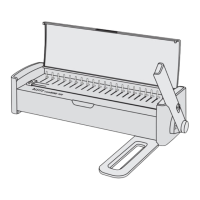
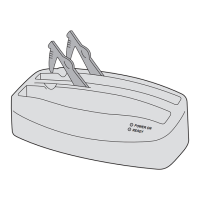
8
Two-hole punching
Set the paper stop to the paper format used.
Caution! To prevent damage to the motor and punching mechanism,
GRQRWSXQFKPRUHWKDQVKHHWVRIJPðSDSHURUWZR¿OPVRI
0.2 mm at the same time. Also, empty the cuttings tray regularly.
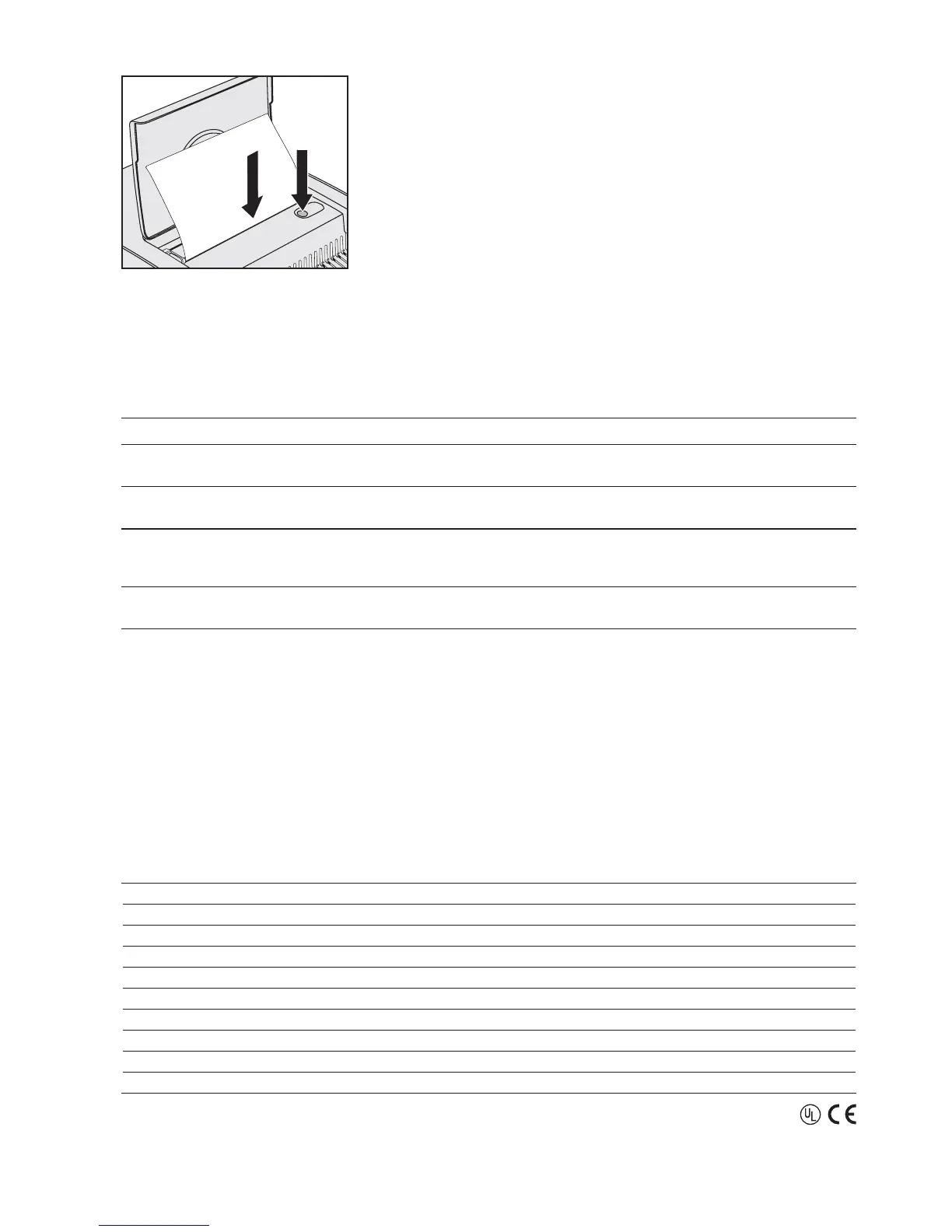
Insert the sheets into the front slot
.
Press the punching button
.
Remove the punched sheets.
•
•
•
•
DD
Troubleshooting
Problem Remedy
Pages of bound document
do not turn with ease.
Set the punching depth
according to the comb size used.
You hear an alarm sound
from the unit.
Empty the cuttings tray
" immediately to prevent damage to the motor and punching
mechanism.
No response when
pressing the punching
button.
Is the cuttings tray
" full? Is the unit properly connected to a live mains socket and
switched on
? Is the fuse blown? If yes, go to next step.
The fuse
is blown. Replace fuse with same type and rating. If new fuse blows again, have the unit repaired
E\WKHPDQXIDFWXUHU1HYHUDWWHPSWWRRSHUDWHWKHXQLWZLWKDIXVHRWKHUWKDQVSHFL¿HG
Maintenance and care
To prevent damage to the punching mechanism, empty the cuttings tray " regularly.
In case of defects: Do not attempt to repair the unit yourself. Contact the manufacturer for any required repairs.
Read guarantee declaration for further information.
To clean the housing, unplug the unit and wipe the outside with a damp cloth. Do not use any chemicals for cleaning.
•
•
•
6SHFL¿FDWLRQV
Operating method Electrical
Paper size A4, US letter, A5
Punching dies UHFWDQJXODU86SLWFKURXQG
Punching depth $GMXVWDEOHLQWZRVWHSVPPPP
Punching capacity VKHHWVJPðSDSHURUWUDQVSDUHQWPP¿OPV
Plastic comb size ±PPXSWRVKHHWV
Mains voltage 220–240 V AC, 50 Hz
Power consumption :
Net weight 17 kg
'LPHQVLRQV:['[+ 450 mm x 550 mm x 170 mm
Subject to technical changes without prior notice.
4



 To Next Page
 Loading...