EasyManua.ls Logo

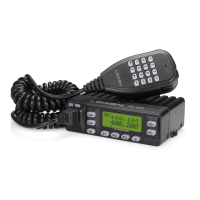
Leixen VV898 - LCD Display

Leixen VV898
30 pages
Print Icon
To Next Page IconTo Next Page
To Previous Page IconTo Previous Page
Loading...
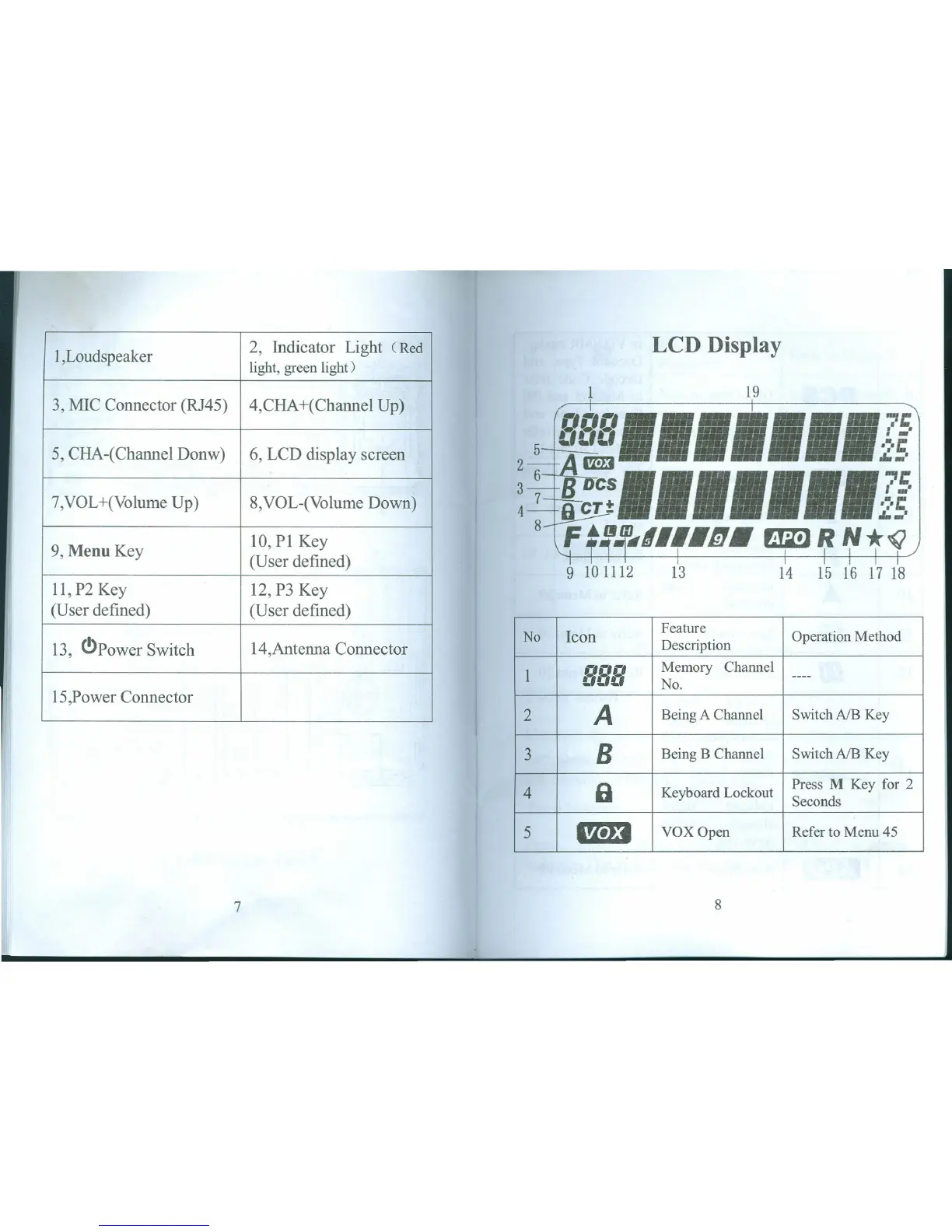
1,Loudspeaker
2, Indicator Light (Red LeD Display
light, green light)
3, MIC Connector (RJ45)
1
19
4,CHA+(Channel Up)
PPPI"'",75
5, CHA-(Channel Donw)
6, LCD display screen
5
-'-!-'
'~'I:
2-=J{1ml -"-'
6
s=•••••••
-,c
7,VOL+(Volume Up)
8,VOL-(Volume Down)
!~~
2~'
9, Menu Key
10, PI Key
8-
F~!f~.III.I!J.
EmR
N*(;
(User defined)
I "'11
9
10 1112
13
14
15 116 1'7 1'8
11, P2 Key
12, P3 Key
(User defined)
(User defined)
No
Icon
Feature
Operation Method
13, C!>Power Switch
14,Antenna Connector
Description
1
oot»
Memory Channel
000
No.
----
15,Power Connector
A
2
Being A Channel
SwitchA/B Key
3
B
Being B Channel
Switch A/B Key
4
a
Keyboard Lockout
Press M Key for 2
Seconds
5
1m3
VOX Open
Refer to Menu 45
7
8
!'

Table of Contents

Related product manuals