Charging
This device can be charged by means of the Power Adapter with one end connecting to the
Power Adapter and the other end to the micro usb port of this device.
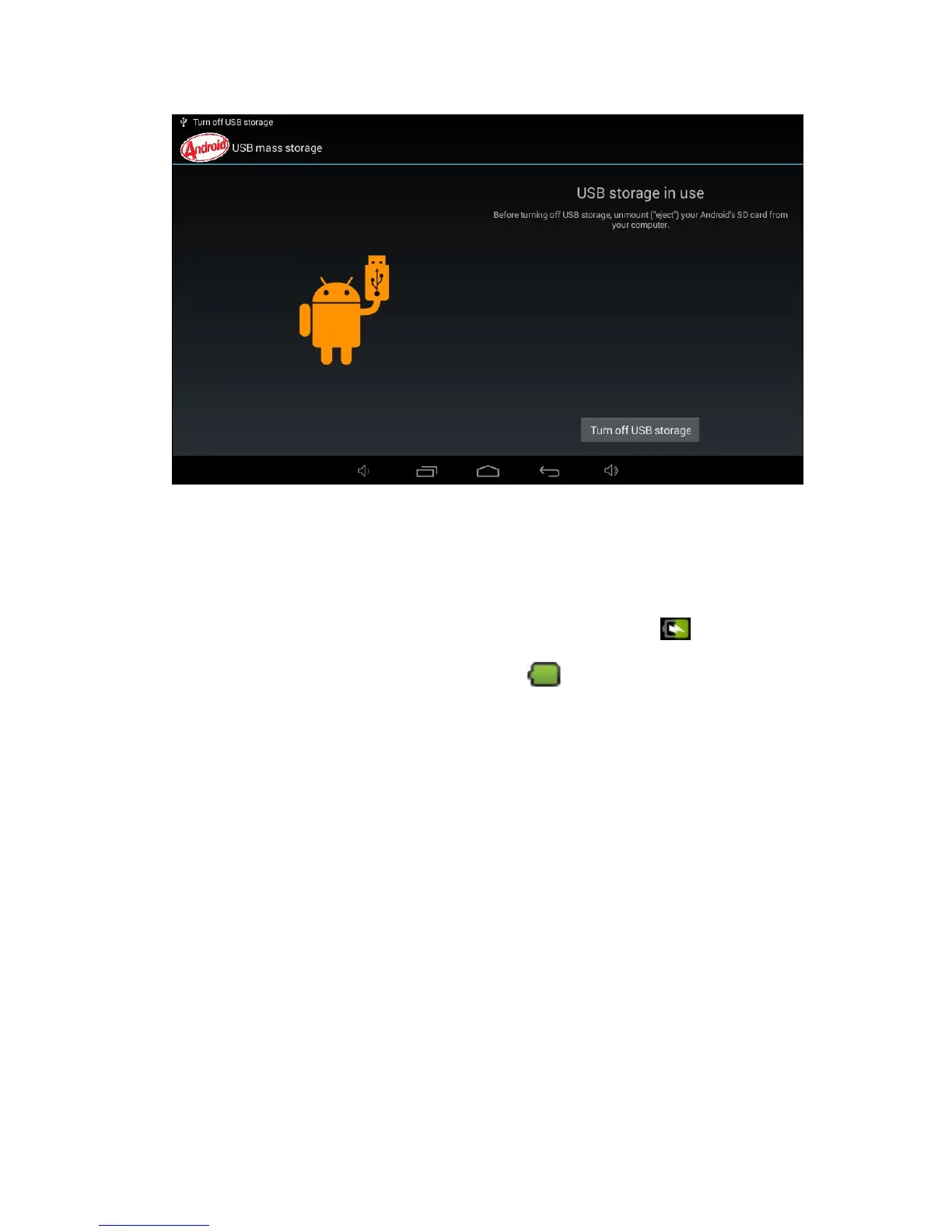
During the charging process, the Battery Icon will display itself as ; when this device
has been fully charged, the Battery Icon will display
The USB cable can be available for charging conncting with computer, but not suggest
to do like this, it is better and faster for battery to use A/C adapter for charging
Although you can use this device during charging process, the charging time will
Use this device once a week at least.
Please fully charge this device at regular intervals.
Please do not keep this device powered off for quite a long time.
Precautions
Please pay special attention to the following notes for the sake of safety:
Please do not expose this device to rain or humid environment.
Please keep this device away from sunlight and heat sources.


 To Next Page