4. USB and MMC/SD Operation
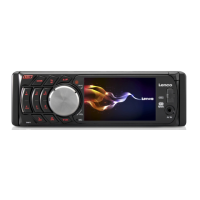
Insert an USB or MMC/SD Card into their slots respectively, then the root menu will be displayed on the
monitor and it will play audio file automatically if the USB or MMC/SD Card include audio files.
During playback, press the STOP button twice to stop playback, then pull the USB out of the USB socket;
or push the card and then pull it out of the card slot.
Press and hold BAND to turn on SHIFT.
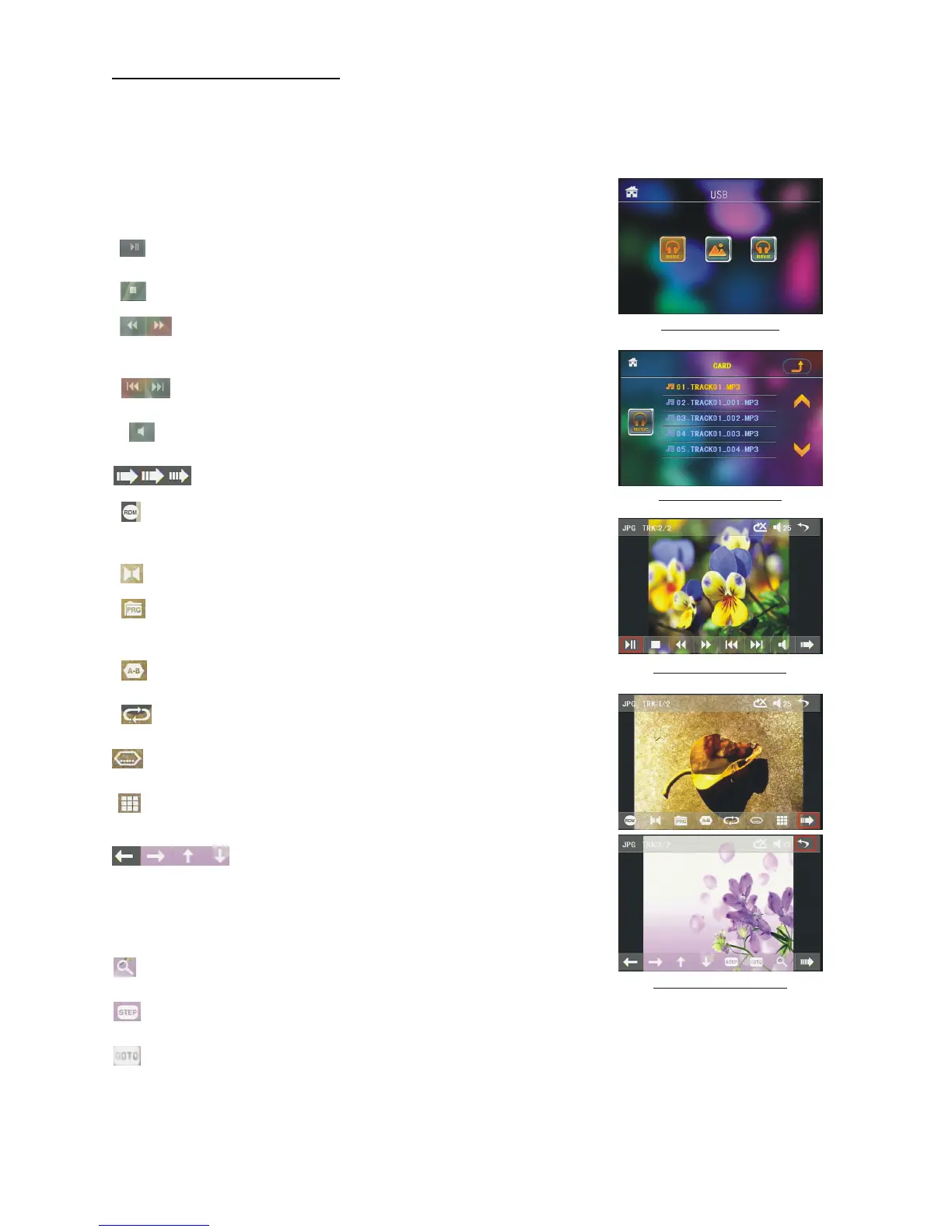
: select to pause playback.
: select to stop playback .
:select one of them can switch on between the speed levels
of fast backward or forward. (Except image mode.)
: select one of them can select next or previous chapter/track.
: select to turn volume up and down.
: select to turn the selecting page up and down.
: select to RDM play mode as the remote control.
(Only for music mode.)
: To select audio language.
: Same as the PRG button on the remote control.
(Follow the instruction in page 16.)
: Same as the A-B button on the remote control.
: Same as the REPEAT button on the remote control.
: Same as the SUBTITLE button on the remote control.
: To select the track/chapter from 1-9 and then select OK
to play your selecting.
: During playback, press the ZOOM button
and then tap one of them are same as the
direction buttons on the Remote Control.
(Except music & image mode.);During playback, press one of them
to change the playback angle. (Only for image mode.)
:
Same as the ZOOM button on the remote control.
: Select to play step by step, select >II to turn to normal play.
: To select the track/chapter from0-9 and then select OK to play your selecting.
Note: During playback, press and hold the -10,+10 to select the previous or next folder to be play.
If there has only one folder, these buttons are invalidation
.
Root interface for MUSIC
USB/CARD INTERFACE
Keyboard interface-1
Keyboard interface-2
Keyboard interface-3


 To Next Page