10
OSD basic adjustment
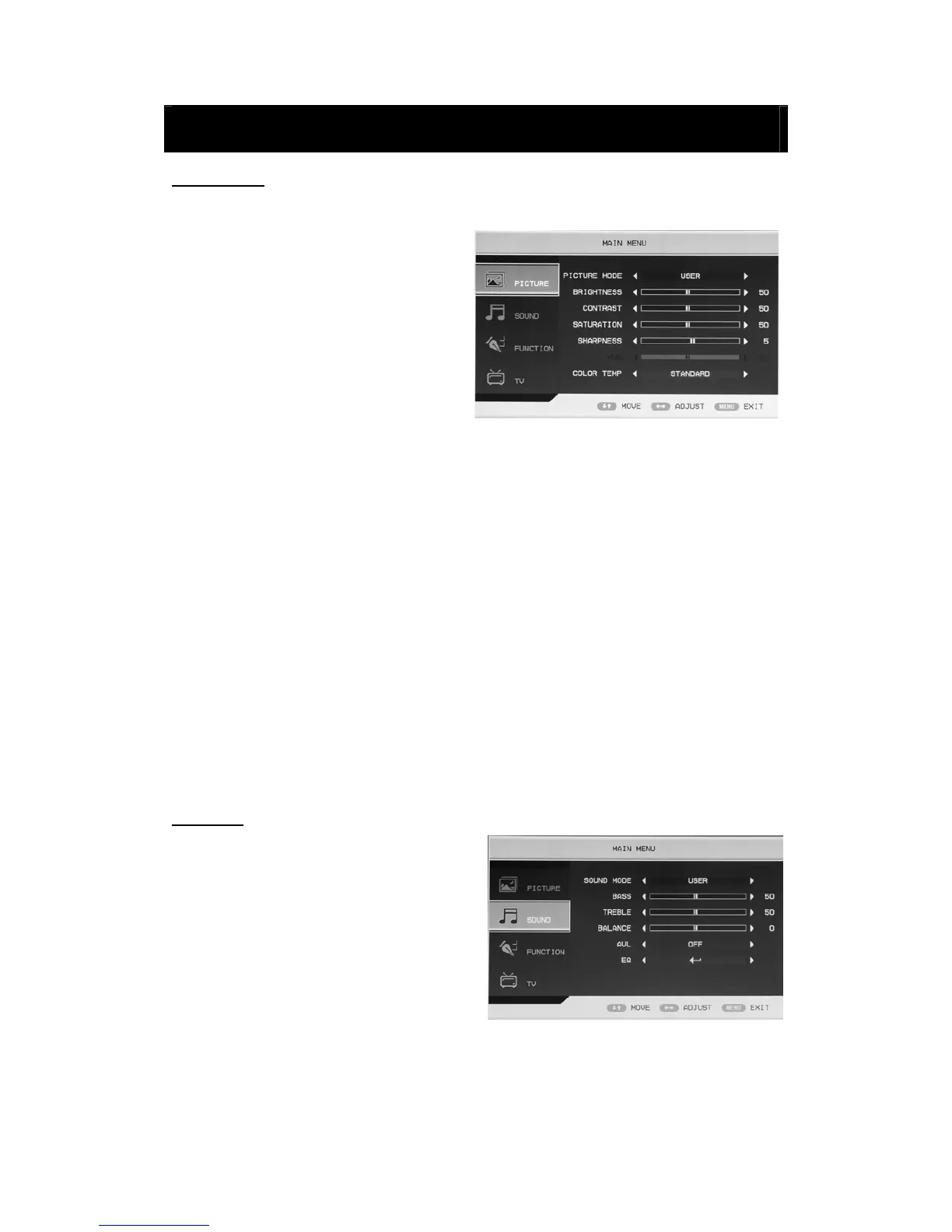
PICTURE
You can select the type of picture, which best corresponds to your viewing.
1. Press the “MENU” button to enter the
OSD menu. Then press “c/d” button
to select the “PICTURE” menu. Enter
the “PICTURE” menu by pressing
“f” button.
2. Press “c/d” button to select
“PICTURE MODE” and press the
“e/f” button to select the picture
mode .
3. Press “c/d” button to select “BRIGHTNESS” and press the “e/f” button to enter brightness
adjustment menu to adjust brightness.
4. Press “c/d” button to select “CONTRAST” and press the “e/f” button to enter contrast
adjustment menu to adjust contrast.
5. Press “c/d” button to select “SATURATION” and press the “e/f” button to enter color
adjustment menu to adjust saturation.
6. Press “c/d” button to select “SHARPNESS” and press the “e/f” button to enter sharpness
adjustment menu to adjust sharpness.
7. Press “c/d” button to select “HUE” and press the “e/f” button to enter hue adjustment
menu to adjust hue.
Note: The item hue is only for NTSC
8. Press “c/d” button to select “COLOUR TEMP” menu and press the “e/f” button to select
the color temp.
SOUND
You can select the type of sound, which best
corresponds to your listening.
1. Press the “MENU” button to enter the
OSD menu. Then press “c/d” button to
select the “SOUND” menu. Enter the
“SOUND” menu by pressing “f” button .
2. Press “c/d” button to select “SOUND
MODE” and press the “e/f” button to
select the sound mode.
3. Press “c/d” button to select “BASS” and press the “e/f” button to enter bass adjustment
menu to adjust bass.



 To Next Page