11
4. Press “c/d” button to select “TREBLE”
and press the “e/f” button to enter treble
adjustment menu to adjust treble.
5. Press “c/d” button to select
“BALANCE” and press the “e/f” button
to enter balance adjustment menu to adjust
balance.
6. Press “c/d” button to select “AVL” and
press the “e/f”button to select the avl
function on or off.
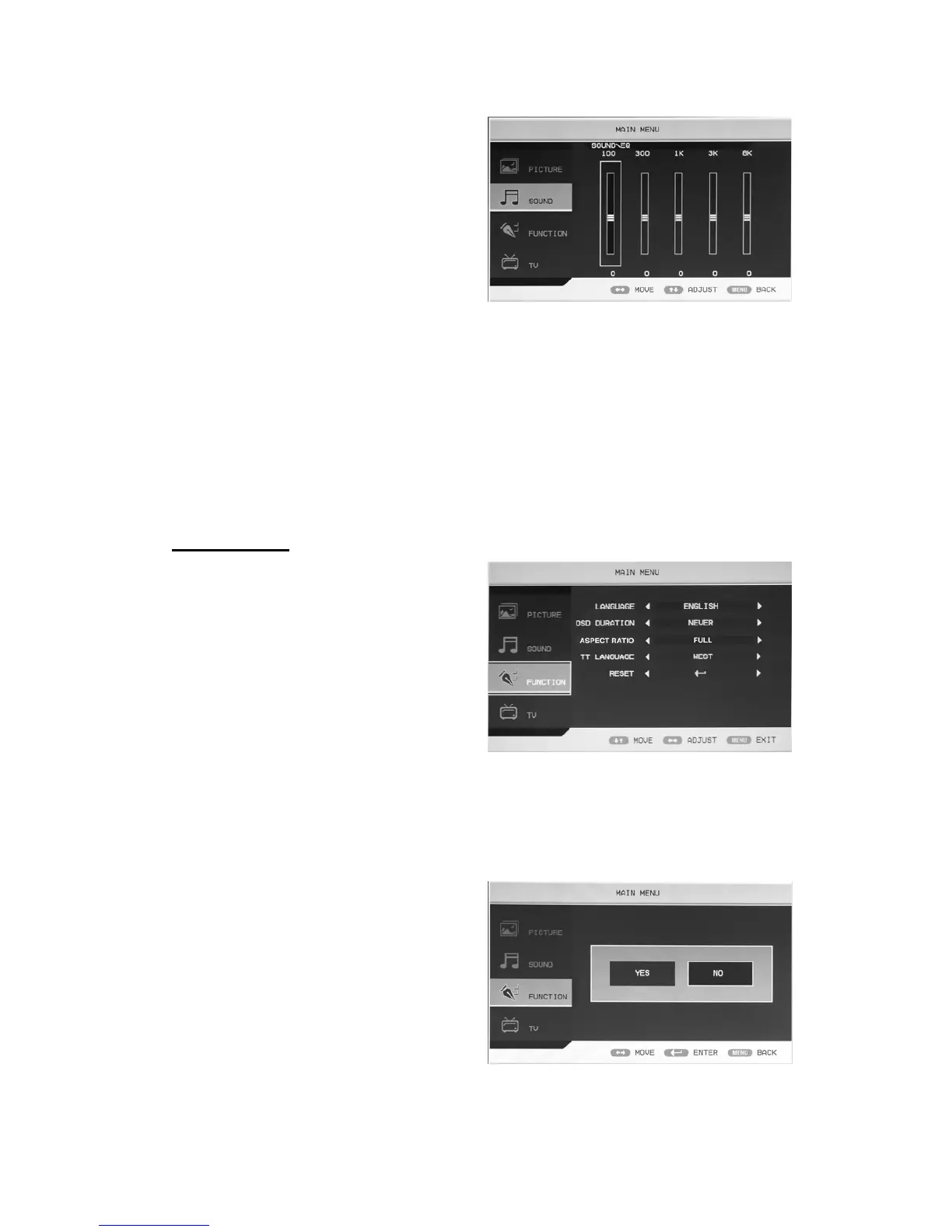
7. Press “c/d” button to select “EQ” and press the “ENTER” button to enter. Press “e/f”
button to select the frequency of wave band and press the “c/d” button to adjust .
FUNCTION
1. Press the “MENU” button to enter the
OSD menu. Then press “c/d” button to
select the “FUNCTION” menu. Enter the
“FUNCTION” menu by pressing “f”
button .
2. Press “c/d” button to select
“LANGUAGE” menu and press the
“e/f” button to select the OSD language
which you desire.
3. Press “c/d” button to select “OSD DURATION” and press the “e/f” button to select the
OSD duration which you desire.
4. Press “c/d” button to select “ASPECT RATIO” and press the “e/f” button to select the
aspect ratio which you desire.
5. Press “c/d” button to select “TT LANGUAGE” menu and press the “e/f” button to select
local teletext language.
6. Press “c/d” button to select “RESET”
and press the “ENTER” button to enter.
Press the “e/f” button to select “YES” or
“NO” and press “ENTER” button to
confirm. Select “YES” to reset the
function and select “NO” to return the
previous menu.



 To Next Page