E4
CONTROLS
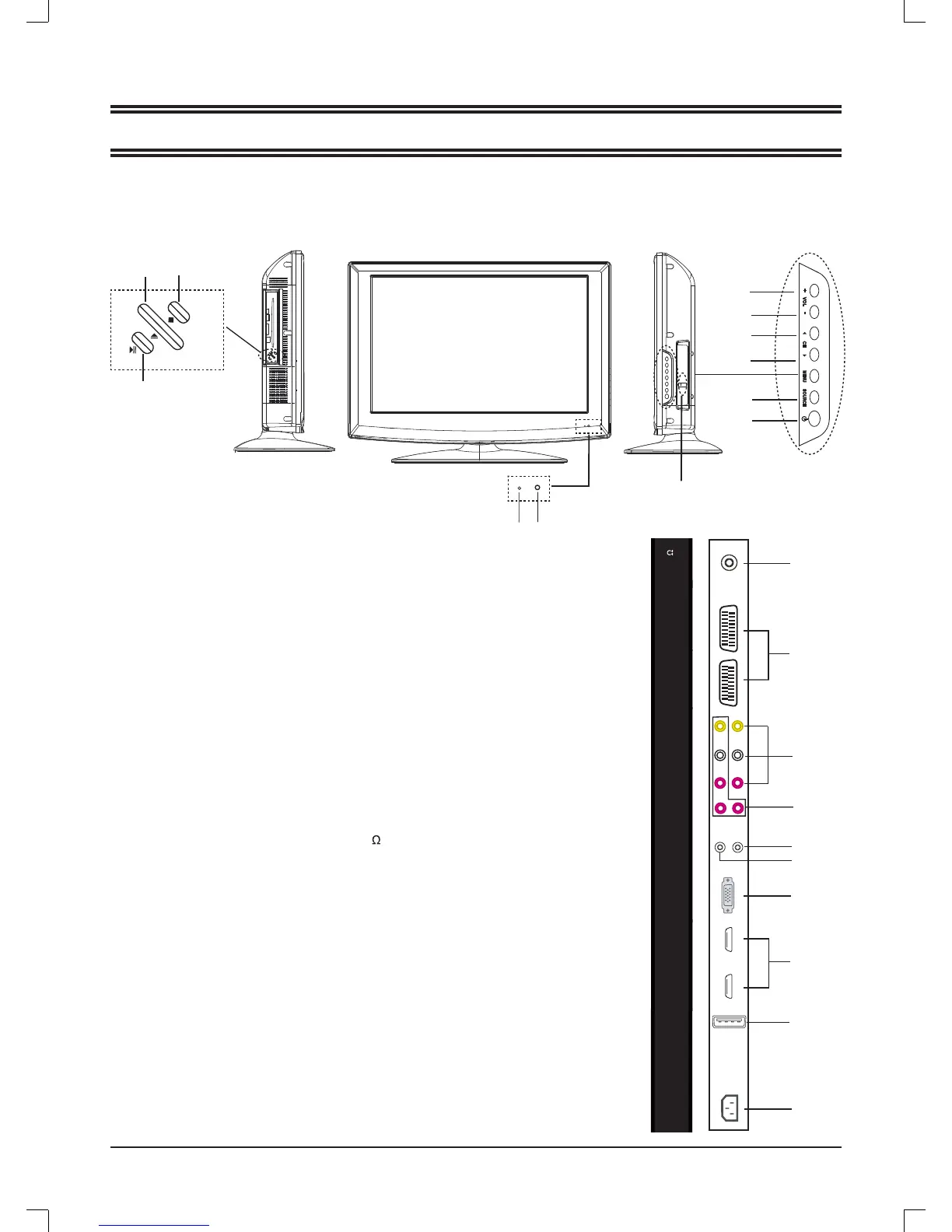
Control buttons
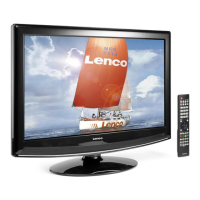
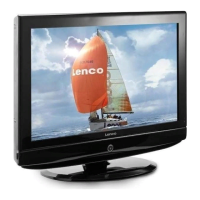
MAIN UNIT
Jacks (Rear Panel)
1
2
4
9
10
Volume increase button ( + VOL)
Volume decrease button (VOL - )
Channel up button
!
(
o
CH)
Channel down button ( CH
p
)
Menu button (MENU)
Input source select button
!DŽ
SOURCE)
Power/Standby button
!!!!!!!!!
(
z
)
Power indicator
Remote sensor
1.
2.
3.
4.
5.
6.
7.
8.
9.
General control buttons
Antenna/Cable TV input plug
!!)
RF 75 )
SCART input plug
!DŽ
SCART1/2)
Composite audio & video input plug
!DŽ
R/L/VIDEO)
Component video input plugs
!DŽ
R/L/Y Pb Pr)
S-video input plug (S-VIDEO)
!
PC audio input plug
!DŽ
PC
!
AUDIO )
VGA interface input plug
!DŽ
VGA)
High-Defi nition Multimedia interface input plug (HDMI1/2)
USB input plug (USB)
AC power input terminal
!DŽ
AC IN)
1.
2.
3.
4.
5.
6.
7.
8.
9.
10.
AC IN
USB
98
3
5
6
7
8
10
12
11
7
6
5
4
3
2
1
10. Play / Pause button
!DŽ
l
)
11. Eject button (
q
)
12. STOP button
!
(
n
)
For DVD player
*
AC
SWITCH: AC power on/off
HDMI1
HDMI2
C AUDIOP
VGA
S-VIDEO
Pb
Y R
Pr
VIDEO R
L
L
SCART 1 SCART 2


 To Next Page