Main Menu Operation
SPDIF
Press / button to select SPDIF, then press / button to select O / Auto / PCM.
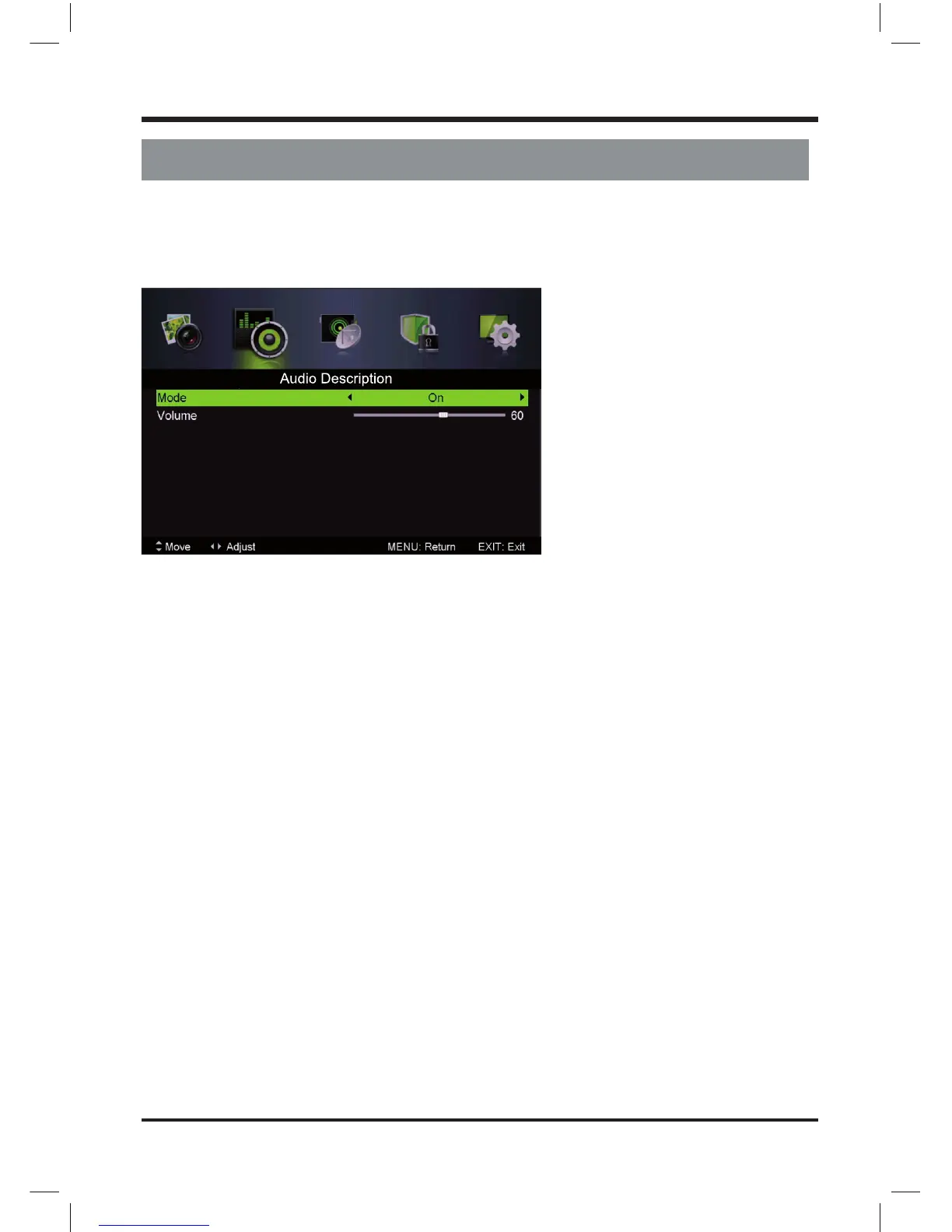
Audio Description
Press / button to select Audio Description, then press Enter / button to enter sub-menu.
Mode
Press / button to select Mode, then press / button to select On or O .
When the mode is On, Volume can be adjust by users.
Sound Type
Press / button to select Sound Type, then press / button to select.
(Available Sound Type: Stereo, Dual I, Dual II, Mixed).
11
LE D COLOR TV



 To Next Page