Main Menu O
peration
5.5 S
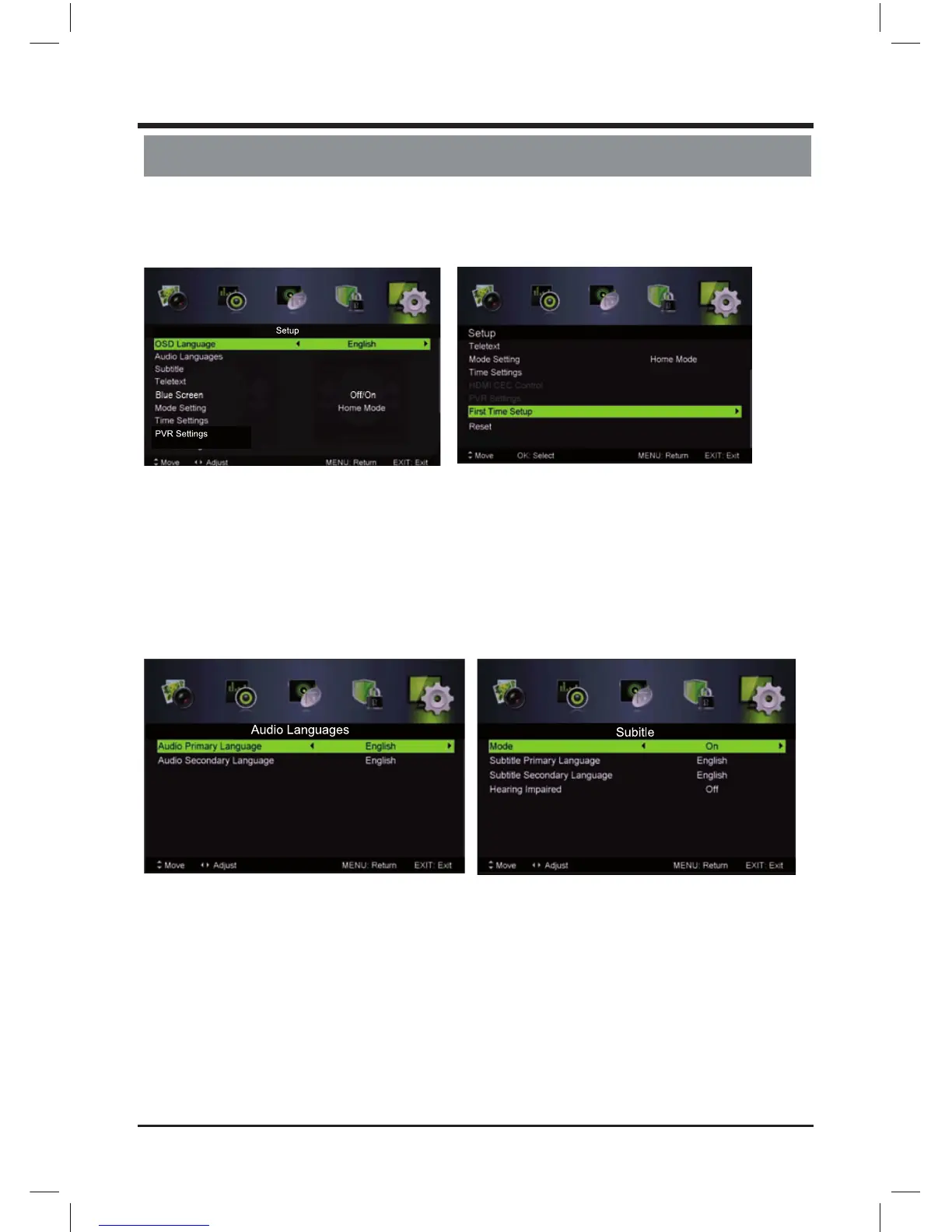
etup Menu
P
ress MENU button to display the main menu.
Press / button select SETUP in the main menu, then press ENTER / to enter.
1. P
ress / button to select the option that you want to adjust in the SETUP menu.
2. Press Enter/ / button to adjust.
3. After nishing your adjustment, press MENU button to save and return back to the previous menu.
OSD Language
Press / button to select OSD Language, then press / button to select.
Audio Languages
Press / button to select Audio Languages, then press Enter button to enter sub-menu.
Press / / / button to select the Audio Primary Language and Audio Secondary Language.
Subtitle
P
ress / button to select Subtitle, then press Enter button to enter sub-menu.
Mode
Press / button to select Mode, then press / button to select On or O .
Press / / / button to select the Subtitle Primary Language and Subtitle Secondary Language.
Hearing Impaired
Press / button to select Hearing Impaired, then press / button to select On or O .
17
LE D COLOR TV



 To Next Page